


What This Actually Means
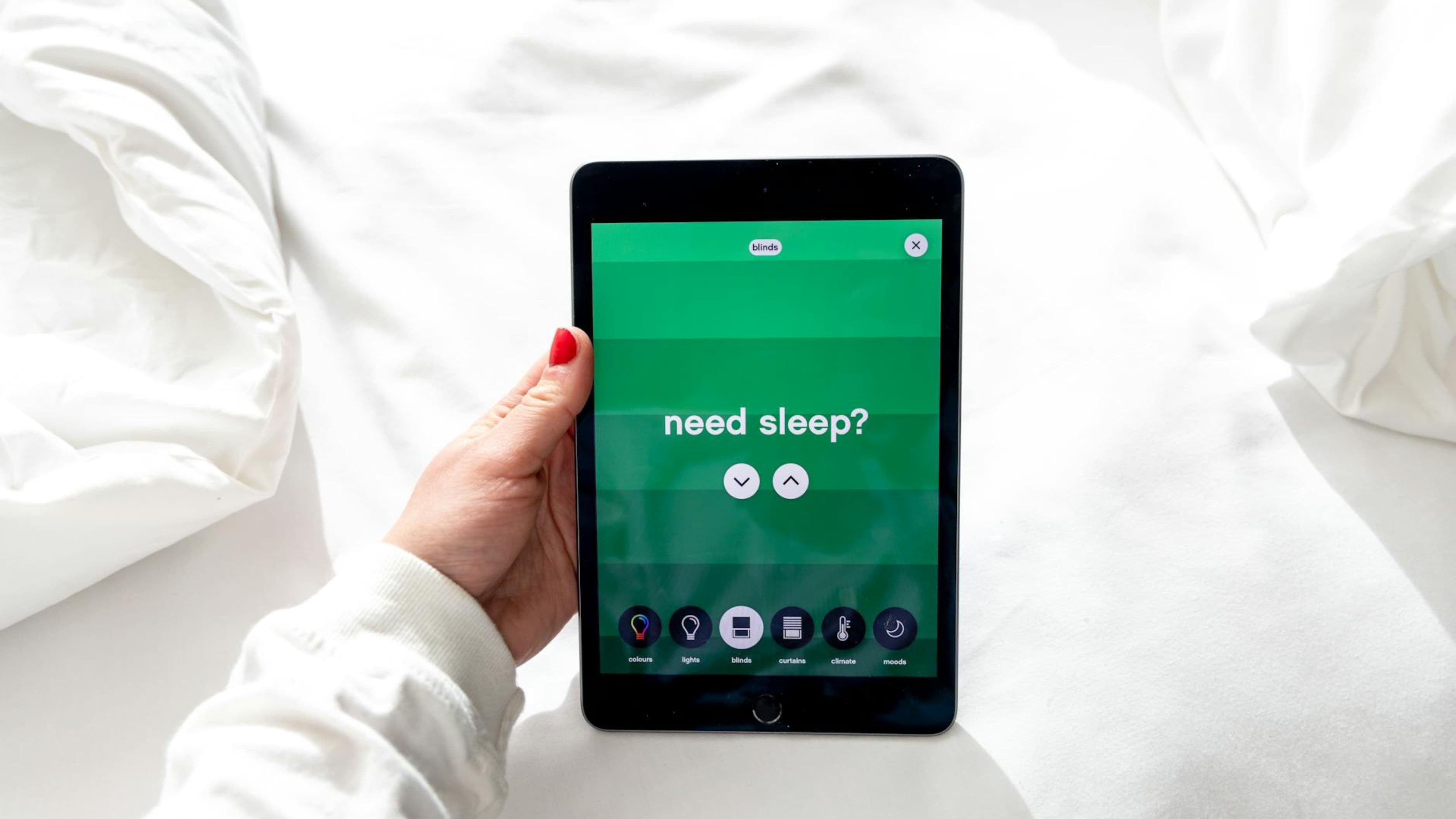
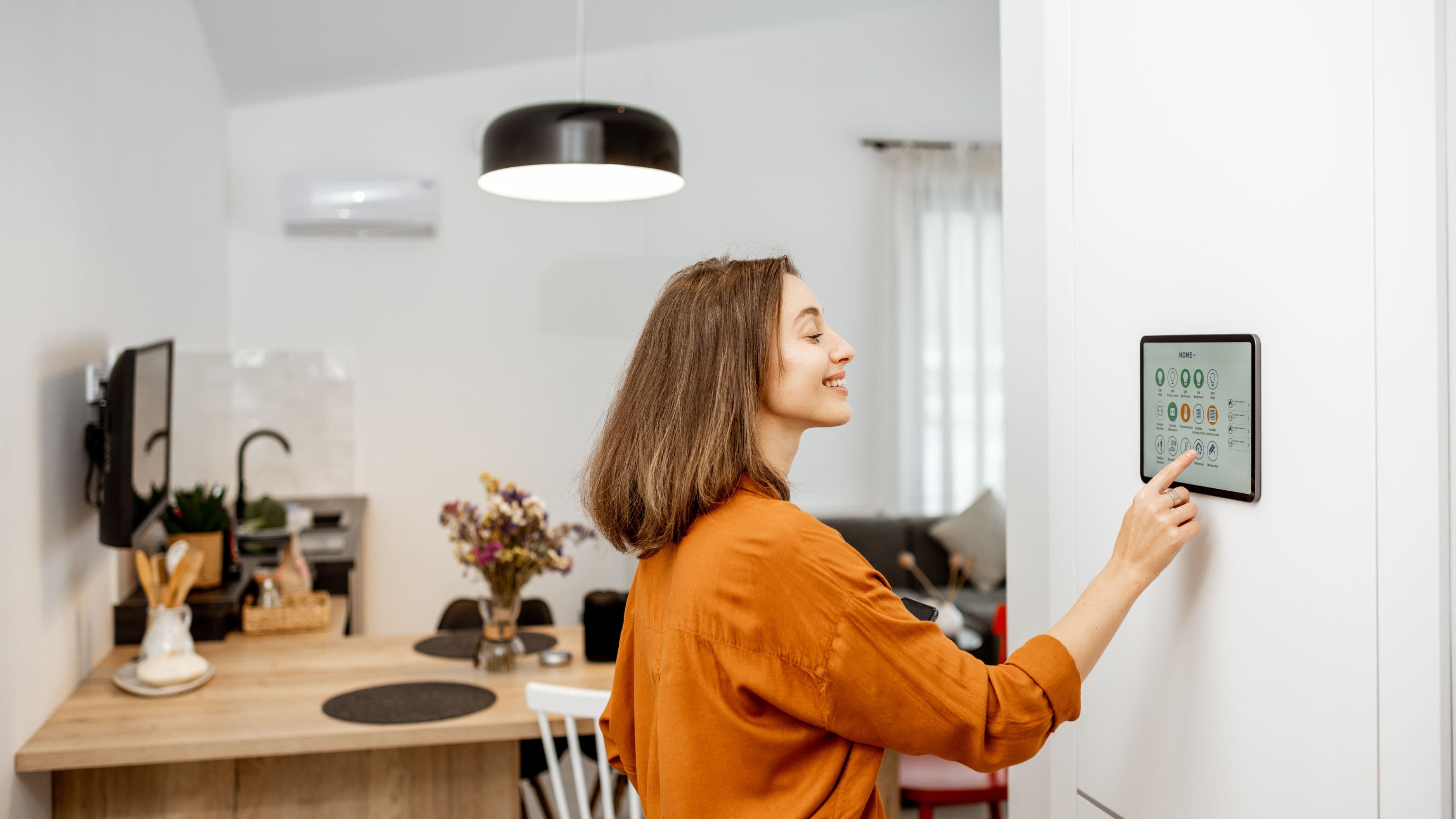
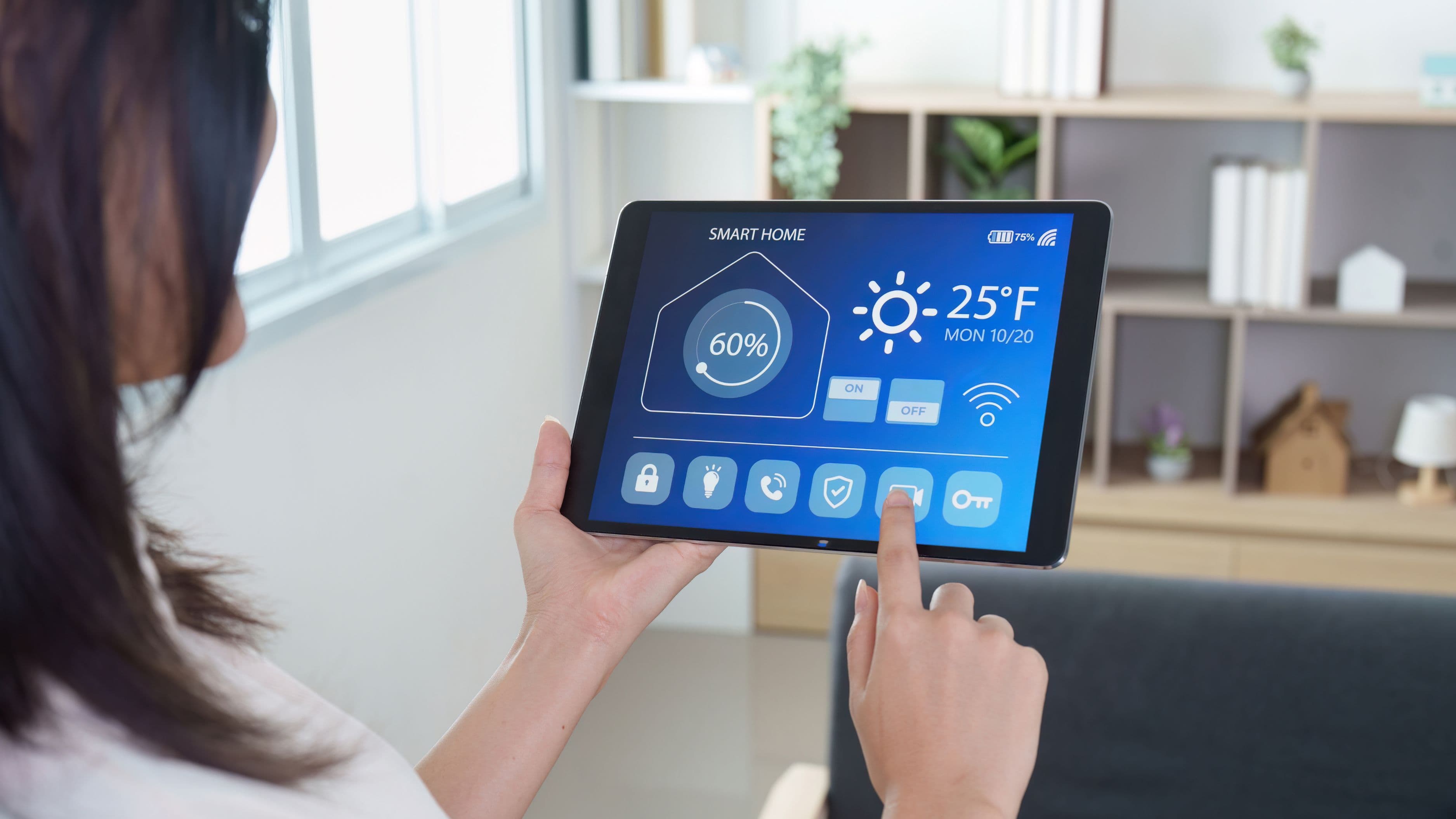
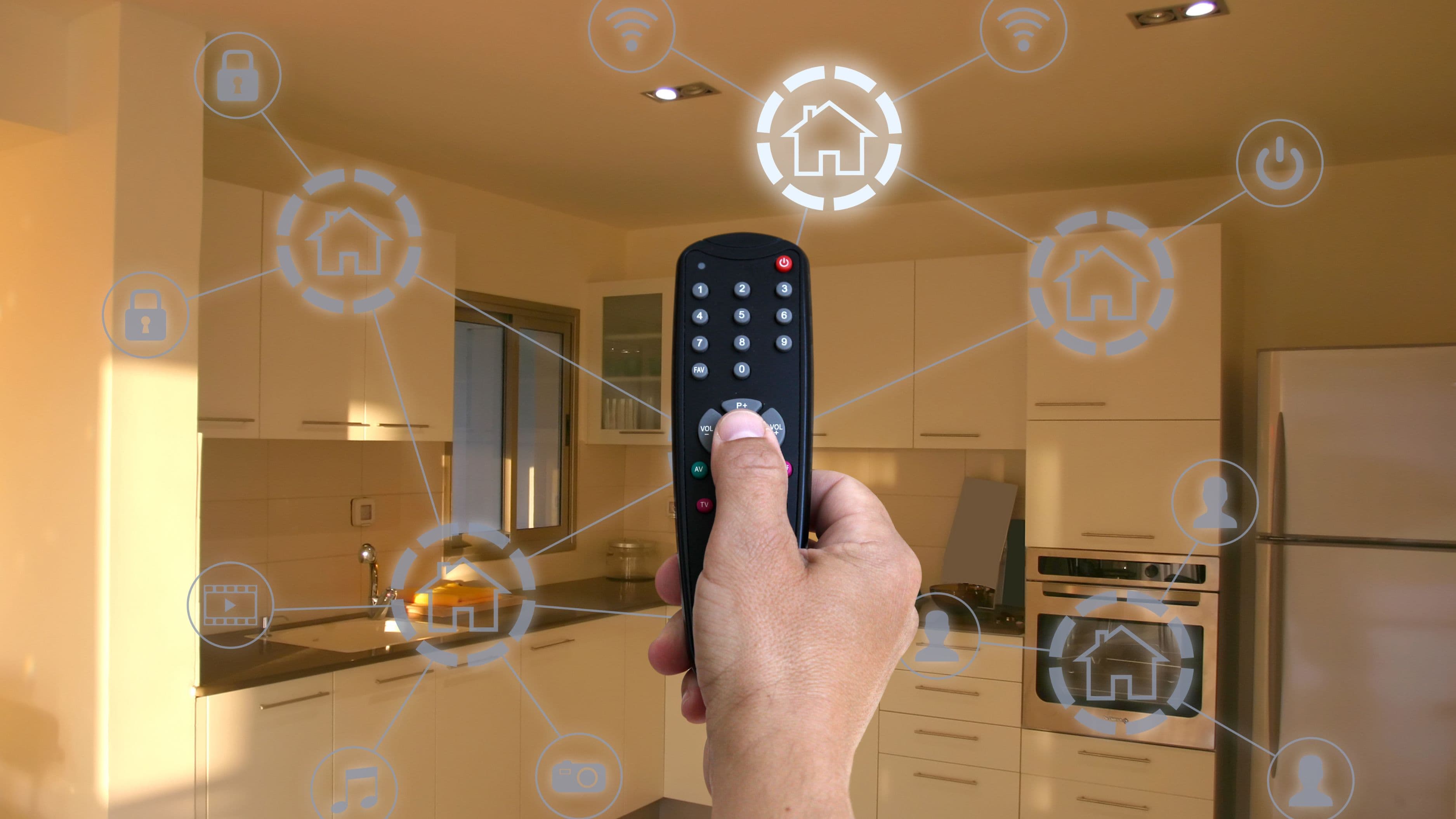
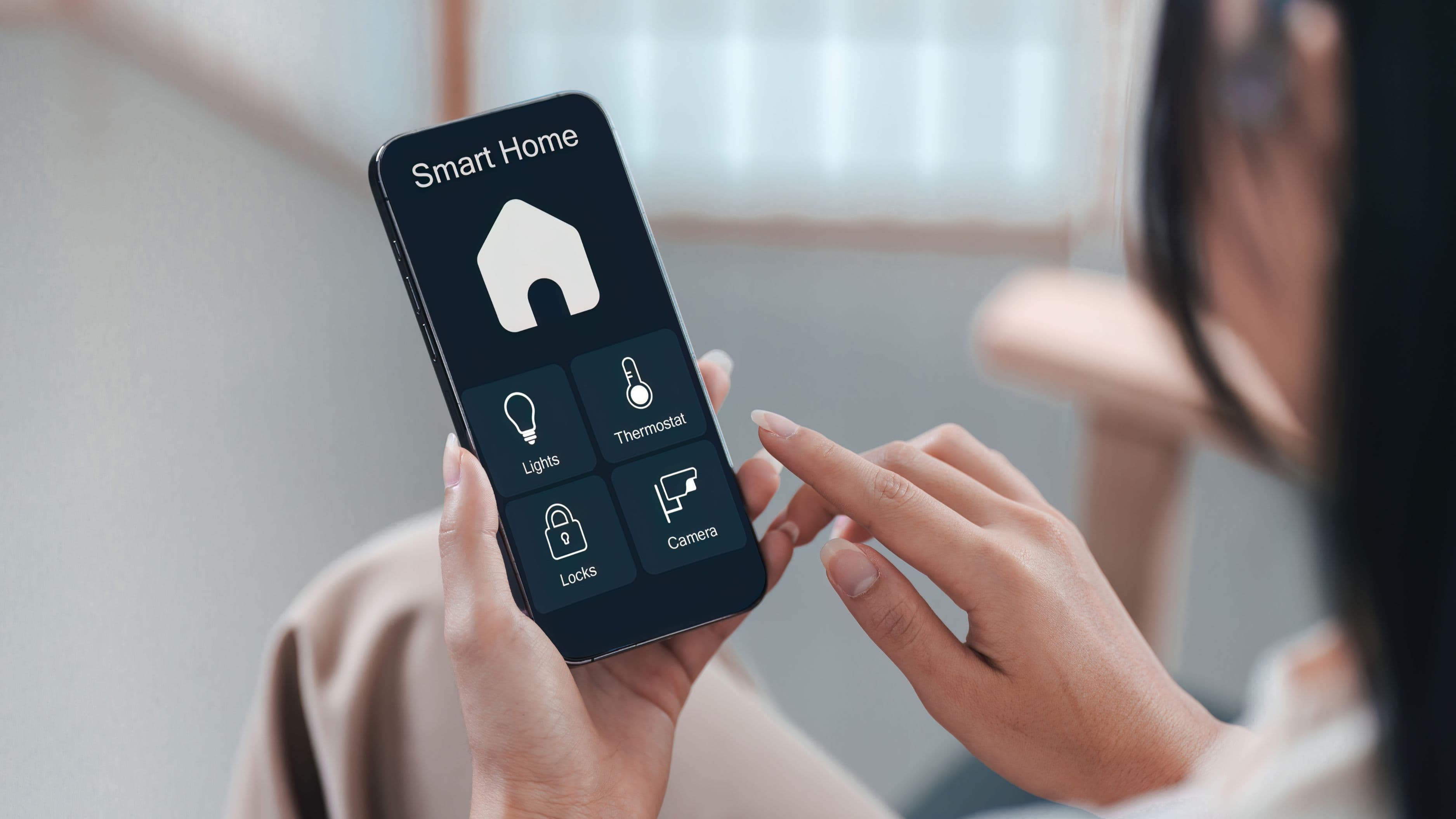
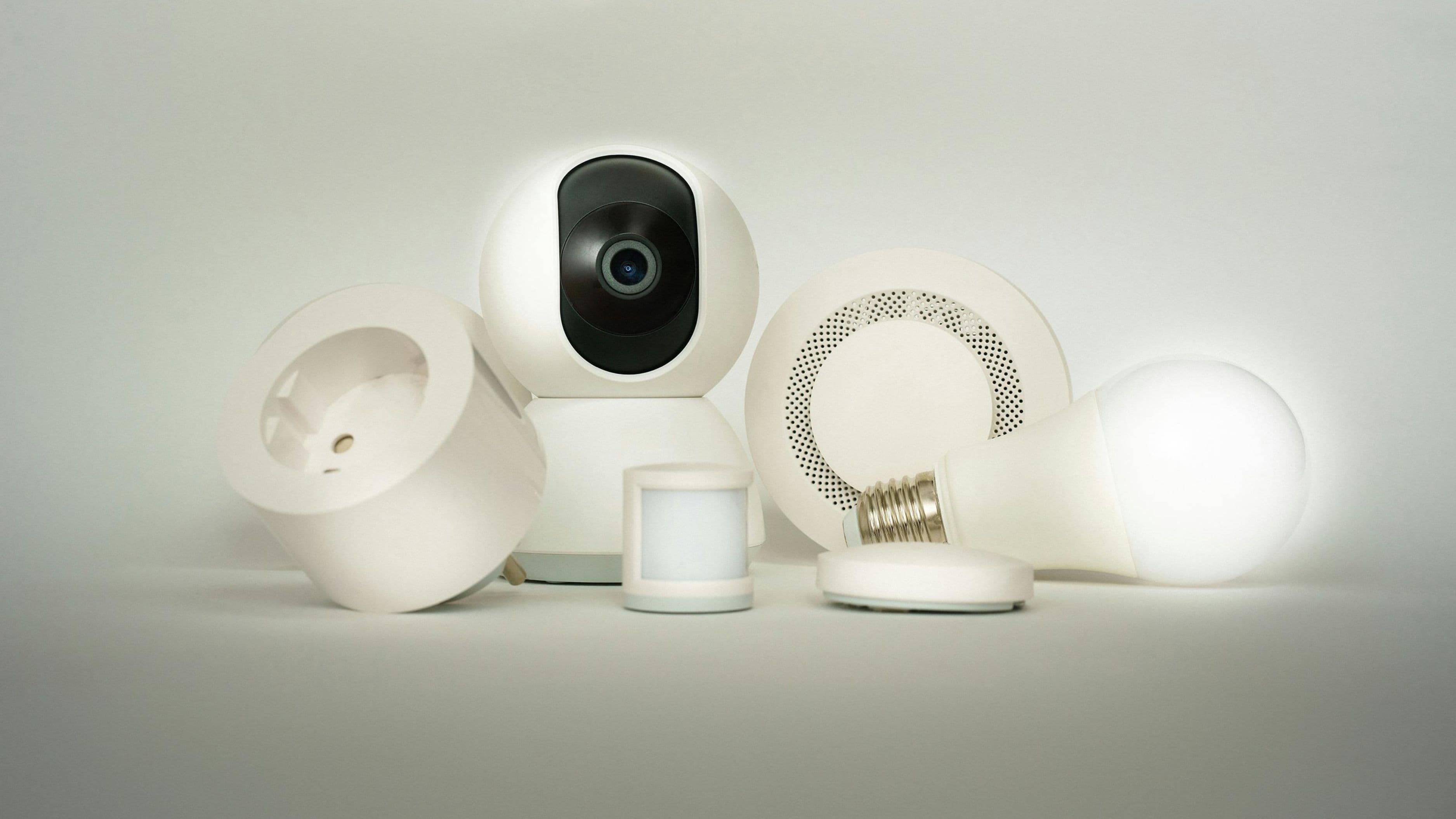
Cross-brand smart home integration means getting devices from different manufacturers to communicate through a shared platform or protocol, so you can control everything from one app, set up automations that span multiple brands, and use voice commands that work consistently regardless of who made the device. Without this, you end up managing your home through a patchwork of separate apps, which defeats a lot of the actual convenience smart home tech is supposed to provide in the first place.
The good news is that the industry has made real progress on this problem recently, specifically through a unified standard called Matter, which most major smart home brands have now adopted to some degree. That said, adoption isn't universal, and older devices you already own may need a specific approach to bring them into a unified system.
Why This Matters for Your Home
A disconnected smart home isn't just inconvenient, it actively limits what automation can actually do for you. An automation that dims your lights, lowers your thermostat, and locks your doors all when you say "goodnight" only works if those three devices, likely from three different brands, can all be triggered through the same system. Without cross-brand integration, you're stuck manually operating each one through its own separate app, which is often more effort than just doing it by hand in the first place.
Getting this right also protects your future purchases. Once you've established a proper integration approach, adding a new device from a different brand becomes a matter of connecting it to your existing hub or platform, rather than starting from scratch with yet another standalone app every time you buy something new.
How Cross-Brand Integration Actually Works
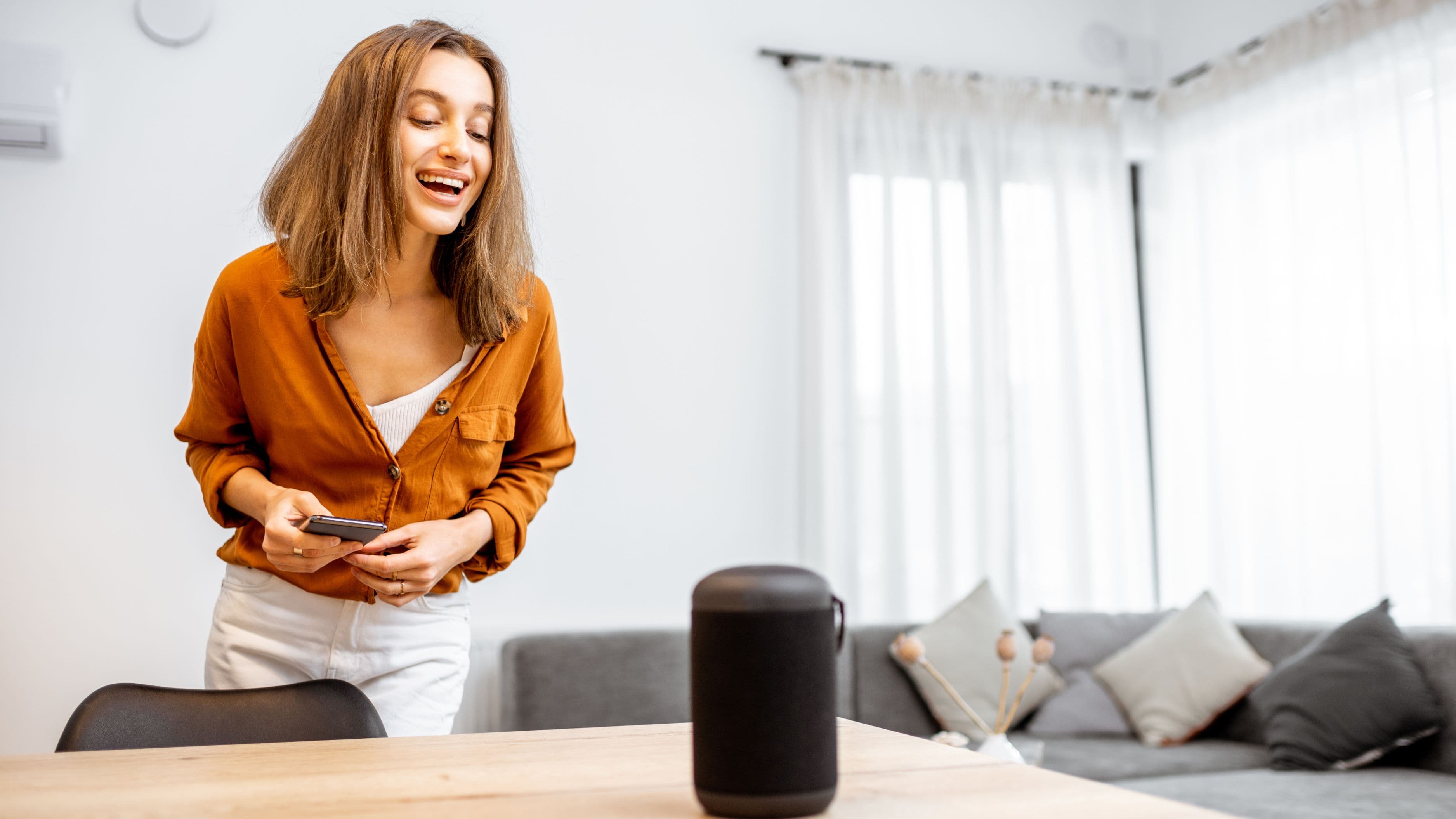
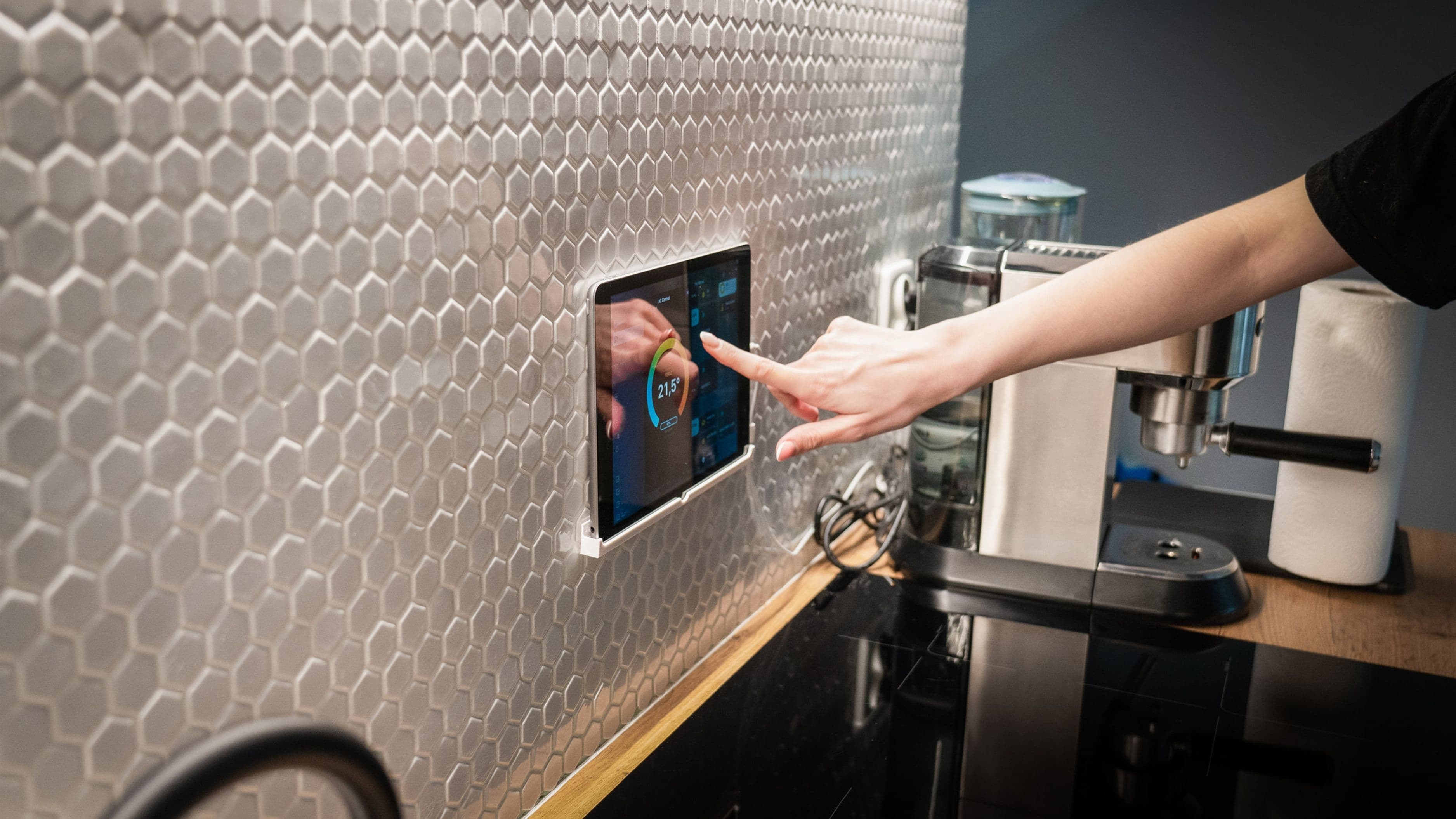
At the core of this problem are the "hubs" and platforms designed specifically to sit above individual brand apps and unify control. Google Home, Amazon Alexa, Apple Home, and Samsung SmartThings are the four major ecosystems most homeowners end up choosing between, and each one supports a growing number of third-party devices directly, letting you add a device from an entirely different manufacturer and control it through that central app instead of the manufacturer's own.
The more significant recent development is Matter, a smart home connectivity standard backed by major manufacturers including Google, Amazon, Apple, and Samsung, along with device makers like Philips Hue and Eve. Matter-certified devices are built to work across ecosystems by design, meaning a Matter-certified smart lock can be set up once and then controlled through Google Home, Apple Home, or Amazon Alexa, without needing separate brand-specific setup for each platform. This is a meaningful shift from the older approach, where cross-platform support depended entirely on individual manufacturers building and maintaining separate integrations with each major ecosystem.
Setting Up Your Integration: Step by Step
Start by choosing one primary smart home platform to serve as your central hub, based on which voice assistant and app ecosystem you already use most, Google Home if you're Android-based, Apple Home if you're primarily an iPhone household, or Amazon Alexa if you already have Echo devices throughout your home. This decision matters because it determines where most of your day-to-day control and automation setup will actually happen going forward.
Check each of your existing devices for Matter compatibility first, since many devices released in the past couple of years already support it, sometimes through a simple firmware update rather than requiring new hardware. Manufacturer apps typically show Matter compatibility directly in their settings or device information section, and a quick search of the specific model number alongside "Matter compatible" will confirm this if it's not obvious in the app itself.
For devices that are Matter-compatible, follow your chosen platform's standard device-adding process, which usually involves scanning a QR code or entering a setup code found on the device or its packaging. Once added, the device becomes controllable through your central platform going forward, alongside any other devices you've added the same way, regardless of original manufacturer.
For older devices that don't support Matter and may never receive an update to add it, check whether your chosen platform still offers a direct, brand-specific integration instead. Many platforms maintain a large list of supported third-party devices and services beyond Matter alone, and older or niche devices are often still supported this way even without formal Matter compatibility.
Real-World Use Case
Consider a household with Philips Hue lighting, a Google Nest thermostat, and an August smart lock, three different manufacturers that historically required three separate apps to manage day to day. By connecting all three to Google Home as the central hub, either through Matter for newer Hue and August devices or through Google's existing third-party integrations for older models, you gain the ability to build a single automation, arriving home unlocks the door, turns on the entry light, and adjusts the thermostat, that spans all three brands without manually opening a single separate app.
Pros and Cons of This Approach
The clear benefit is genuine convenience and simplified daily control, along with more flexibility to mix and match devices from different manufacturers based on features and price rather than being locked into a single ecosystem for everything. It also future-proofs your purchases to some degree, since Matter adoption continues expanding across more device categories and manufacturers.
The trade-off is that setup still requires some upfront research and effort, particularly for older devices that predate Matter and may require checking compatibility lists or accepting that a specific device simply won't integrate as smoothly as newer alternatives. There's also a modest cost consideration if you need a dedicated hub device for certain older smart home protocols like Zigbee or Z-Wave that some non-Matter devices still rely on, typically adding $50 to $150 depending on the hub, though many recent smart speakers and displays now include this hub functionality built in.
Cost and Time Expectations
For a home with mostly recent smart devices, expect the actual integration setup to take one to two hours total, mostly spent adding individual devices and testing automations rather than dealing with technical troubleshooting. Cost is generally low if you already own compatible smart speakers or displays that double as a hub, since Matter itself doesn't require purchasing anything new for compatible devices.
For a home with a mix of older devices, particularly ones using Zigbee or Z-Wave protocols without Matter support, budget for a potential hub purchase in the $50 to $150 range, plus additional setup time troubleshooting compatibility on a device-by-device basis, which can stretch the total project to a full afternoon rather than a quick hour-long task.
Common Mistakes to Avoid
Don't assume every smart device labeled "smart home compatible" actually supports Matter or your chosen platform directly. Check compatibility specifically before purchasing new devices if cross-brand integration is a priority, rather than assuming broad compatibility based on general marketing language.
Don't set up the same device across multiple platforms simultaneously without understanding how that affects automation behavior. Having a device connected to both Google Home and a separate manufacturer app can occasionally cause conflicting states or delayed responses, so it's usually cleaner to manage each device through a single primary platform once integration is complete.
Don't overlook firmware updates on older devices before assuming they're incompatible with Matter. A meaningful number of devices gained Matter support through manufacturer software updates after initially launching without it, so checking for updates before writing off an older device is worth the few extra minutes.
FAQ
Do I need to replace my existing smart home devices to make them work together? Not necessarily. Many existing devices, especially those from the past two to three years, already support Matter or have a direct integration with major platforms, meaning you likely just need proper setup rather than new hardware.
Which smart home platform is the easiest for beginners to start with? This depends on what ecosystem you already use daily. If you're primarily an iPhone user, Apple Home offers the most seamless experience, while Android users generally find Google Home more integrated with their existing accounts and devices.
Is Matter available on all smart home devices now? No, adoption is growing but not universal. Many newer devices support it, while older devices may require a firmware update, a specific hub, or may not support it at all, depending on the manufacturer's ongoing update commitments.
Will connecting devices across brands slow down my home Wi-Fi network? Generally no, though a large number of connected smart devices can benefit from a mesh Wi-Fi system or a dedicated smart home hub to keep response times fast, particularly in larger homes with many connected devices.