
This guide walks through how to approach lighting automation practically, starting with the simplest rules that deliver immediate value and working toward a setup that runs your home's lights with minimal daily effort.
Why Lighting Automation Is Worth Doing
The practical case for automating your lighting isn't about novelty. It's about the small daily frictions that compound: lights left on in empty rooms, manually adjusting brightness for different times of day, fumbling for switches when your hands are full, or waking up to harsh overhead light in the morning. Automation handles these reliably, without requiring you to remember anything.
Energy savings are real but modest in most homes. Smart bulbs use LED technology regardless of automation, and the main energy benefit comes from lights turning off automatically when rooms are empty – something most households are inconsistent about manually. A US Department of Energy study found that LEDs combined with occupancy control can reduce lighting energy use by up to 60% compared to traditional bulbs with no automation, though actual savings depend heavily on usage habits and home size.
The more immediate payoff for most people is convenience and consistency. Once your lighting responds to time of day, occupancy, and natural light levels automatically, you stop thinking about it – which is the point.
What You Actually Need to Get Started
The barrier to entry is lower than most people expect. You have two main approaches: smart bulbs or smart switches. Understanding the difference upfront saves you from buying the wrong thing.
Smart bulbs (like Philips Hue, LIFX, or Sengled) replace individual bulbs and contain the wireless radio directly. They're great for bedrooms, lamps, and standalone fixtures where you want color control or granular automation. The limitation: if someone turns off the wall switch that controls the fixture, the bulb loses power and goes offline. This makes smart bulbs poorly suited for main overhead lights that family members regularly control with wall switches.
Smart switches replace the wall switch itself and work with any standard bulb in the fixture. The light fixture stays powered at all times, and the switch handles the automation. This is the better approach for main living areas and overhead fixtures in shared spaces. Cost runs $20–$60 per switch, and most require a neutral wire in the electrical box – older homes sometimes lack this, which is worth checking before buying. Brands like Lutron Caseta, Leviton, and Kasa are reliable and widely supported.
A hub or platform ties everything together and enables rules. The most common options are Google Home, Amazon Alexa, Apple HomeKit, and Samsung SmartThings. Choosing one upfront matters because not all devices work equally well across all platforms, and splitting your system between ecosystems creates friction. Philips Hue has its own hub and app and works with all the major platforms. If you're starting from scratch, pick the ecosystem you already use for voice assistants and buy compatible devices.
Cost to start: A single smart switch costs $25–$50. A starter kit of smart bulbs (2–4 bulbs plus a hub) runs $50–$100. A basic whole-home setup covering key rooms typically falls in the $150–$400 range depending on the number of fixtures and product tier.
Step 1: Map Your Highest-Value Automation Points
Before buying anything, spend five minutes identifying where automation will actually change your daily experience. The answer is different for every home, but common high-value points include:
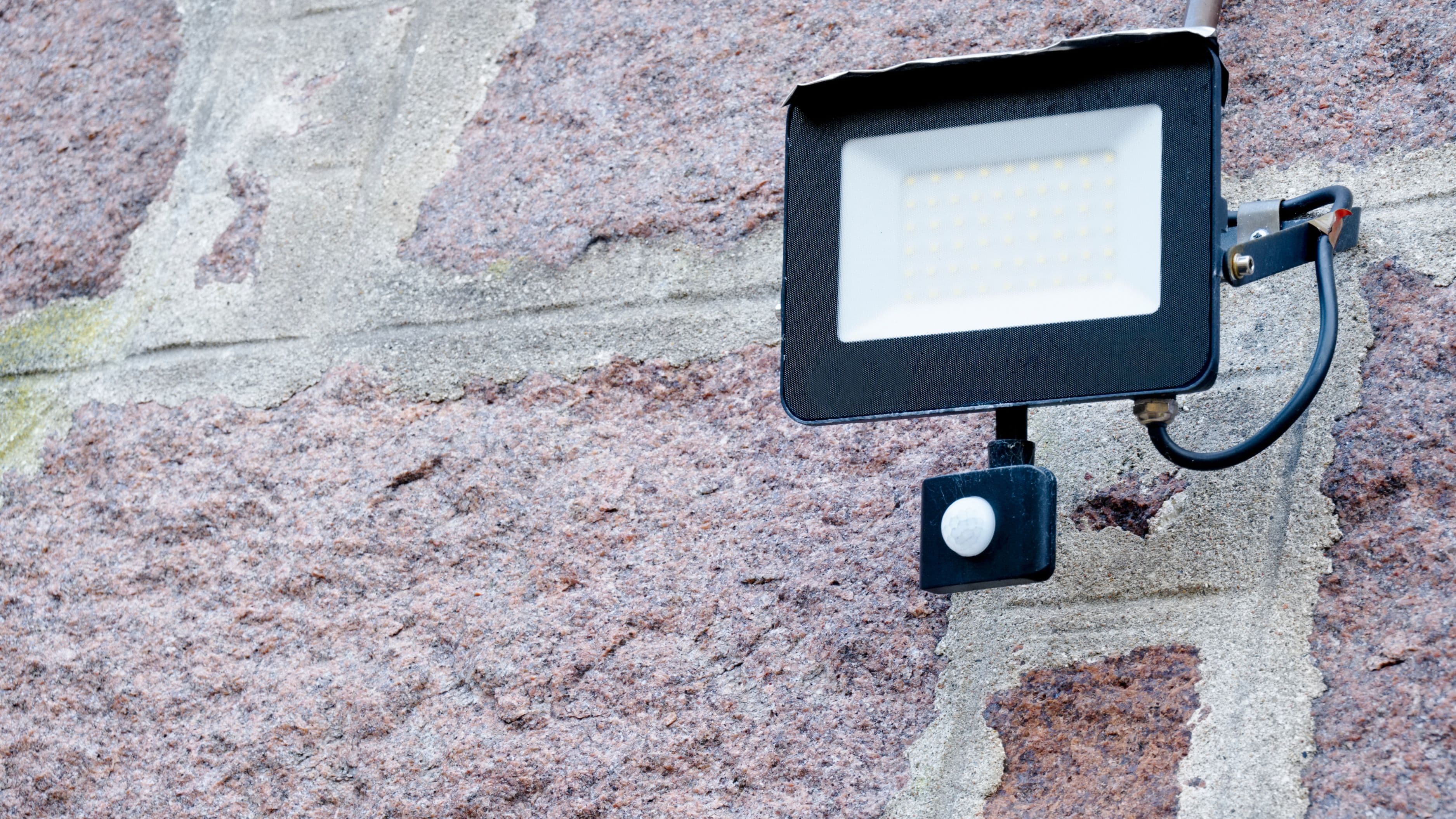
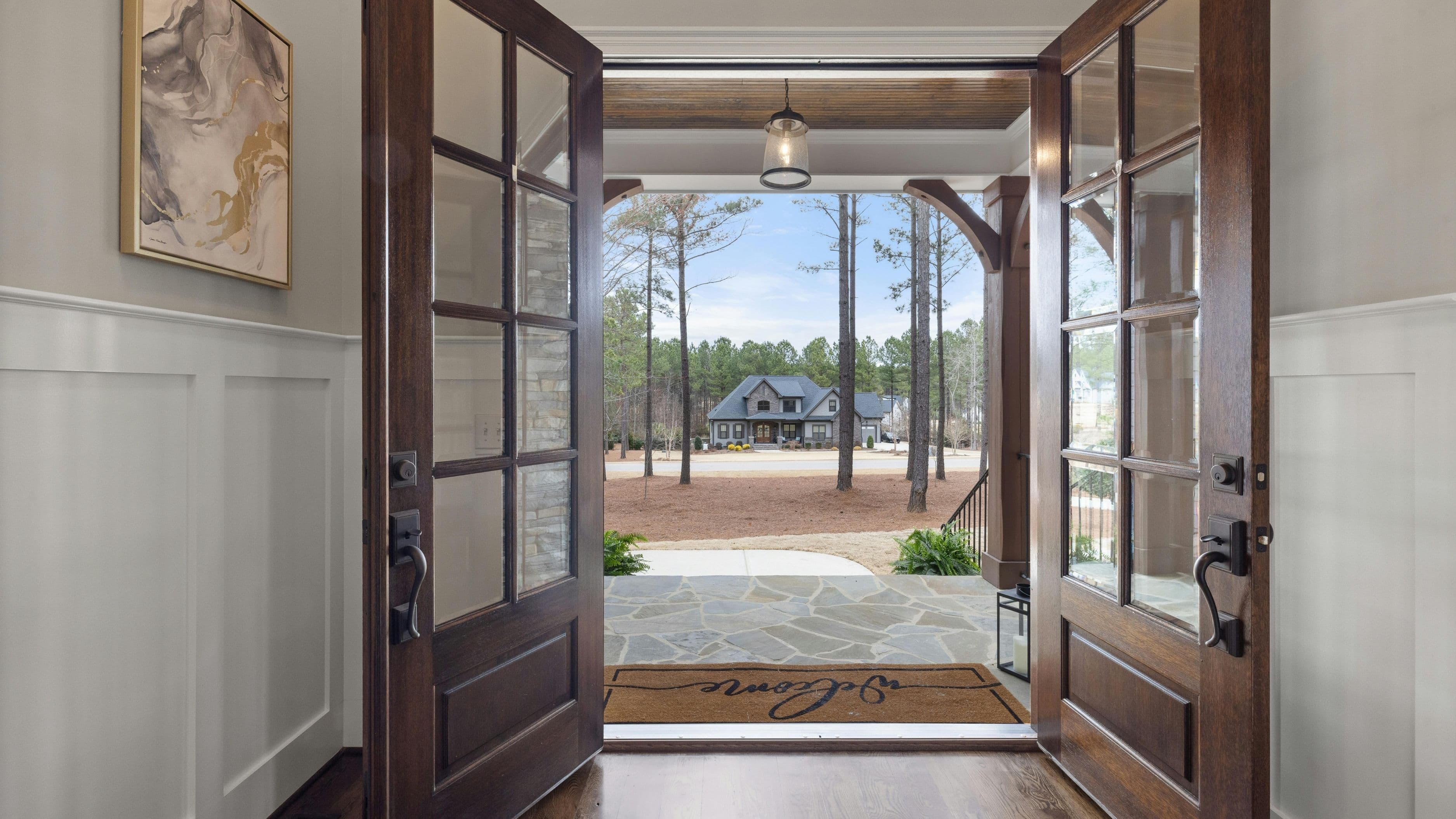
The front entrance – lights that come on automatically when you arrive home in the evening eliminate fumbling for switches with groceries or bags in hand. A motion sensor or a geofencing rule (triggered when your phone's location crosses a set perimeter) handles this reliably.
The bedroom – a wake-up lighting routine that gradually brightens your bedroom light starting 20–30 minutes before your alarm is one of the most consistently appreciated automation rules. It simulates sunrise and makes mornings noticeably easier, particularly in winter when natural light arrives late. Philips Hue and LIFX both support this natively through their apps.
Outdoor lights – porch and pathway lights that turn on at sunset and off at sunrise (or at a fixed late-night time) are set-and-forget automation with clear practical value. Most smart switches and outdoor smart plugs handle this with a simple schedule tied to local sunrise/sunset data.
High-traffic common areas – kitchens, hallways, and living rooms benefit from occupancy-based automation using motion sensors, so lights turn off automatically when the room has been empty for 10–15 minutes. This is where most household energy waste occurs.
Start with one or two of these rather than trying to automate everything simultaneously. You'll learn what works in your home before committing to a full build-out.
Step 2: Set Up Your First Automation Rules
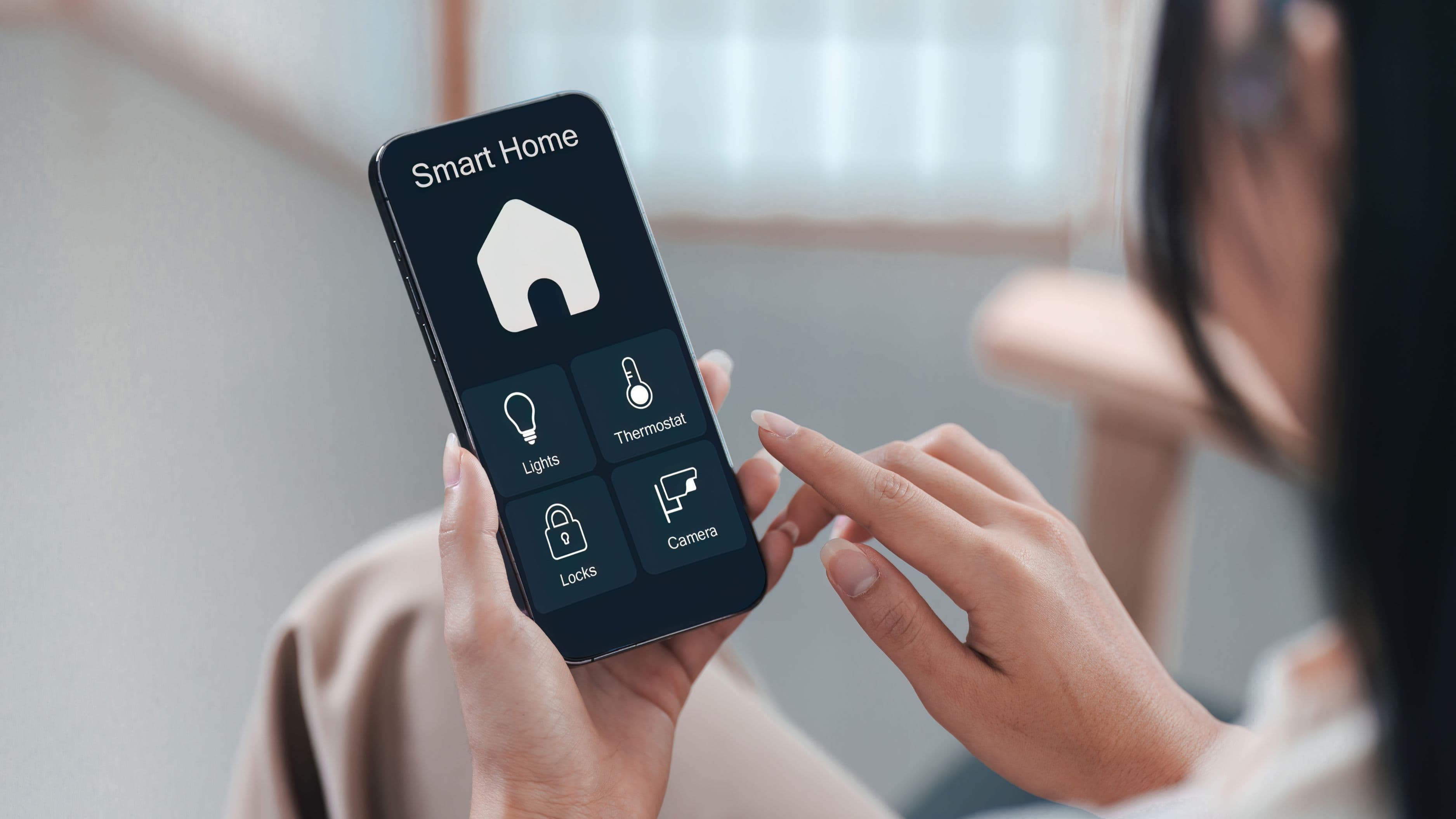
Once your devices are installed and connected to your platform, automation rules are created through the app. The interface varies by platform but the logic is the same: a trigger causes an action, sometimes with a condition attached.
Time-based schedules are the simplest. "Turn on porch light at sunset, turn off at 11pm" is a two-step rule that takes two minutes to create and runs indefinitely. Most platforms pull local sunrise/sunset data automatically so the schedule adjusts as seasons change – you don't need to update it manually.
Motion-triggered rules use a motion sensor as the trigger. "When motion is detected in hallway after 8pm, turn on hallway light at 30% brightness" is a useful example that provides navigational lighting at night without full brightness. Adding a "turn off after 5 minutes of no motion" condition completes the loop.
Geofencing rules use your phone's location to trigger actions. "When I arrive home, turn on kitchen and living room lights" is a practical welcome routine. The reliability of geofencing varies by phone model and battery optimization settings, so treat it as a convenience layer rather than a security system.
Scene rules apply preset lighting configurations with one command or trigger. A "movie mode" scene might dim the living room to 20%, turn off overhead lights, and set accent lights to a warm amber – activated by a voice command or a single button press on a Hue Dimmer Switch or Lutron Pico remote. These take a few minutes to configure but get used daily once they're set up.
Step 3: Layer in Smarter Logic Over Time
Once your basic rules are running reliably, a few additional layers make the system meaningfully smarter without requiring complex setup.
Lux sensors (light level sensors) add conditional logic based on actual ambient light rather than just time of day. "Turn on the kitchen island light when motion is detected AND the ambient light level is below 200 lux" means the light won't switch on unnecessarily during a bright sunny afternoon, only when natural light is genuinely insufficient. Some smart bulbs and sensors include lux sensing built in. Aqara and Philips Hue both offer accessory sensors with this capability.
Adaptive lighting (available natively in Apple HomeKit and through third-party integrations on other platforms) automatically adjusts your bulbs' color temperature throughout the day – warm amber in the morning and evening, cool white during midday hours. This follows the natural pattern of sunlight and has a noticeable effect on energy levels and sleep quality when used consistently. It requires color-temperature-adjustable bulbs (not standard white-only smart bulbs) but no additional configuration once enabled.
Vacation mode randomly varies which lights turn on and off during set evening hours while you're away, creating the appearance of occupancy. Most major platforms offer this as a built-in feature. It's not a security system, but it's a useful deterrent layer.
Common Mistakes to Avoid
Mixing ecosystems without checking compatibility is the most frequent source of frustration in smart lighting projects. A Wemo switch, a Philips Hue bulb, and a SmartThings hub might each work individually but not integrate cleanly for shared automation rules. Before buying any device, verify it's listed as compatible with your chosen platform.
Using smart bulbs in fixtures with wall switches in shared spaces invites the scenario where a family member turns off the wall switch, taking the bulb offline and breaking every automation rule attached to it. Either use smart switches instead, cover the wall switch with a Hue Switch plate that blocks it while providing a touch interface, or accept that this limitation exists and plan accordingly.
Over-automating too quickly leads to a system that behaves unexpectedly and creates more confusion than it solves. Start with two or three reliable rules, live with them for a few weeks, and add complexity only when the foundation is solid. Automation that surprises you is worse than no automation.
Setting motion sensor timeouts too short means lights switch off while you're still in the room – sitting at a desk, watching TV, or reading. A 10–15 minute timeout is appropriate for hallways and bathrooms. For living areas and offices, 20–30 minutes is more realistic. Adjust based on actual experience rather than leaving the default setting.
Realistic Expectations
A basic two-room smart lighting setup takes one to two hours to install and configure, including device setup, app configuration, and your first few rules. A full home build-out covering all major rooms runs a weekend project. Neither requires an electrician unless you're uncomfortable with basic switch replacement – smart switch installation is within the range of any homeowner comfortable working with wall outlets.
The system will need occasional maintenance: replacing batteries in motion sensors every 12–18 months, updating device firmware when prompted, and adjusting rules as your daily routines change. This is minimal compared to the ongoing convenience, but it's not entirely zero effort.
FAQ
Do smart bulbs work with regular wall switches? They do, but the switch must stay in the on position at all times for the bulb to remain powered and accessible to automation. If someone uses the wall switch to turn off the fixture, the bulb goes offline until the switch is turned back on. Smart switches are a better solution for fixtures that multiple people control.
Do I need an internet connection for smart lighting to work? For most platforms, yes – cloud-based automation rules require internet connectivity. Apple HomeKit with a local hub (HomePod or Apple TV) and some Lutron Caseta setups can run basic rules locally without internet, making them more reliable during outages.
What's the difference between Zigbee, Z-Wave, and Wi-Fi smart devices? These are different wireless protocols. Wi-Fi devices connect directly to your router but can strain your network with many devices. Zigbee and Z-Wave devices create a separate mesh network and typically require a hub but are more reliable at scale. Philips Hue uses Zigbee with its own hub. Lutron Caseta uses a proprietary protocol with its own hub. For a beginner, Wi-Fi or a single brand's hub is the simplest starting point.
Can I automate lighting without replacing my existing switches or bulbs? Partially. Smart plugs ($10–$25) can automate any lamp or fixture plugged into an outlet without any installation. They won't work for hardwired overhead fixtures, but they're a zero-commitment way to test basic automation before committing to smart switches or bulbs.
How much can I realistically save on my electricity bill? For most households, smart lighting reduces lighting-related electricity costs by 20–40% compared to traditional bulbs used without automation. The dollar savings depend on your current lighting usage, local electricity rates, and how many lights are automated. Homes that frequently leave lights on in empty rooms see the largest savings.
📚 Sources
US Department of Energy – Occupancy Sensors and Lighting Controls: https://www.energy.gov/energysaver/lighting-controls
US Department of Energy – LED Lighting: https://www.energy.gov/energysaver/led-lighting
Lutron – Caseta Smart Lighting System Overview: https://www.lutron.com/en-US/Products/Pages/SingleRoomControls/CasetaWireless/Overview.aspx
Philips Hue – Getting Started With Hue Routines and Automations: https://www.philips-hue.com/en-us/explore-hue/articles/hue-routines
This Old House – How to Install a Smart Light Switch: https://www.thisoldhouse.com/electrical/21015842/how-to-install-a-smart-light-switch
CNET – Best Smart Home Lighting Systems Reviewed: https://www.cnet.com/home/smart-home/best-smart-lighting/