
A well-designed home office doesn't require a full renovation or a designer's budget. Most of the changes that matter are practical: lighting positioned correctly, a desk at the right height, walls and layout that reduce distraction, and storage that keeps clutter off your work surface. Get those fundamentals right and the productivity difference is real and immediate.
Here's how to design a home office that genuinely supports focused work — from layout decisions all the way to the finishing details.
Step 1: Choose and Commit to a Dedicated Space
The single most important factor in a productive home office is physical separation from the rest of your living space. Working in a room you also use for TV, eating, or sleeping sends your brain mixed signals and makes it significantly harder to shift into — and stay in — a focused mental state. If you have any room in your home that can be designated exclusively for work, use it.
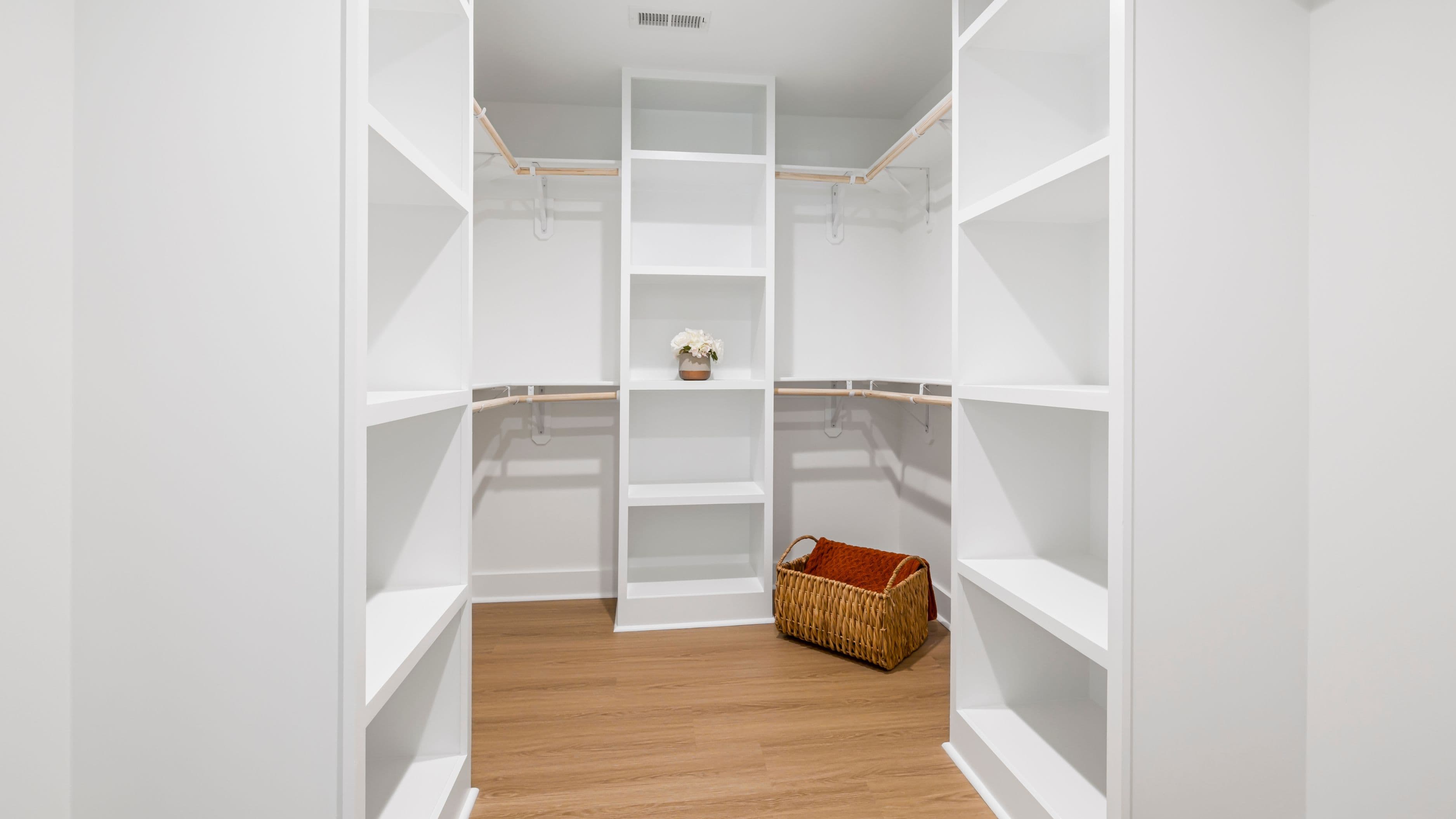
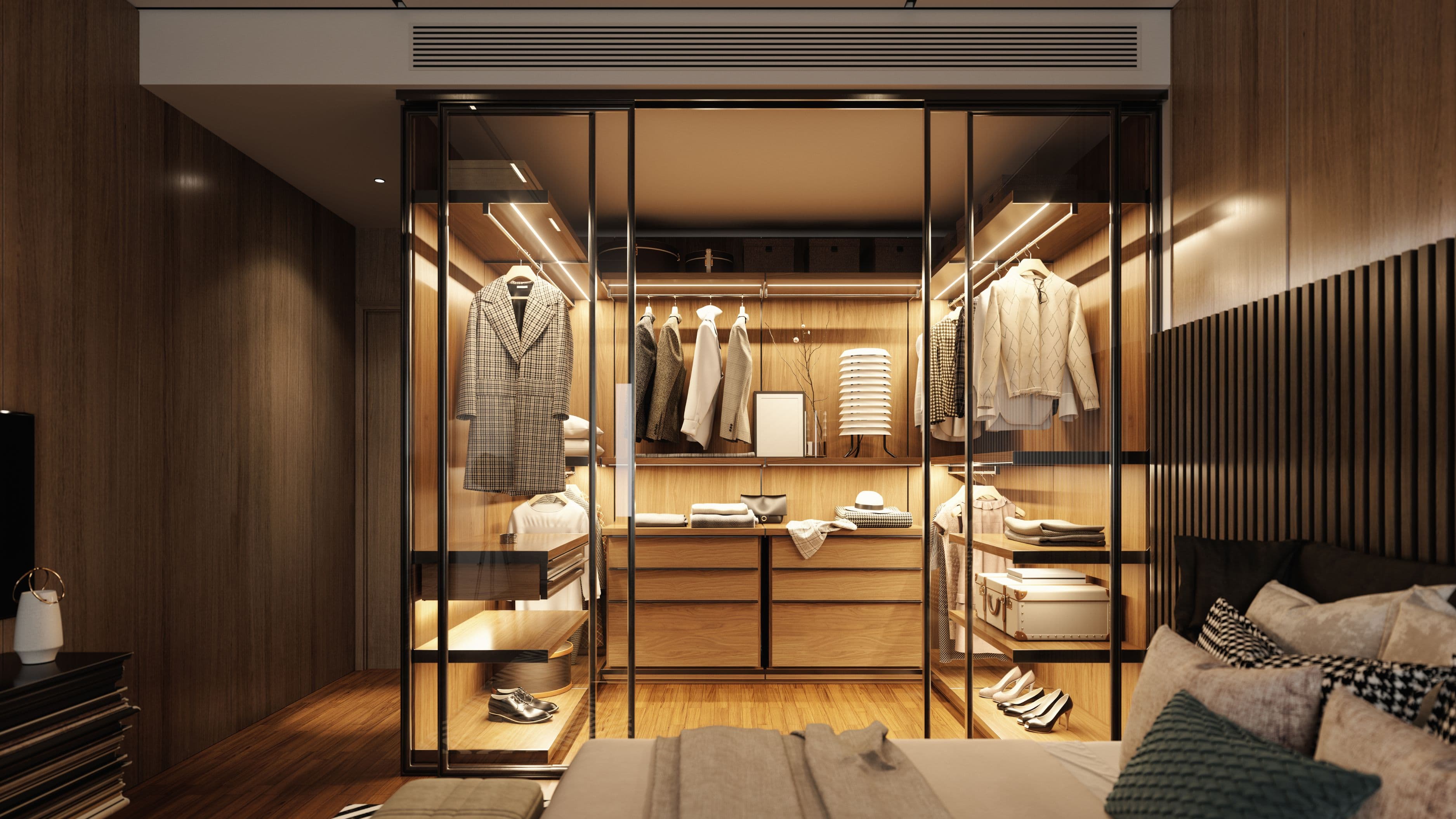
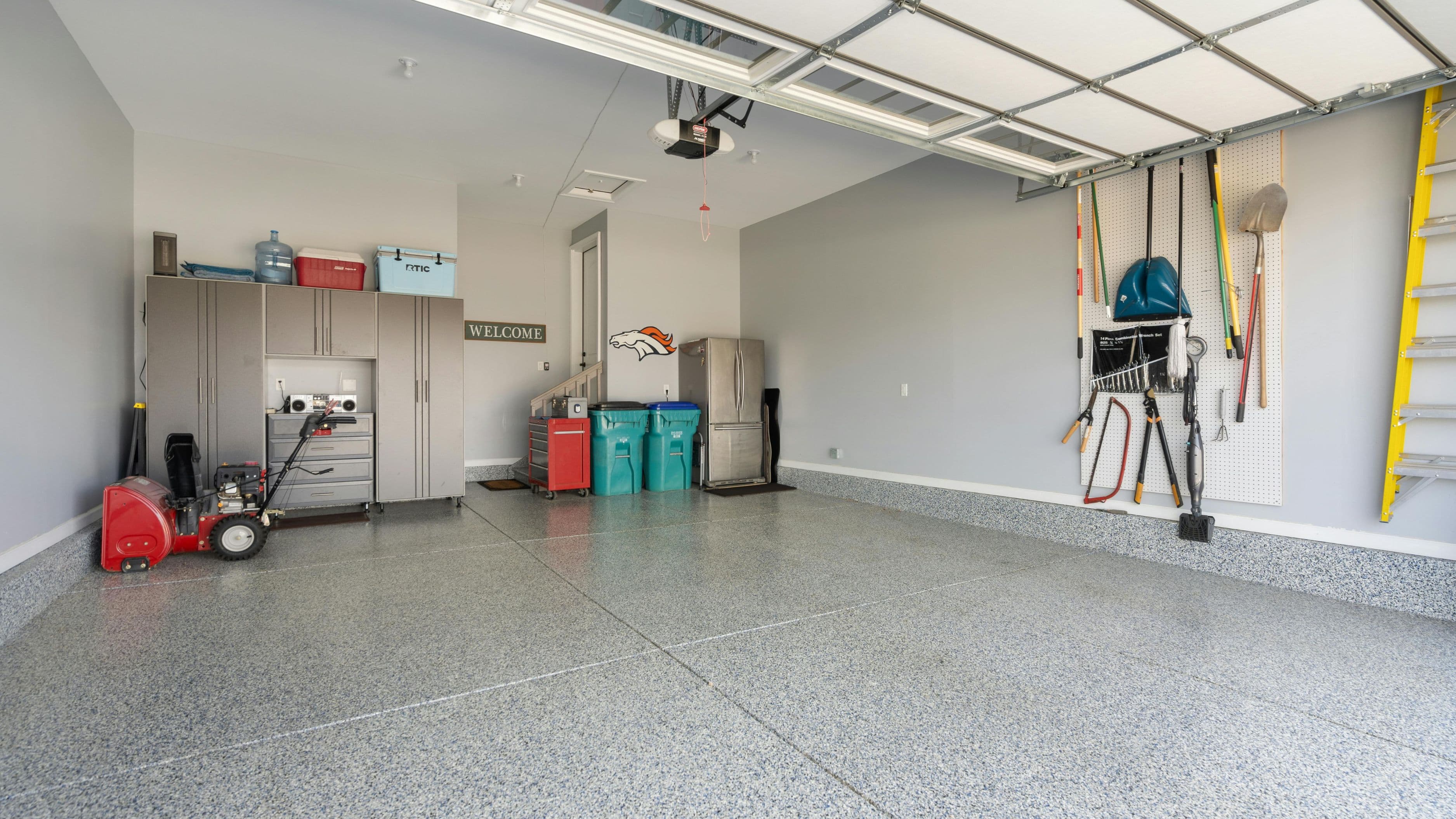
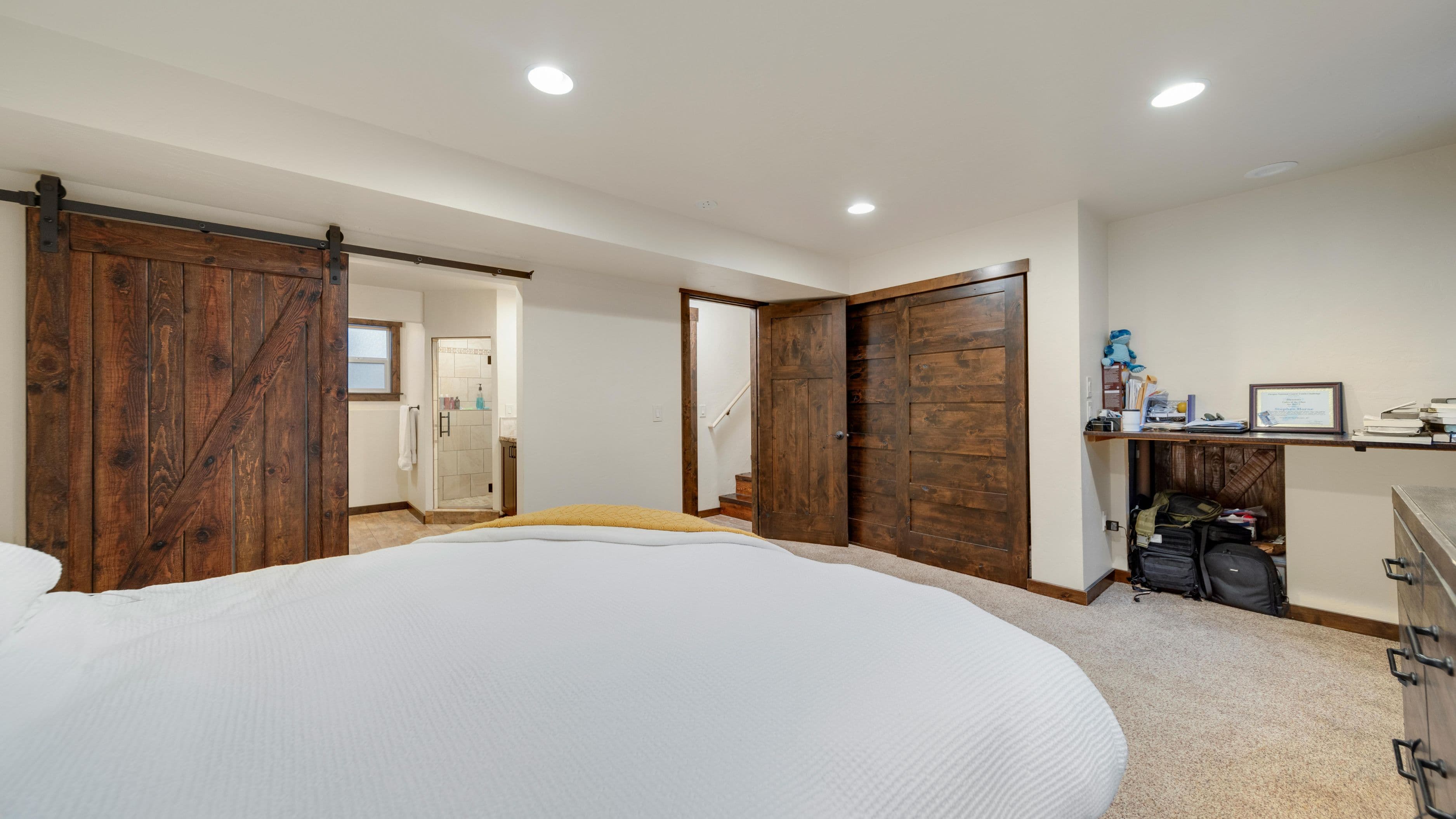
A dedicated spare bedroom is the ideal setup. A converted garage, finished basement, or even a large closet (a "cloffice") can work well if the space is properly outfitted. If you genuinely don't have a separate room, a defined zone within a room — a corner with a consistent layout, visual separation using shelving or a screen divider, and its own lighting — is far better than a setup that blends into your general living space.
The goal is a space your brain associates with focused work. That association is built through consistency — you go to the same place, sit in the same chair, follow the same setup routine. Over time, entering that space becomes a cue to shift into work mode. That's not a soft benefit; it's how environmental conditioning actually functions.
Step 2: Get the Desk Position Right
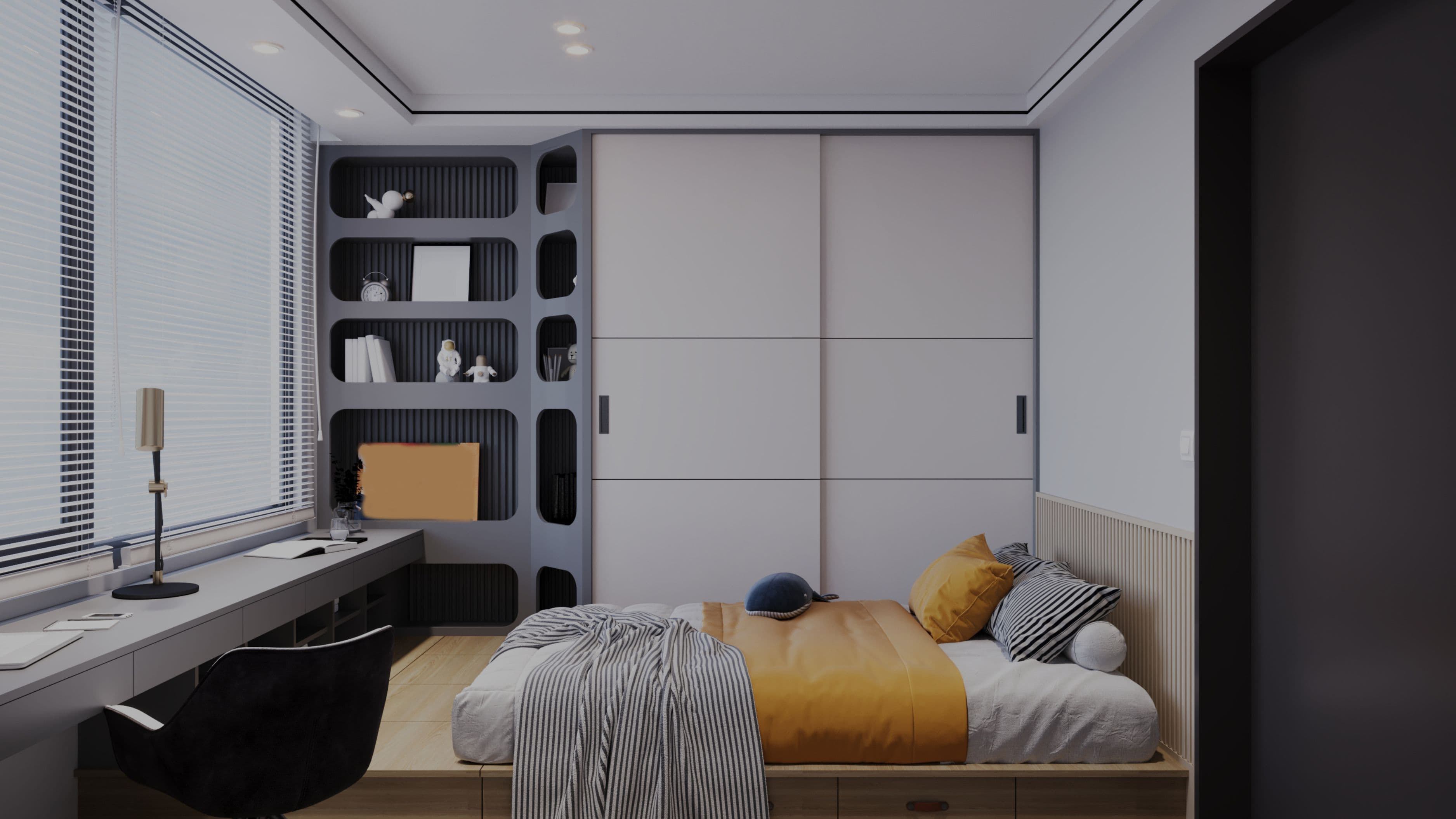
Where your desk sits in the room affects your concentration more than most people expect. The most commonly recommended position is facing a wall or a window — ideally with the window to your side rather than directly in front of or behind you. Natural light from the side reduces eye strain without creating glare on your screen. Light directly behind you creates reflection problems on your monitor. Light directly in front of you creates squinting and fatigue.
Facing a wall with the door behind you can create subconscious unease for some people — an instinctive discomfort from not being able to see what's entering the room. If you notice yourself getting distracted or uncomfortable in that position, try repositioning the desk to face the door or angle it so the entrance is in your peripheral vision. Small adjustments to desk placement cost nothing and can make a noticeable difference in how settled you feel in the space.
If you're working in a shared or open area, positioning yourself with your back to the room's activity — rather than facing it — reduces visual distraction significantly. What you can't see easily, you're less likely to notice and react to.
Step 3: Invest in the Right Chair and Desk Height
Ergonomics isn't a luxury feature of a good home office — it's a functional requirement. An uncomfortable chair that causes you to shift position every 20 minutes, or a desk that forces your shoulders to creep upward because it's too high, actively degrades your ability to concentrate by creating constant low-level physical discomfort.
For desk height, the standard guidance is that your elbows should be at approximately 90 degrees when your hands are on the keyboard, with your forearms roughly parallel to the floor. Standard desk height runs around 28–30 inches, which works for most adults of average height. If you're taller or shorter than average, a height-adjustable desk — now widely available in the $300–$600 range — solves the problem cleanly and adds the option to stand for portions of the day.
For chairs, the minimum requirements are adjustable seat height, lumbar support, and adjustable armrests. You don't need a $1,000 ergonomic chair to get a functional setup — there are solid options in the $200–$400 range that cover the basics well. What you want to avoid is a chair that's genuinely not adjustable or that puts your hips higher than your knees, which strains the lower back within an hour.
Approximate cost: Decent ergonomic chair: $200–$500. Height-adjustable desk: $300–$800. Fixed-height quality desk: $150–$400.
Step 4: Redesign Your Lighting
Most homes are lit for relaxation, not for sustained focused work. Warm ambient lighting at low levels is great for evenings but works against you during a workday. A dark home office with one overhead fixture creates the kind of flat, shadowless lighting that causes eye fatigue and makes it harder to stay mentally alert.
The goal is layered lighting with a bias toward cooler, brighter tones during working hours. Start with good overhead lighting — LED panels or a ceiling fixture at 4,000–5,000K color temperature (cool white, not warm yellow) makes the space feel more alert and reduces the ambient gloom that can creep into the working mood. Layer in a dedicated desk lamp positioned to illuminate your work surface without creating screen glare. The desk lamp should be adjustable in both angle and brightness, so you can modify it as natural light changes throughout the day.
If your office has a window, treat it as a priority during setup — position your desk to take advantage of natural daylight without creating problematic glare angles. Sheer blinds or diffusing window film soften direct sunlight without blocking daylight entirely, which is a better outcome than heavy curtains that eliminate natural light to avoid glare.
Approximate cost: Good LED overhead panel: $60–$150. Quality adjustable desk lamp: $40–$100. Sheer window blinds: $30–$80.
Step 5: Manage Acoustic and Visual Noise
Noise is one of the most disruptive focus killers in a home office, and it comes from two primary sources: ambient household noise that seeps in from other rooms, and sounds within the office itself (hard floors, echoey walls, HVAC noise). Both are addressable without major renovation.
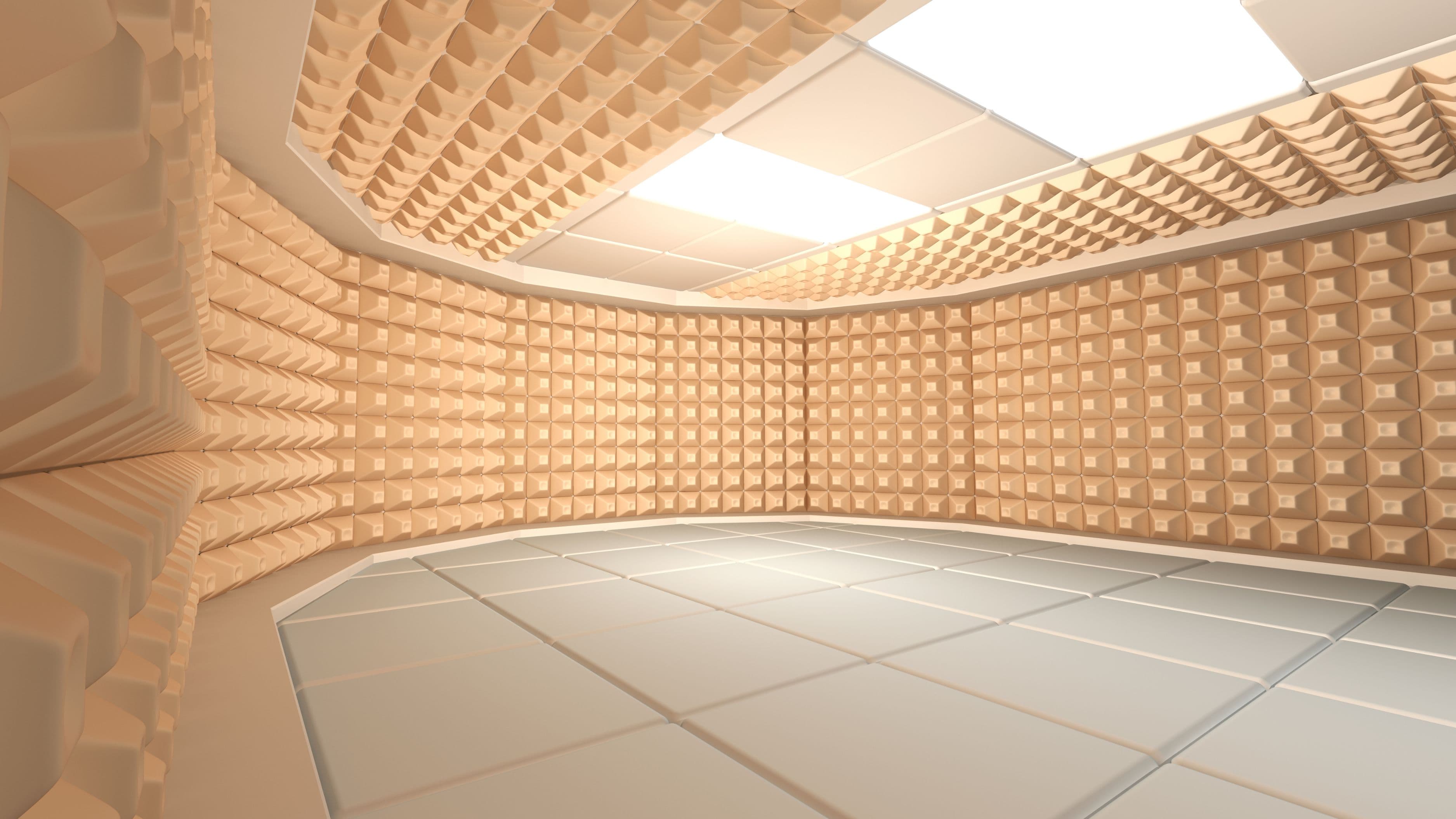
For sound seeping in from outside the room, the most effective low-cost improvement is an acoustic door sweep on the bottom of the door — gaps under interior doors are the primary entry point for household noise. Acoustic foam panels or fabric wall panels on the wall you face while working absorb echo within the room, which reduces the overall sound level and improves the quality of audio during calls. Soft furnishings — a rug, curtains, upholstered seating — also absorb sound meaningfully without looking like a recording studio.
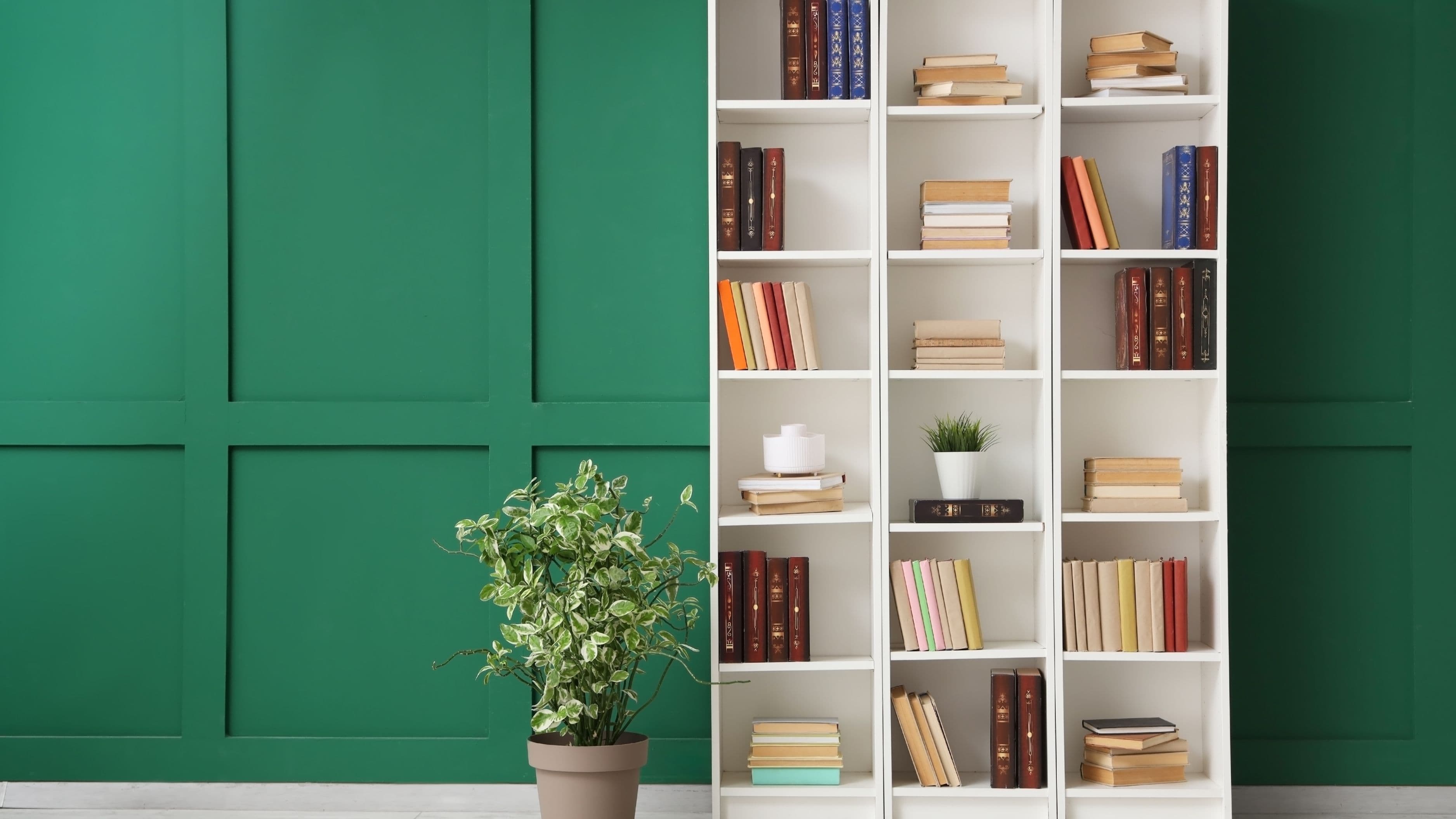
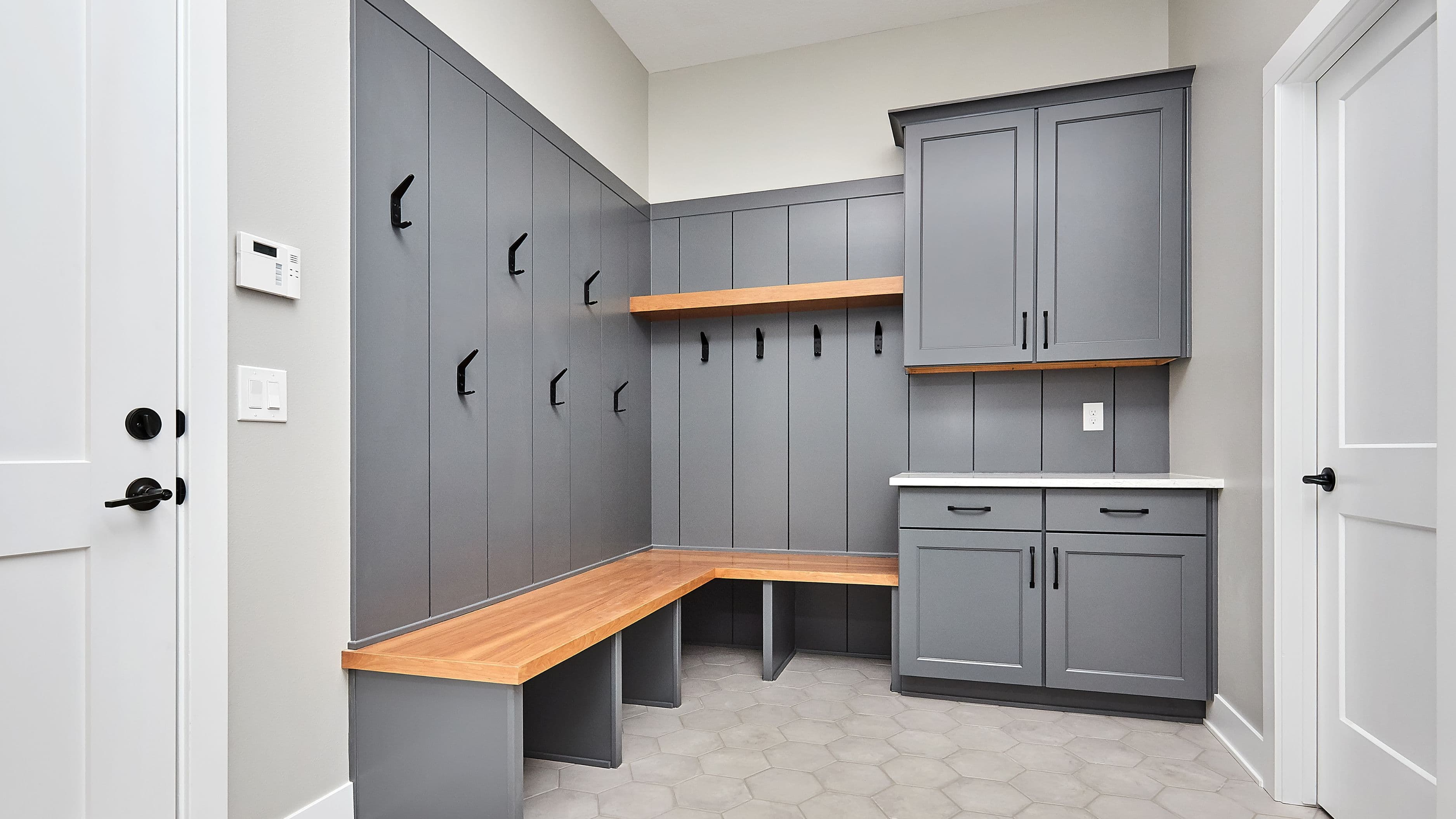
Visual noise — the clutter, color contrast, and peripheral movement that constantly pulls your eye away from work — is addressed through layout and storage. Clear surfaces work in your favor: a desk with only what you're currently using on it removes constant visual pull. Wall-mounted shelving keeps reference material accessible without occupying desk space. Closed-door storage (cabinets rather than open shelving directly in your sightline) reduces the visual complexity of the room and the number of objects competing for your attention.
Approximate cost: Door sweep: $15–$30. Acoustic panels (6-pack): $30–$80. Rug (sound-absorbing): $80–$250.
Step 6: Plan Cable and Technology Setup Intentionally
Nothing degrades the usability of a home office quite like a tangle of cables that makes every desk adjustment a project. Planning your technology setup before finalizing furniture placement saves you from a frustrating retrofit later. The key decisions are monitor position, cable routing, and power access.
A monitor stand or monitor arm raises your screen to eye level (the top of the screen should be at or just below eye level when seated) and typically frees up meaningful desk surface in the process. Mounting the arm to the desk also allows you to reposition the monitor easily as your setup evolves. Monitor arms start at around $30 for basic models and $80–$150 for solid quality.
For cable management, surface cable channels and under-desk cable trays cost very little and eliminate most of the visual and physical clutter created by loose cables. A power strip mounted under the desk surface — rather than sitting on the floor — keeps power accessible at desk level and removes the trip hazard of floor cables. Running the desk setup through a single surge-protected power strip also protects your equipment.
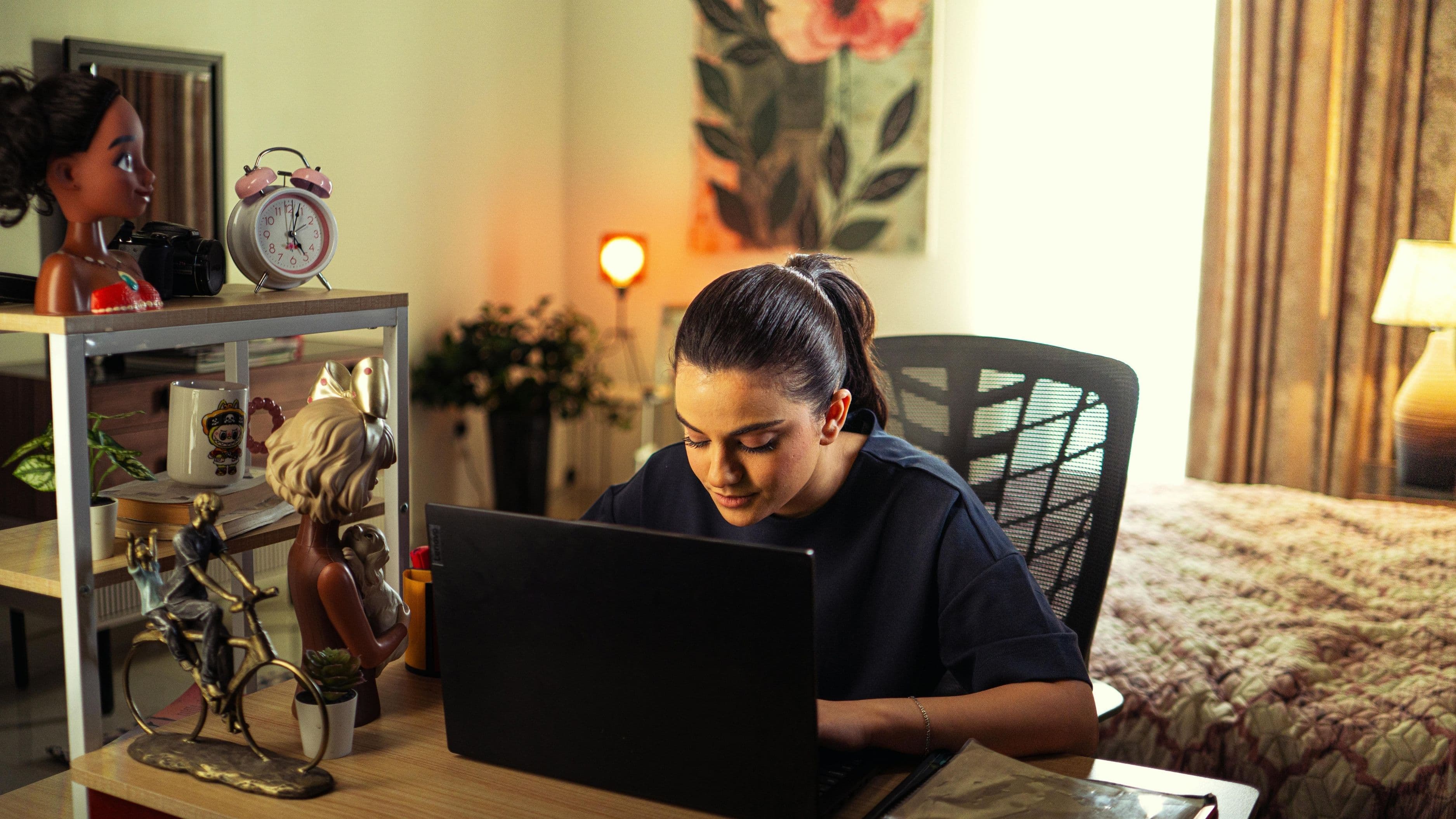
If you're doing video calls regularly, consider your backdrop deliberately — what the camera sees behind you is part of your professional presentation. A neutral wall, a simple shelf with a few objects, or a clean section of wall with controlled lighting reads far better than a chaotic storage area or an unmade bed visible over your shoulder.
Approximate cost: Monitor arm: $30–$150. Under-desk cable tray: $20–$50. Surge-protected power strip: $25–$50.
What to Avoid
Don't design your office around aesthetics first. A beautiful home office that's poorly lit, has an uncomfortable chair, and puts your back to constant distraction will feel good in photos and frustrating in daily use. Functionality drives design decisions — the aesthetics follow.
Don't underestimate the value of an actual door. If you're carving a workspace out of an open-plan area, do everything you can to give it some physical boundary — a divider, a bookcase wall, a curtain on a track. The ability to psychologically separate from the rest of your home during work hours is worth more than most physical upgrades.
Don't optimize your office for your best days. The real test of a home office design is how it functions on a difficult Tuesday when you're tired, distracted, and not particularly motivated. A setup that requires willpower to avoid distraction has failed at the design level. Build the environment to support focus passively — clear surfaces, low visual noise, controlled sound — so that focused work is the path of least resistance, not an act of discipline.
FAQ
How much does a basic home office setup cost? A functional, ergonomically sound home office can be put together for $500–$1,200 covering a quality chair, an appropriate desk, a desk lamp, and basic cable management. A more complete setup with a sit-stand desk, monitor arm, acoustic treatment, and quality lighting runs $1,000–$2,500 depending on the products chosen. Neither figure requires major renovation work.
Does paint color actually affect focus? It has a real but modest effect. Cool neutrals — light grays, soft blues, warm whites — tend to support focused work better than saturated warm colors, which are more energizing and can become visually fatiguing over long sessions. The effect is smaller than lighting, ergonomics, and noise management, but if you're painting anyway, it's worth choosing a color calibrated for a workspace rather than defaulting to whatever's on the wall from before.
Should I use a separate monitor or just the laptop screen? A dedicated external monitor at eye level makes a significant difference for anyone spending more than two hours a day at a desk. Working from a laptop screen alone typically means looking down, which causes neck and upper back fatigue. Even a mid-range 24-inch external monitor ($150–$250) with a laptop stand that raises the laptop to eye level for a secondary display is a meaningful ergonomic and productivity upgrade.
What's the most impactful single change for an existing home office? If the space already exists and you're looking for the highest-leverage single upgrade, it's almost always the chair — assuming the current one is uncomfortable or not adjustable. Replacing an inadequate chair with a proper ergonomic one eliminates the low-level physical discomfort that drains concentration more than most people realize, and the benefit is felt immediately. After that, lighting and then surface organization produce the next-most-noticeable improvements.
A productive home office doesn't happen accidentally. It's designed — deliberately, with the specific demands of focused work in mind. The upgrades in this guide are achievable in stages: tackle ergonomics first, then lighting, then sound and visual noise. You don't need to do it all at once to feel the difference. Even two or three of these changes, done well, can transform how you experience your workspace.
📚 Sources
This Old House – Home Office Design Ideas and Planning: https://www.thisoldhouse.com/offices/21016684/home-office-design-ideas
Bob Vila – How to Set Up a Home Office: https://www.bobvila.com/articles/home-office-setup/
Occupational Safety and Health Administration (OSHA) – Computer Workstation Ergonomics: https://www.osha.gov/etools/computer-workstations/components/chairs
Family Handyman – Home Office Lighting Tips: https://www.familyhandyman.com/list/home-office-lighting-tips/
U.S. Department of Energy – Lighting Basics: https://www.energy.gov/energysaver/lighting-choices-save-you-money
Architectural Digest – Home Office Design Principles: https://www.architecturaldigest.com/story/home-office-design-ideas
Cornell University Ergonomics Web – Workstation Setup Guidelines: https://ergo.human.cornell.edu/ergoguide.html