
Setting Realistic Expectations
A $500 budget won't get you a fully integrated whole-home automation system with professional installation, and that's fine, because most homeowners don't actually need that level of complexity to get real value out of smart home technology. What this budget can realistically deliver is a handful of high-impact upgrades across lighting, climate, and security that noticeably improve daily convenience and, in some cases, save money on energy costs over time. Expect a weekend or two of DIY setup time, since most of these devices are designed for straightforward installation without requiring an electrician or professional installer.
Step 1: Start With a Smart Speaker Hub (Cost: Low, roughly $30 to $50)
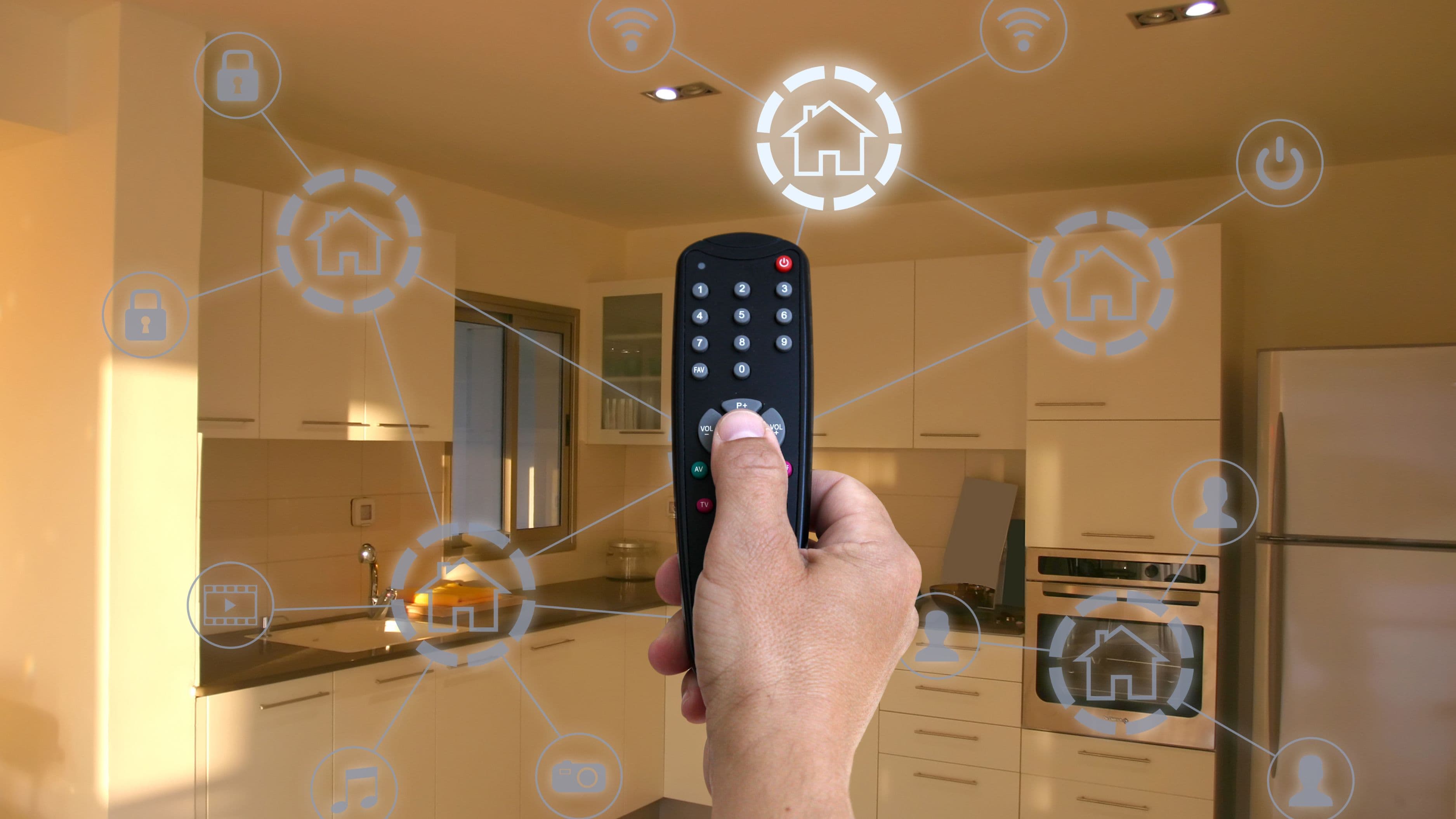
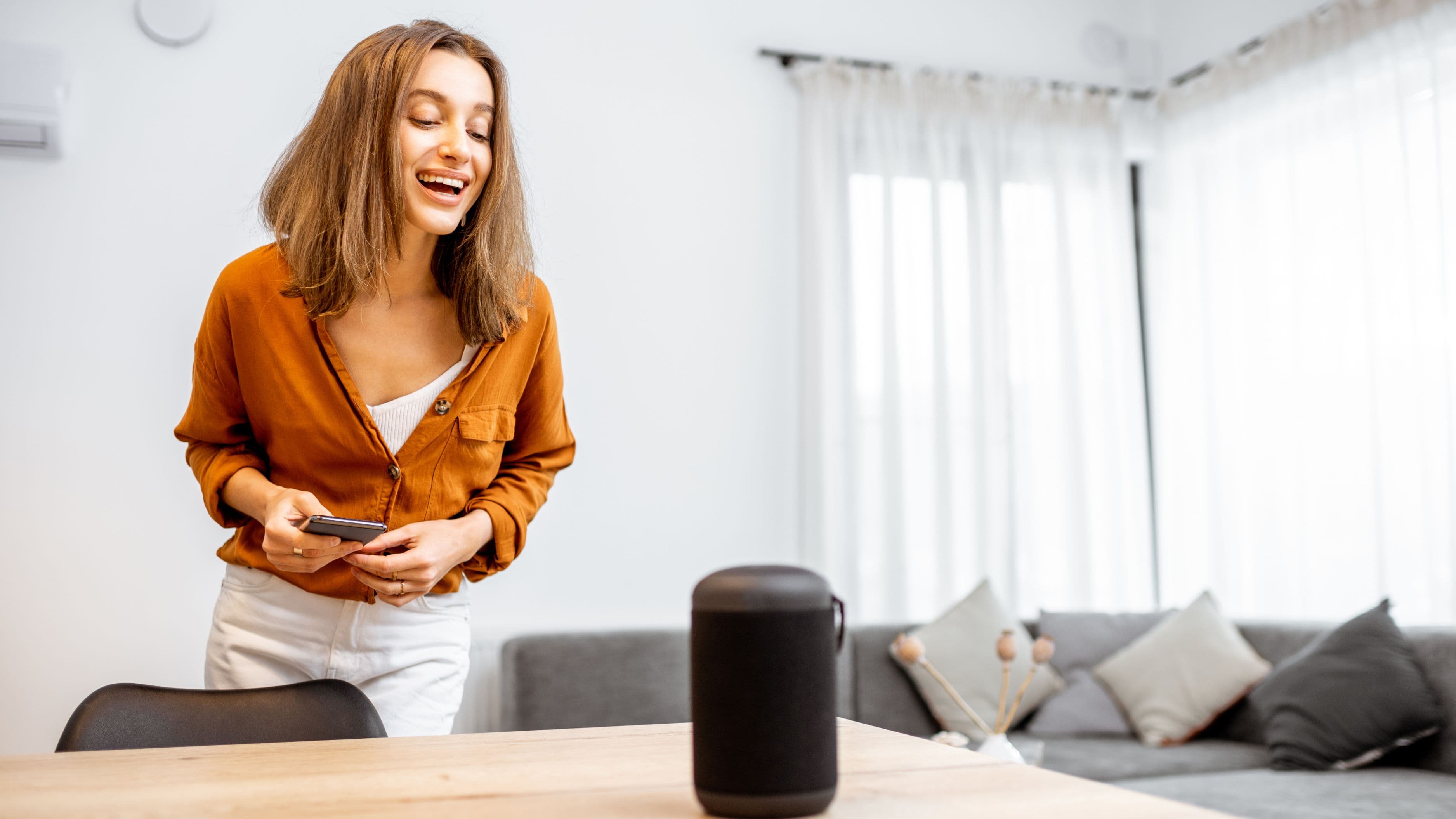
A smart speaker like an Amazon Echo or Google Nest Mini serves as the central control point for most other smart devices you'll add later, letting you control lights, thermostats, and other devices through voice commands or a connected app. Starting here isn't just about the speaker itself, it's about establishing the ecosystem your other purchases will need to talk to, so getting this piece right first prevents compatibility headaches down the line.
Impact: This single device becomes the connective tissue for everything else in your setup, and even on its own, it adds real convenience for reminders, timers, and basic home control.
Step 2: Add Smart Bulbs in High-Traffic Rooms (Cost: Low to Medium, roughly $60 to $100 for a starter set)
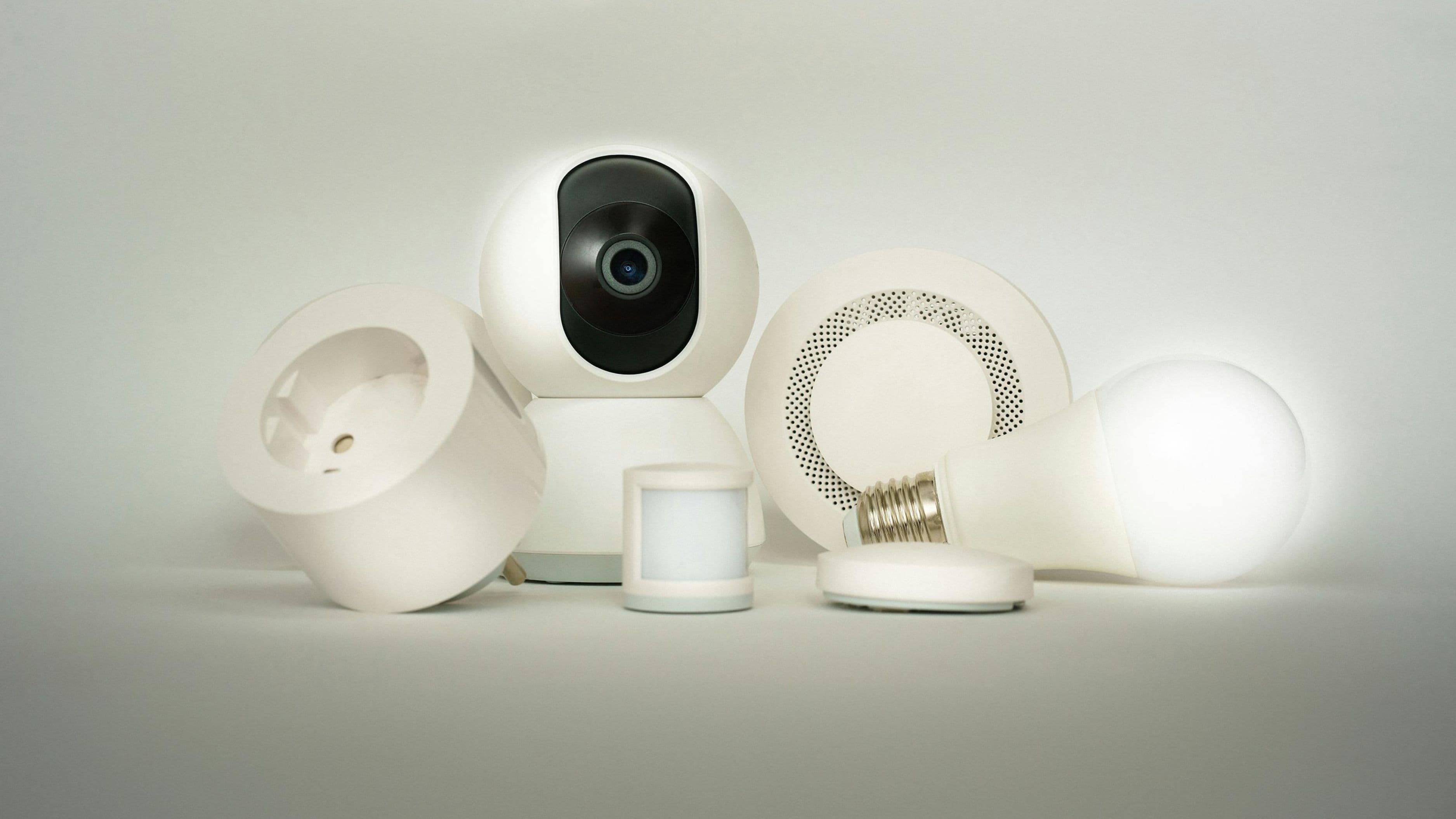
Smart bulbs in your living room, kitchen, and bedroom offer one of the best cost-to-impact ratios in smart home upgrades, letting you control brightness, color temperature, and scheduling without any wiring changes since they simply screw into existing fixtures. Look for bulbs compatible with your hub's ecosystem, and consider starting with a starter pack of four to six bulbs in your most frequently used rooms rather than trying to cover the entire house at once.
Impact: Scheduled lighting can create the impression of an occupied home while you're away, useful for basic security, while voice or app control adds genuine daily convenience for evening routines or waking up gradually with a gentle lighting schedule.
Step 3: Install a Smart Plug System for Existing Devices (Cost: Low, roughly $20 to $40 for a multi-pack)
Smart plugs let you add basic automation to devices that aren't smart on their own, like a lamp, a space heater, or a coffee maker, by controlling power flow through the plug itself. This is one of the most budget-efficient upgrades available, since it extends smart functionality to items you already own without replacing them.
Impact: Scheduling a coffee maker to start brewing before you wake up, or ensuring a space heater automatically shuts off after a set time, delivers meaningful daily convenience and a layer of safety for devices that might otherwise be left running unnecessarily.
Step 4: Add a Smart Thermostat If Your Budget Allows (Cost: Medium, roughly $130 to $200)
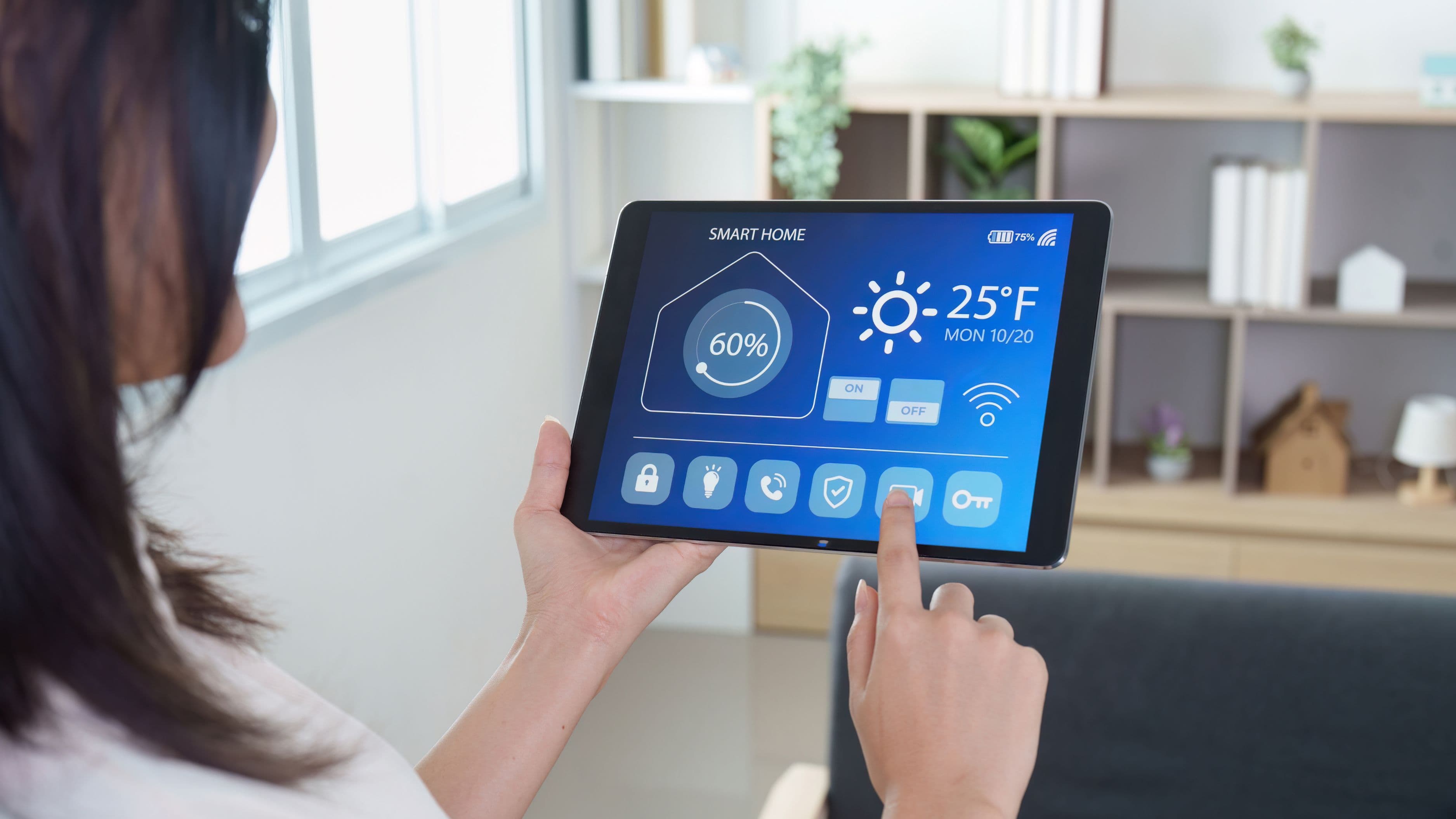
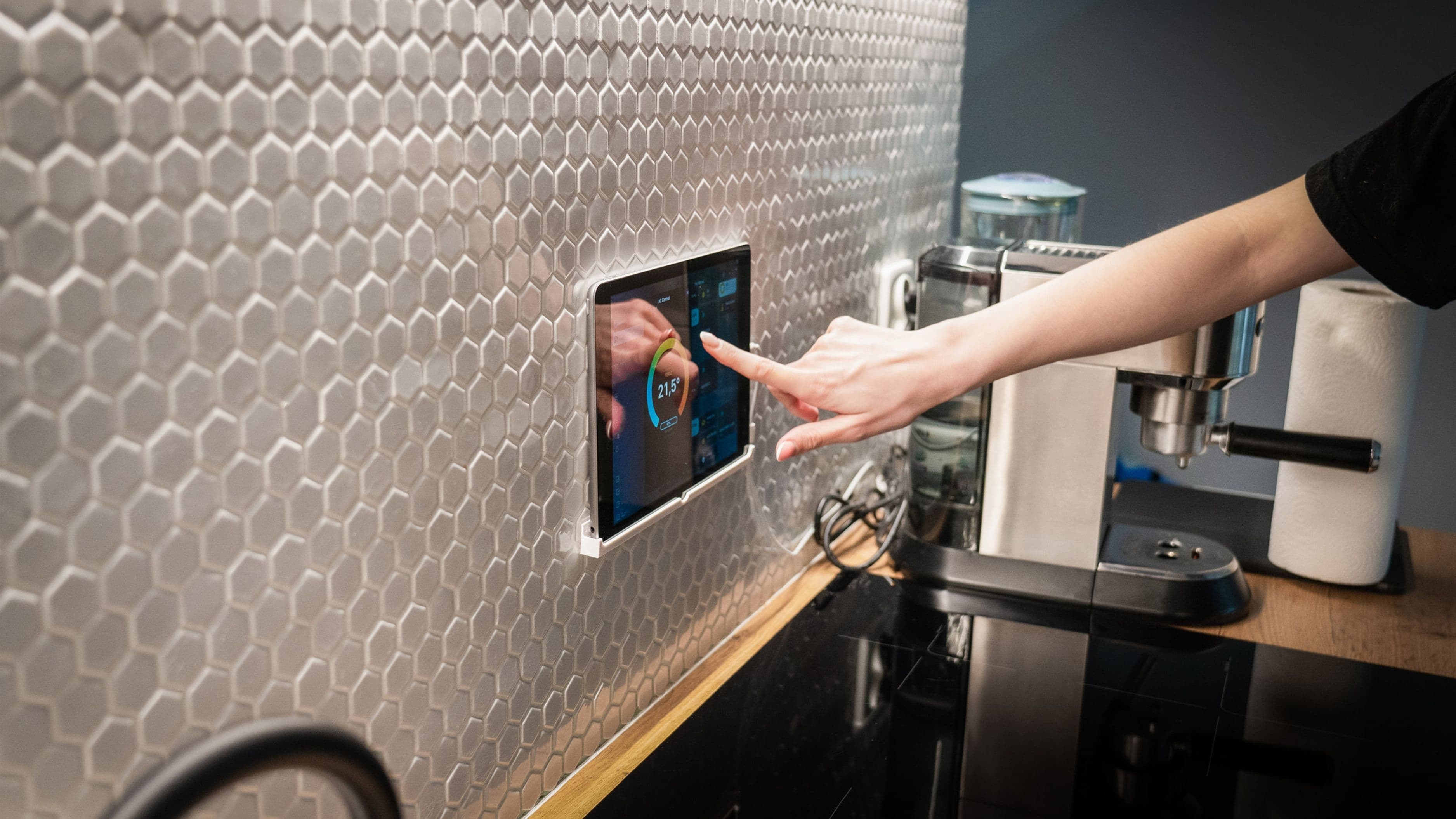
A smart thermostat represents the single highest-impact item on this list in terms of long-term savings, since it learns your schedule and adjusts heating and cooling automatically to avoid wasting energy on an empty house. While this eats a larger portion of the $500 budget than other individual items, the energy savings over time can meaningfully offset the upfront cost within the first year or two depending on your climate and current heating and cooling habits.
Impact: Beyond the convenience of app-based temperature control, the energy efficiency gains here are typically the most measurable financial return of any item in a budget smart home setup, since even modest, consistent temperature adjustments compound into real savings on utility bills over a full year.
Step 5: Add a Basic Smart Security Camera or Doorbell (Cost: Medium, roughly $60 to $100)
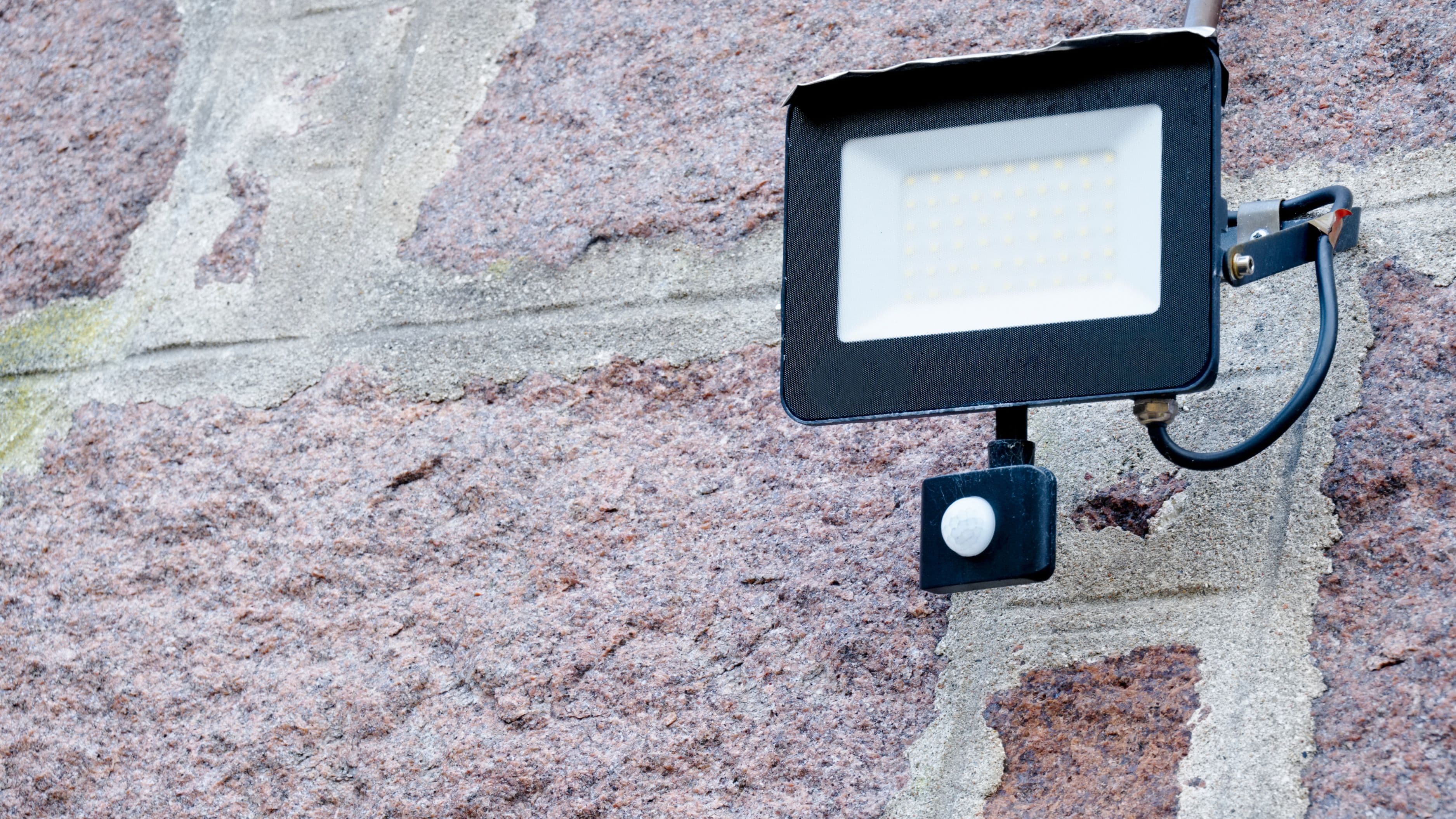
A single smart security camera covering your front door or main entry point adds a genuine safety and peace-of-mind benefit without requiring a full security system. Many budget-friendly options connect directly to your home WiFi and offer basic motion detection and remote viewing through a smartphone app, without a mandatory subscription for basic functionality.
Impact: Being able to check who's at your door remotely, or reviewing footage after a delivery or an unexpected visitor, is one of the more immediately reassuring upgrades in a starter smart home setup.
Putting the Budget Together
A reasonable $500 allocation might look like $40 for a smart speaker hub, $80 for a starter pack of smart bulbs, $30 for a multi-pack of smart plugs, $150 for a smart thermostat, and $100 for a basic security camera, leaving a small buffer for mounting hardware or minor accessories. If your specific priorities differ, like caring more about security than lighting, shifting the allocation toward more cameras and fewer bulbs is a reasonable adjustment based on what matters most in your household.
What to Avoid
Avoid buying devices from mismatched ecosystems that don't actually communicate with each other, since this is one of the most common frustrations in budget smart home setups and often leads to needing multiple separate apps instead of one unified control point.
It's also worth avoiding premium devices with subscription-required features when free alternatives cover your basic needs, since ongoing subscription costs can quietly erode the value of an otherwise budget-conscious setup over time. Finally, resist the urge to buy every category of smart device at once; starting with two or three well-chosen upgrades and expanding gradually as you get comfortable with the ecosystem tends to produce a more satisfying and less frustrating result than an overwhelming all-at-once installation.
FAQ
Do I need professional installation for any of these devices? No, all of the devices covered here are designed for straightforward DIY installation, typically requiring nothing more than screwing in a bulb, plugging in a device, or following a simple app-based setup process.
Will a smart thermostat actually save me money? Most homeowners see measurable energy savings, though the exact amount depends heavily on your climate, current heating and cooling habits, and how consistently you allow the thermostat's learning features to adjust your schedule over time.
Can I expand this setup later without starting over? Yes, as long as you stick with devices compatible with your chosen smart speaker ecosystem, you can add rooms, devices, and categories gradually without needing to replace what you've already installed.
📚 Sources
Energy.gov – "Smart Thermostats and Energy Savings." https://www.energy.gov/energysaver/smart-thermostats
Consumer Reports – "Smart Home Devices Buying Guide." https://www.consumerreports.org/electronics-computers/smart-home/
ENERGY STAR – "Connected Thermostats." https://www.energystar.gov/products/connected_thermostats