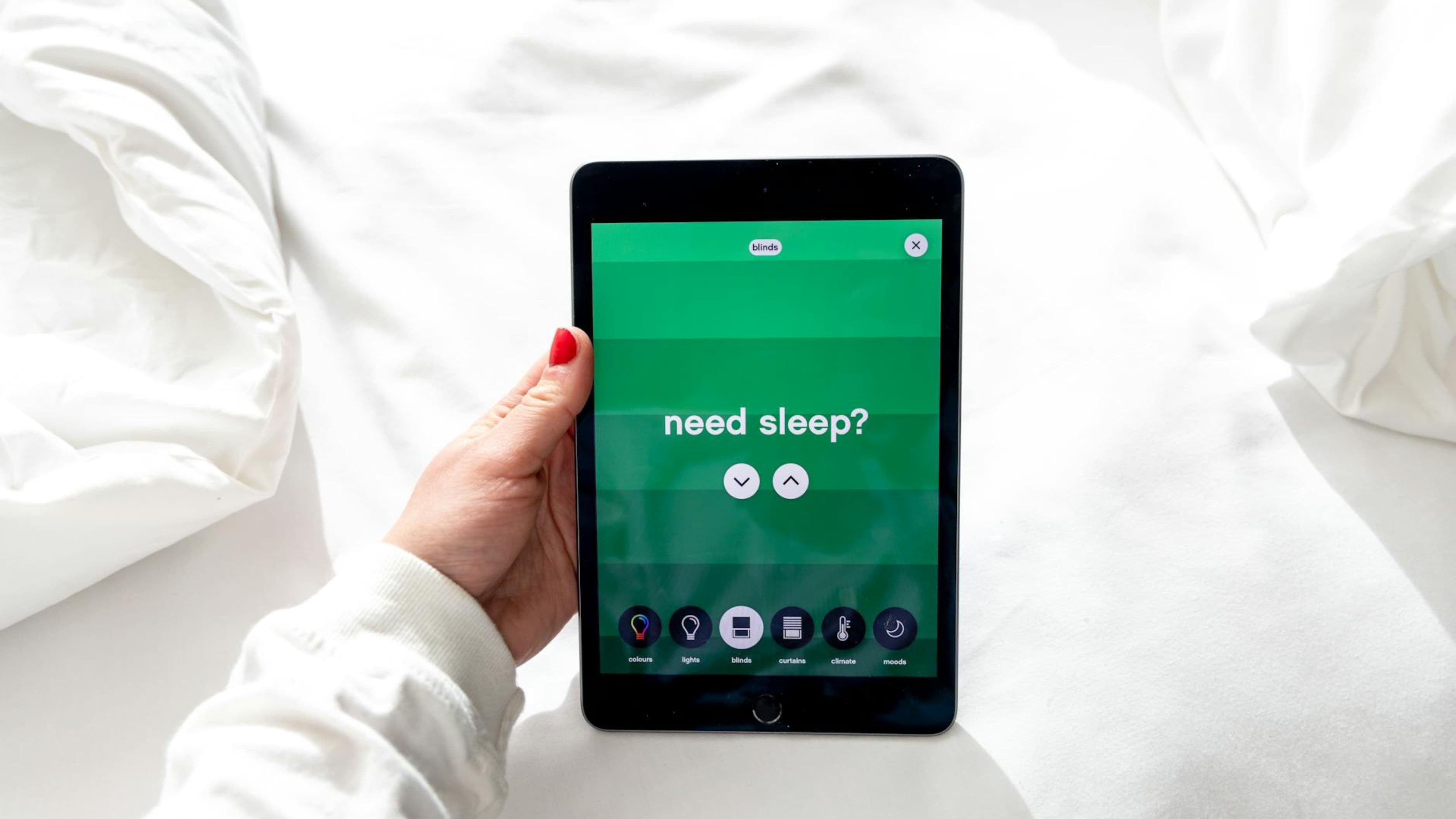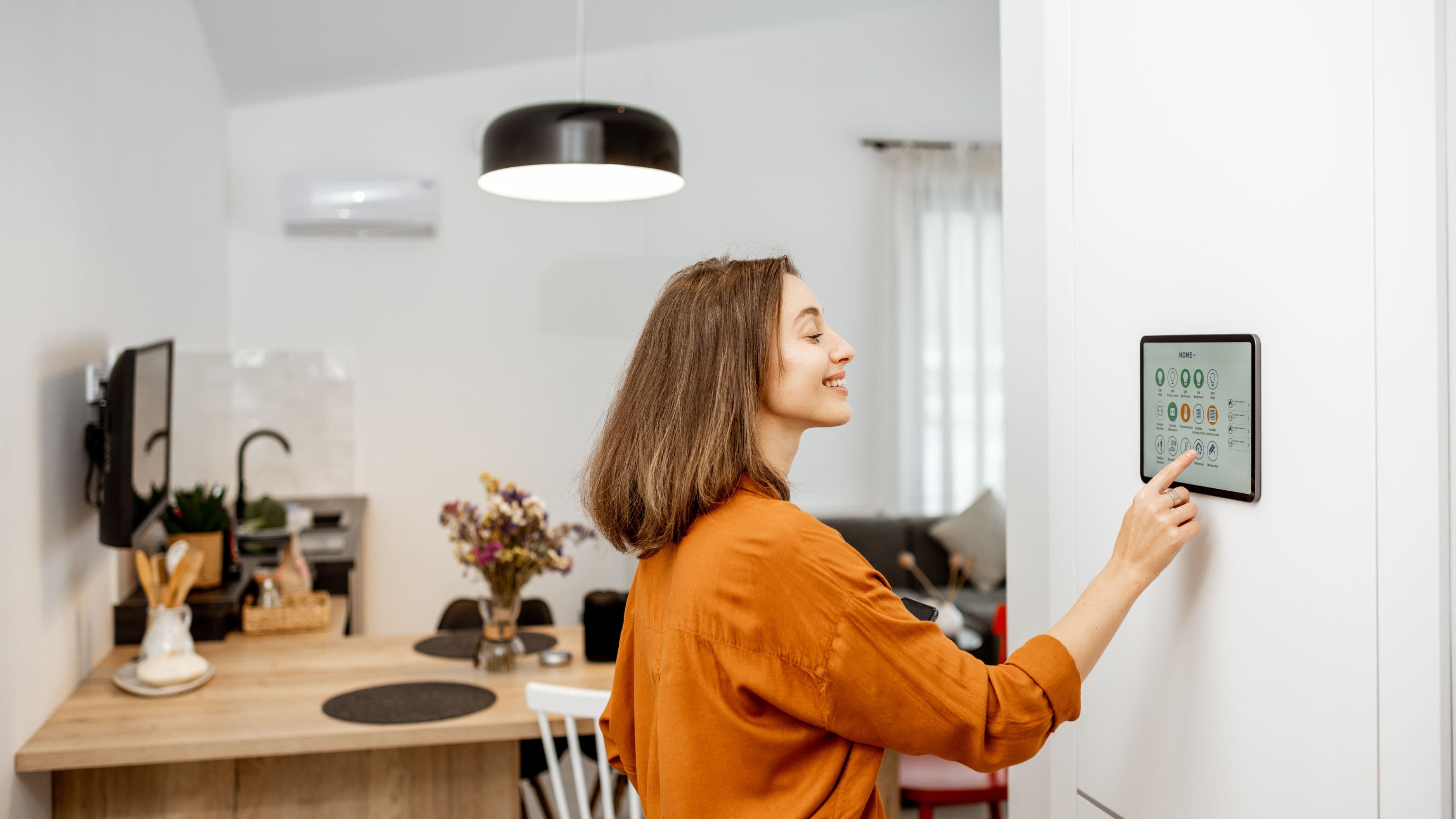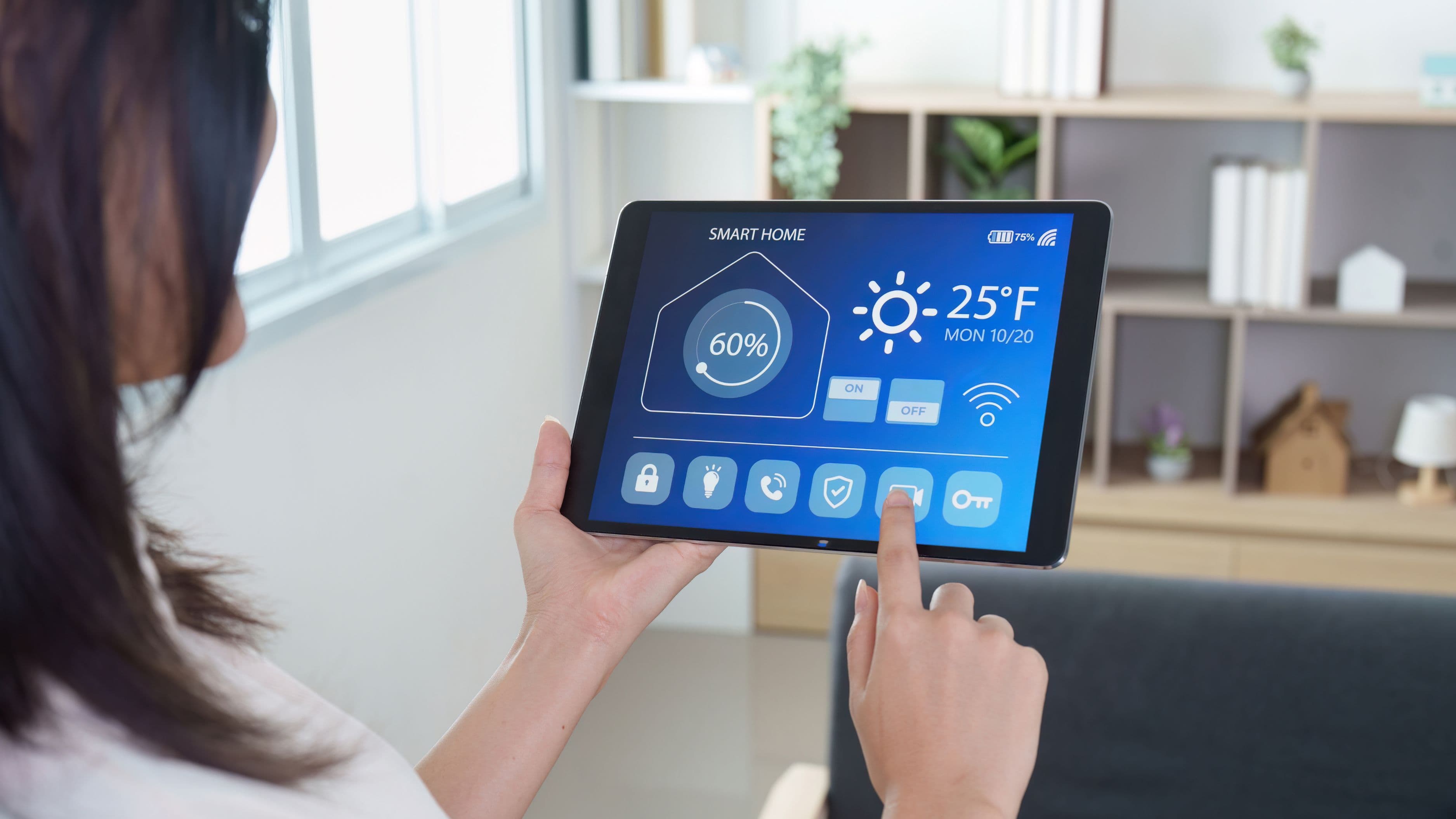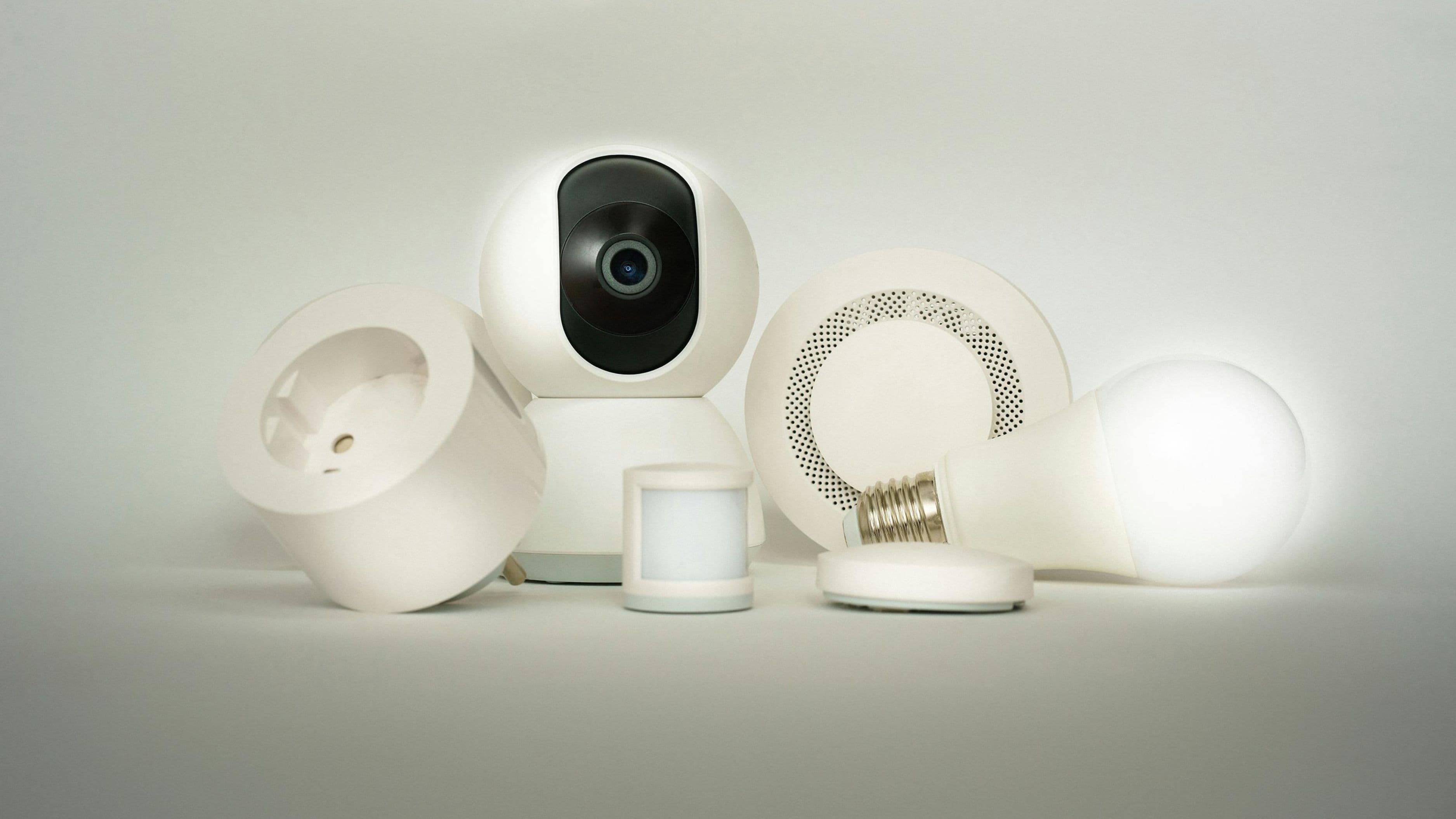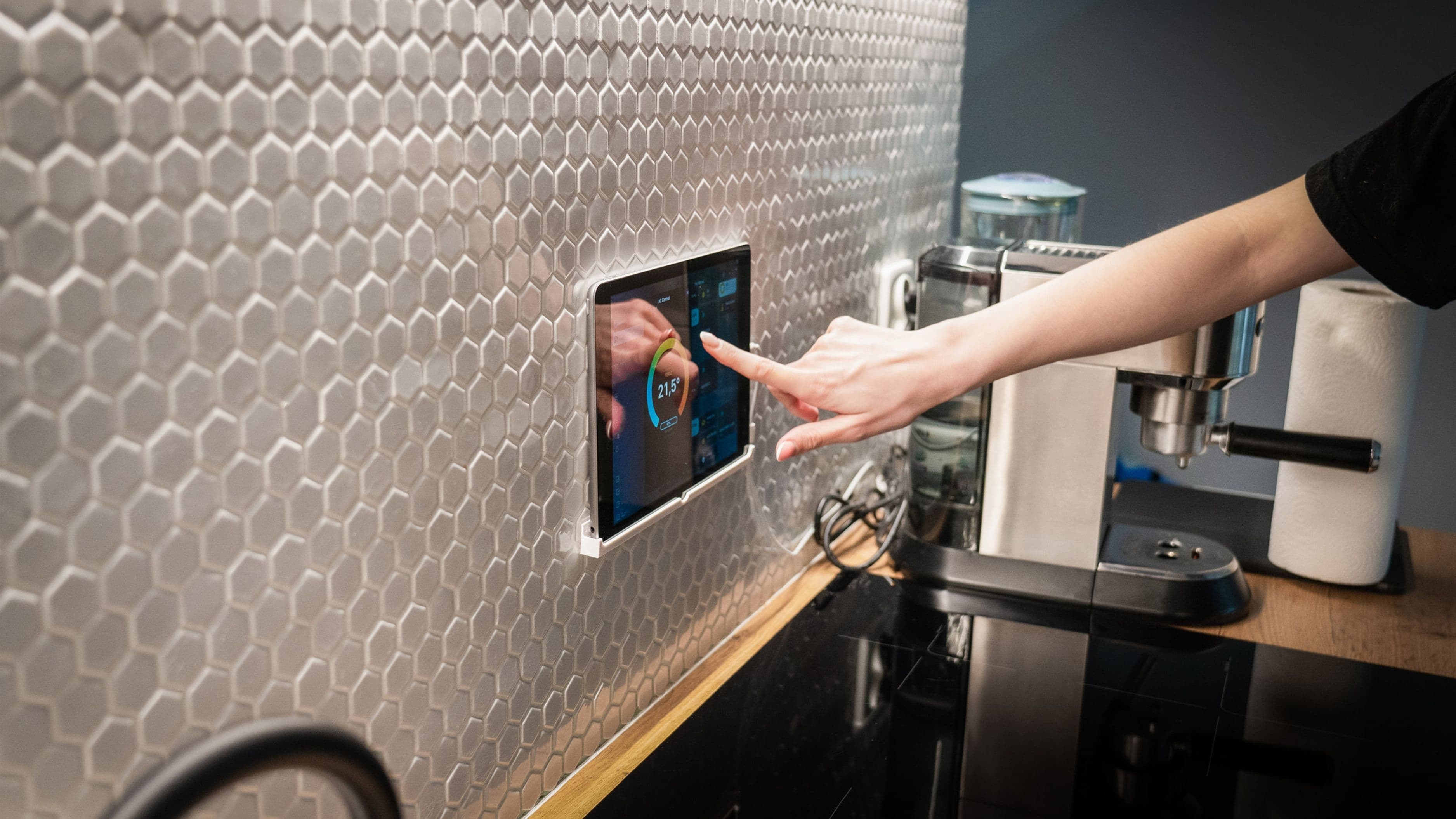

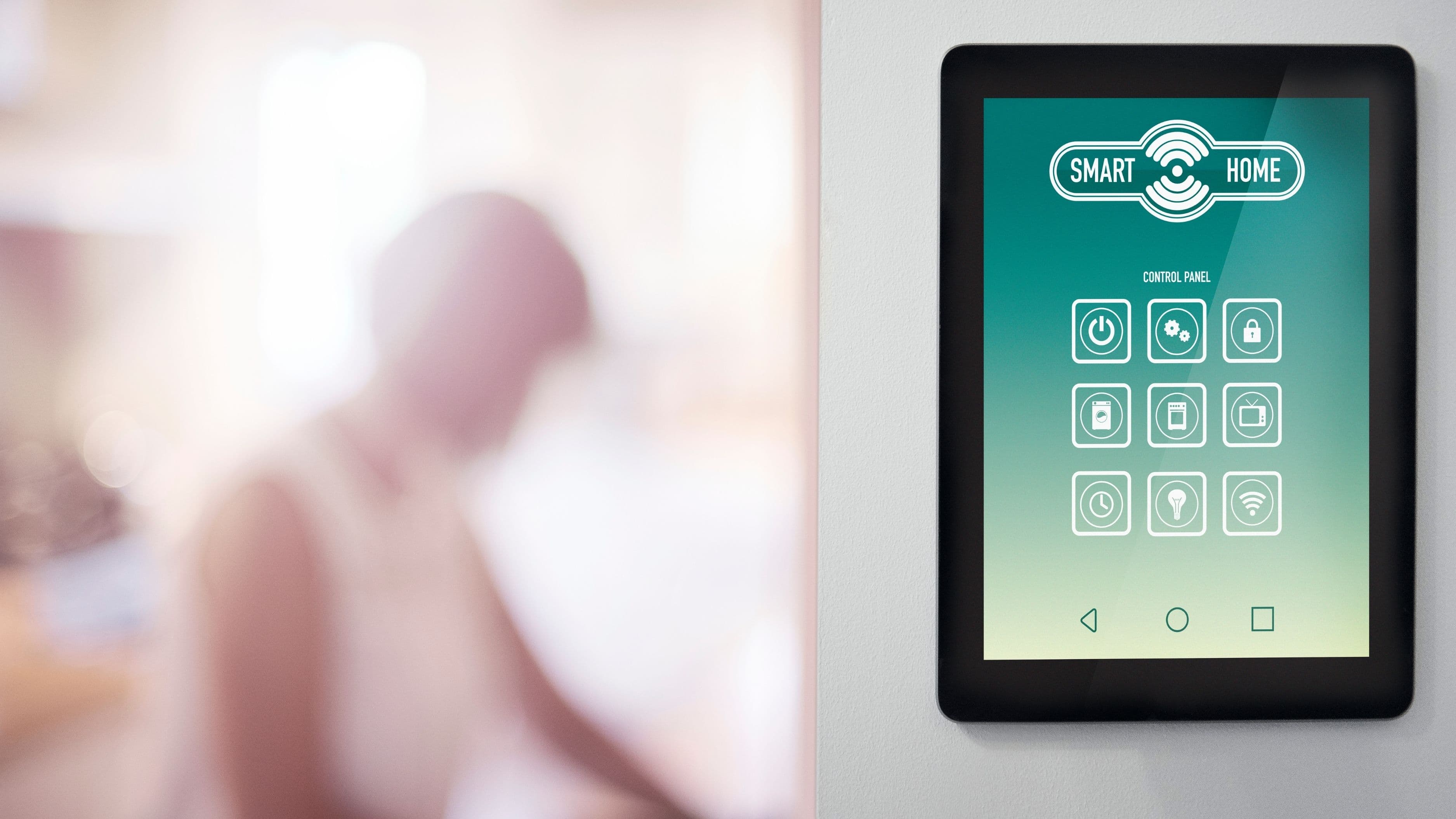
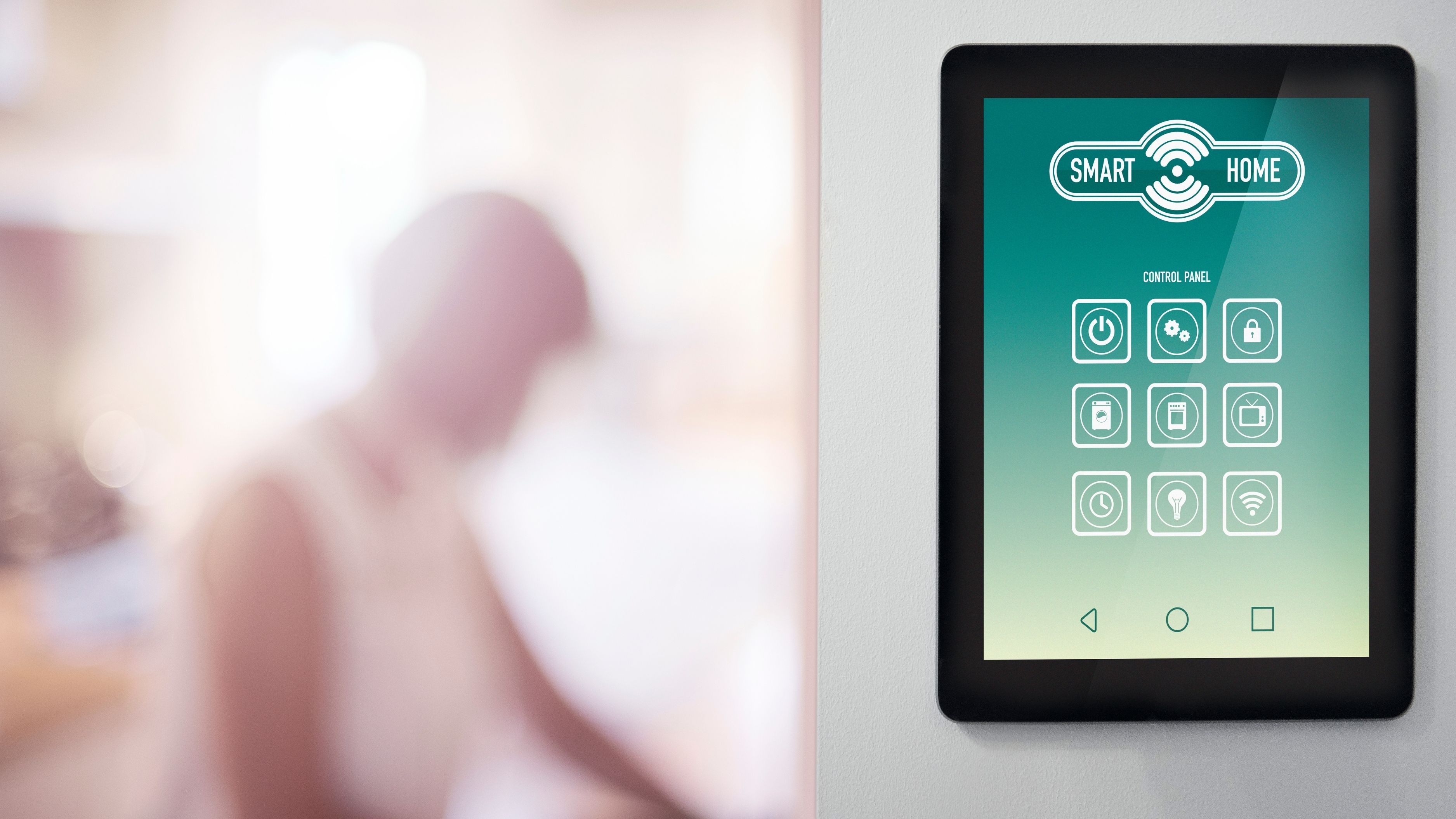
The good news is that 2026 is probably the best time in history to build a smart home. Matter – the cross-platform device standard backed by Apple, Google, Amazon, and the Thread Group – has matured enough to make interoperability genuinely workable. You're no longer forced to pick a single ecosystem and stay there. But platforms still differ significantly in setup complexity, local processing capability, voice integration, and how well they handle edge cases. Your choice of hub still matters, even in a more open ecosystem.
Here's how the leading platforms stack up and how to figure out which one to build around.
Why Your Hub Choice Still Matters in the Matter Era
Before diving into the platforms, it's worth addressing the question that comes up every time Matter gets mentioned: if all devices now work across ecosystems, does the hub even matter?
The short answer is yes – more than most people think. Matter defines how devices communicate, but it doesn't standardize the experience of controlling them. Automations, scenes, voice commands, third-party integrations, local versus cloud processing, and the depth of device support all vary significantly between platforms. A Matter-compatible light bulb works with all of them; getting it to do exactly what you want, in the way you want, as reliably as you want, is where platform differences appear.
Local processing is the biggest functional differentiator. Platforms that process automations and device commands locally – without routing through a cloud server – are faster, more reliable, and continue working when your internet goes down. Cloud-dependent platforms introduce latency, create single points of failure, and become unusable during outages. For a smart home that's genuinely reliable rather than just impressive on a demo day, local processing capability is the most important technical spec to evaluate.
The Platforms Worth Considering
Amazon Echo (Alexa)
Amazon's Echo ecosystem remains the largest installed base of any smart home platform in the US, which means almost every smart device you'll encounter in a hardware store lists Alexa compatibility first. That ubiquity is a real advantage at the entry level – setup is generally frictionless, the voice assistant is responsive, and the Alexa app provides a usable (if not elegant) interface for device management.
Where Alexa shows its limitations is in reliability and depth. Amazon's smart home processing has historically been heavily cloud-dependent, which means automation reliability is tied to server uptime and internet connectivity. Amazon has made progress toward local processing through its Amazon Sidewalk initiative and some local device processing, but it still lags Home Assistant and Apple HomeKit in this area. The Alexa app's automation builder has improved but remains less capable than Home Assistant's or even Google Home's for complex logic.
Alexa is the right choice if you want the lowest barrier to entry, the broadest device selection out of the box, and voice control as the primary interface. It's a harder sell if reliability under outage conditions or sophisticated automation scripting matters to you.
Best for: Voice-first households, entry-level smart home setups, renters who want flexibility with minimal technical investment.
Cost to start: $50–$100 (Echo Dot or Echo 4th gen as the hub anchor).
Google Home
Google Home has had a complicated few years. The platform underwent a major architectural overhaul in 2023–2024, dropping the original Google Home app infrastructure and rebuilding around Matter and Thread natively. The result is a platform that's technically more solid than it was but still catching up on automation depth and third-party integration breadth compared to its pre-redesign peak.
Where Google Home genuinely excels is in Google Assistant's natural language processing – it remains the best conversational voice assistant for understanding complex or compound commands – and in its integration with Google's wider ecosystem (Calendar, Gmail, YouTube, Chromecast, Nest devices). If you're deep in Google's productivity ecosystem and want your smart home connected to it, no platform does this better.
Nest devices (thermostats, cameras, doorbells, speakers) are native and polished within Google Home, and Matter support means the platform can now serve as a controller for a broad device library. Local processing is improved but still not as deep as Home Assistant for offline operation.
Best for: Google Workspace users, households with multiple Chromecast and Nest devices, users who value natural language voice control over automation depth.
Cost to start: $50–$130 (Nest Mini or Nest Hub as the hub anchor).
Apple HomeKit (with Apple TV 4K or HomePod as Hub)
HomeKit is the premium option in this comparison – premium in both capability and in how much it expects from the devices and networks it runs on. Privacy is the foundational design principle: HomeKit processes device data locally by default, doesn't send device behavior data to Apple servers, and requires devices to meet Apple's rigorous HomeKit certification standards. The result is a platform that's meaningfully more private and meaningfully more reliable under internet outage conditions than Alexa or Google Home.
The Apple TV 4K or HomePod acts as the local hub. Automations run on-device, not in the cloud. The Home app on iPhone is genuinely well-designed. Siri integration, while historically weaker than Google Assistant for smart home commands, has improved with recent iOS updates and handles basic and moderate complexity voice commands well.
The limitations are real, though. HomeKit requires Apple hardware as the hub – no Android or cross-platform options. Device selection, while broad, excludes some categories that Alexa and Google support. The Home app's automation builder is capable for standard use cases but hits a ceiling for complex multi-condition logic. And HomeKit is strictly an Apple world: if you're not invested in the Apple ecosystem, this platform requires you to become so.
Best for: iPhone/iPad households, users who prioritize privacy and local processing, Apple ecosystem households who already own an Apple
TV or HomePod.
Cost to start: $130–$300 (Apple TV 4K or HomePod mini as the hub, which you may own already).
Home Assistant (with Raspberry Pi or Dedicated Hardware)
Home Assistant is in a different category from the three above. It's not a consumer product backed by a tech company – it's an open-source platform run on hardware you control (a Raspberry Pi 5, a dedicated Home Assistant Green box, or a NAS server), with a massive community of developers and an integration library that covers thousands of devices. If it has an API, Home Assistant can probably connect to it.
The functional case for Home Assistant is compelling: fully local processing with no cloud dependency whatsoever, the most powerful automation engine available at the consumer level, native Matter and Thread support, and complete control over your data. When your internet is down, Home Assistant keeps running. When a manufacturer kills their cloud service (as has happened repeatedly in the smart home industry), Home Assistant users with local integrations are unaffected. When you want an automation that checks the time, the weather, whether the garage door has been open for more than 15 minutes, and whether anyone is home before sending a notification – Home Assistant can do that in a single automation.
The trade-off is setup complexity. Home Assistant has a learning curve that's steeper than any of the consumer platforms. The initial configuration takes time, and some integrations require YAML configuration files rather than a graphical interface. The community documentation is excellent and the forums are active, but you need to be comfortable spending a few hours on setup and troubleshooting rather than expecting plug-and-play.
Best for: Tech-comfortable homeowners who want maximum reliability, privacy, and customization. Households with many devices from different ecosystems. Anyone who's been burned by cloud-dependent systems going offline.
Cost to start: $100–$150 (Raspberry Pi 5 or Home Assistant Green box).
SmartThings (Samsung)
SmartThings occupies an interesting middle ground. It's a cloud-based platform with local processing for select devices, broad device compatibility (particularly for Samsung appliances and Z-Wave/Zigbee devices), and an automation engine more capable than Alexa's but less capable than Home Assistant's.
SmartThings' strongest argument is its native integration with Samsung's appliance ecosystem – if your kitchen has Samsung smart appliances or you're considering them, SmartThings is the cleanest path to bringing those into your automation environment. It also has solid Z-Wave and Zigbee hub functionality built in, making it a reasonable choice if you're working with a large library of older smart devices that predate Matter.
The platform has had reliability issues in the past tied to its cloud dependency, and Samsung's commitment to ongoing development has occasionally seemed uncertain – the platform has gone through multiple architectural shifts over the years. It's a capable option but not the strongest foundation for a new build from scratch if you're starting fresh in 2026.
Best for: Samsung appliance households, users with existing Z-Wave or Zigbee device libraries, users who want broader platform support than Apple but more automation depth than Alexa.
Cost to start: $70–$130 (SmartThings Hub or compatible Samsung device).
How to Choose: The Right Questions to Ask
Rather than recommending a single winner, the right platform depends on four questions about your specific situation.
How technical are you willing to get? If you want something that works out of the box with minimal configuration, Alexa or Google Home. If you're willing to invest a few hours in setup for significantly more control and reliability, Home Assistant. HomeKit sits in between – polished but Apple-constrained.
How important is offline reliability? If your smart home needs to keep working during internet outages – for security systems, door locks, or critical automation – prioritize local processing. Home Assistant is the strongest here, followed by HomeKit. Alexa and Google Home are cloud-dependent for most automation processing.
What devices do you already own or plan to buy? If you have a house full of Samsung appliances, SmartThings makes more sense. If you're iPhone-only and already have an Apple TV, HomeKit has zero additional hardware cost. If you're starting fresh and want maximum device flexibility, Matter-capable platforms (all of the above now qualify) give you the most options.
How much does voice control matter versus app-based automation? If voice is your primary interface, Alexa and Google Home are the smoothest experience. If you prefer building sophisticated automations that run without any voice input, Home Assistant's automation engine is significantly more capable.
The Practical Recommendation for 2026
For most homeowners building a new smart home or meaningfully expanding an existing one, the choice in 2026 comes down to two options:
Home Assistant if you're technically comfortable and want the most reliable, private, and capable system long-term. The learning curve is real but finite, the community support is excellent, and you're building on a foundation that doesn't depend on any company's continued goodwill or server uptime. This is increasingly the recommendation for homeowners who've had cloud-dependent systems fail them.
Apple HomeKit if you're in the Apple ecosystem and value a polished, private experience without the configuration overhead of Home Assistant. The local processing, clean app design, and tight iPhone integration make it the best consumer-grade option for Apple households.
Alexa and Google Home remain strong starting points for renters or households that want to dip into smart home features without deep commitment. They're less compelling as the foundation for a serious build, primarily because of cloud dependency.
The one platform to avoid betting heavily on in 2026 is any single closed ecosystem that doesn't support Matter. Devices and automations you build today should be portable to tomorrow's systems – and Matter compliance is the mechanism that makes that possible.
What to Avoid
Over-investing in hub-specific devices before testing the platform. Buy one or two devices and live with the hub for 30 days before committing to a full rollout. Every platform has rough edges that only appear in daily use.
Building around a platform with a history of discontinuation or pivots. Wink (discontinued), Iris by Lowe's (discontinued), and Vera have all left users stranded. Stick to platforms with either strong corporate backing and large installed bases (Amazon, Google, Apple) or open-source foundations that aren't dependent on corporate continuity (Home Assistant).
Ignoring Z-Wave and Zigbee for reliability-critical devices. Wi-Fi smart home devices are convenient but share bandwidth with everything else on your network. Z-Wave and Zigbee create separate mesh networks specifically for smart home devices, delivering more reliable communication for locks, sensors, and switches. If you're serious about reliability, a hub with Z-Wave/Zigbee support (SmartThings, Home Assistant with a USB stick like HUSBZB-1) is worth the modest additional complexity.
Treating the hub as the automation. A hub is infrastructure. The value comes from the automations, scenes, and routines you build on top of it. A thoughtful automation that turns off every light and locks every door when the last person leaves the house is worth more functionally than 50 smart devices controlled manually from an app.
Frequently Asked Questions
Does Matter mean I don't need to choose a platform? Matter improves device interoperability significantly but doesn't eliminate platform differences. The experience of controlling, automating, and troubleshooting devices varies considerably between platforms even when the devices themselves are Matter-compatible. You still need a hub and a platform as the control layer.
Can I run multiple hubs simultaneously? Yes, and many serious smart home setups do exactly this – Home Assistant as the primary automation engine, with Alexa or Google Home for voice control layered on top. Matter makes this more practical than it was previously. The key is deciding which platform owns each function rather than trying to replicate everything in two systems.
How future-proof is any of these platforms? Home Assistant is the most future-proof because it's open-source and community-maintained – no single company's decision can kill it. Apple HomeKit is stable given Apple's track record of long product support cycles. Amazon and Google have both discontinued smart home products in the past, though Alexa and Google Home are large enough to be lower discontinuation risk than niche products.
Do I need a separate hub device, or can a smart speaker serve as the hub? For Alexa and Google Home, a smart speaker (Echo, Nest Mini) can serve as the hub for basic setups. For Apple HomeKit, an Apple TV 4K or HomePod is required as a dedicated hub device. For Home Assistant, dedicated hardware (Raspberry Pi, Home Assistant Green) is required. The more automation logic you want to run, the more a dedicated hub device outperforms a smart speaker doing double duty.
Is Zigbee or Z-Wave better for smart home devices? Both are strong protocols for smart home mesh networking. Z-Wave operates at 900 MHz (less interference with Wi-Fi and Zigbee) and has a more controlled device certification process. Zigbee operates at 2.4 GHz (shared with Wi-Fi) but has a larger device ecosystem and lower cost per device. Most serious smart home setups use both. Home Assistant and SmartThings support both natively.
The best smart home hub is the one that fits the way you actually live and work with technology – not the one with the most features on paper. Assess what you need from reliability, voice control, and automation depth before you buy. Build slowly, test before scaling, and choose a platform with a foundation solid enough to still be running in five years. That's the decision that makes the rest of the project worthwhile.
📚 Sources
Connectivity Standards Alliance – Matter Smart Home Standard Overview: https://csa-iot.org/all-solutions/matter
Home Assistant – Architecture and Local Processing Overview: https://www.home-assistant.io/blog/2016/01/19/perfect-home-automation
Apple – HomeKit Privacy and Security Overview: https://www.apple.com/privacy/features
Amazon – Alexa Smart Home and Matter Support: https://developer.amazon.com/en-US/alexa/matter
Google – Google Home and Matter Integration: https://developers.home.google.com/matter
Samsung SmartThings – Platform Overview and Matter Support: https://www.smartthings.com/matter
Z-Wave Alliance – Z-Wave Protocol Overview: https://z-wavealliance.org/about_z-wave_technology