
Start With a Reliable Central Hub or App Ecosystem
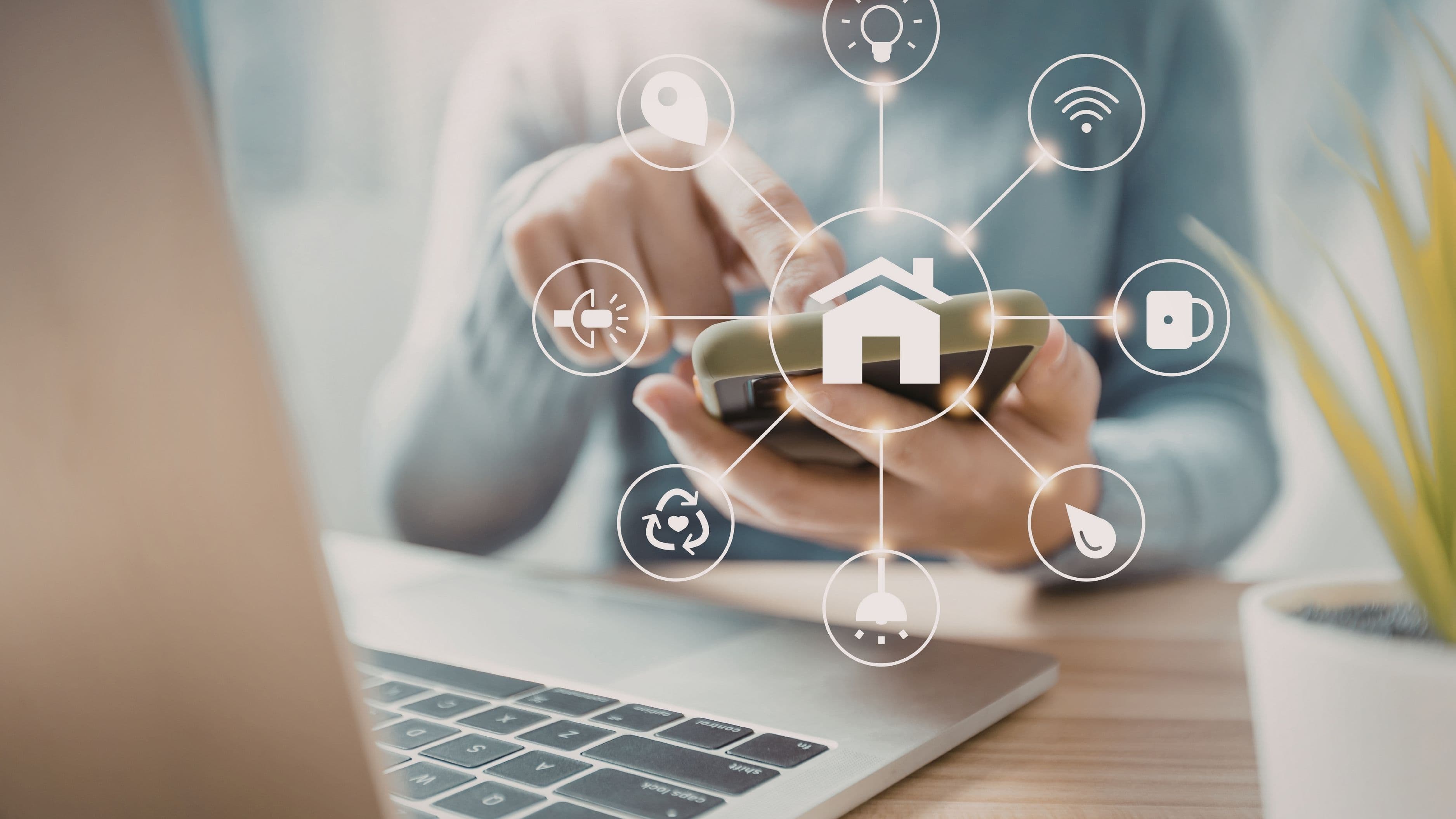
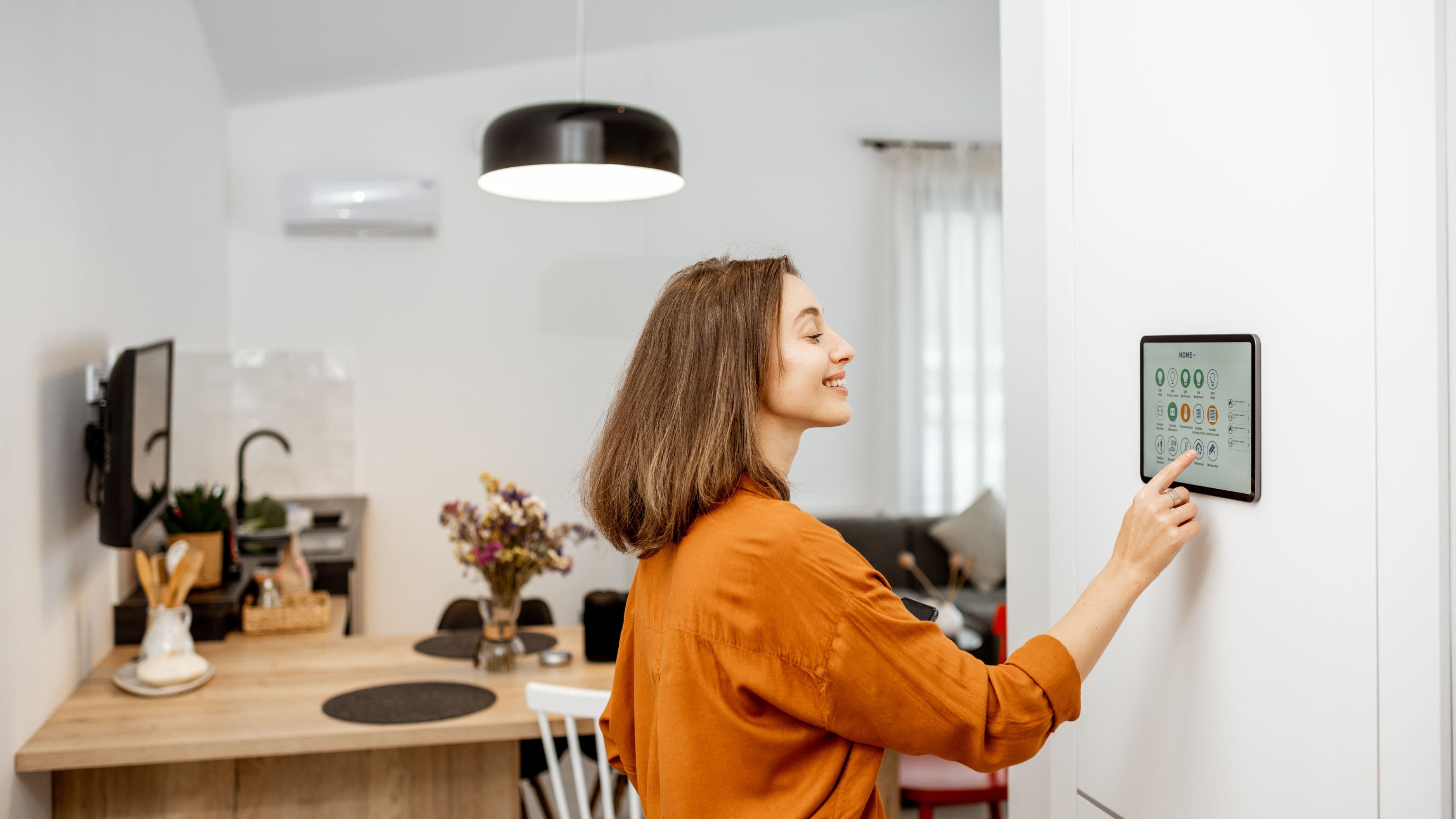
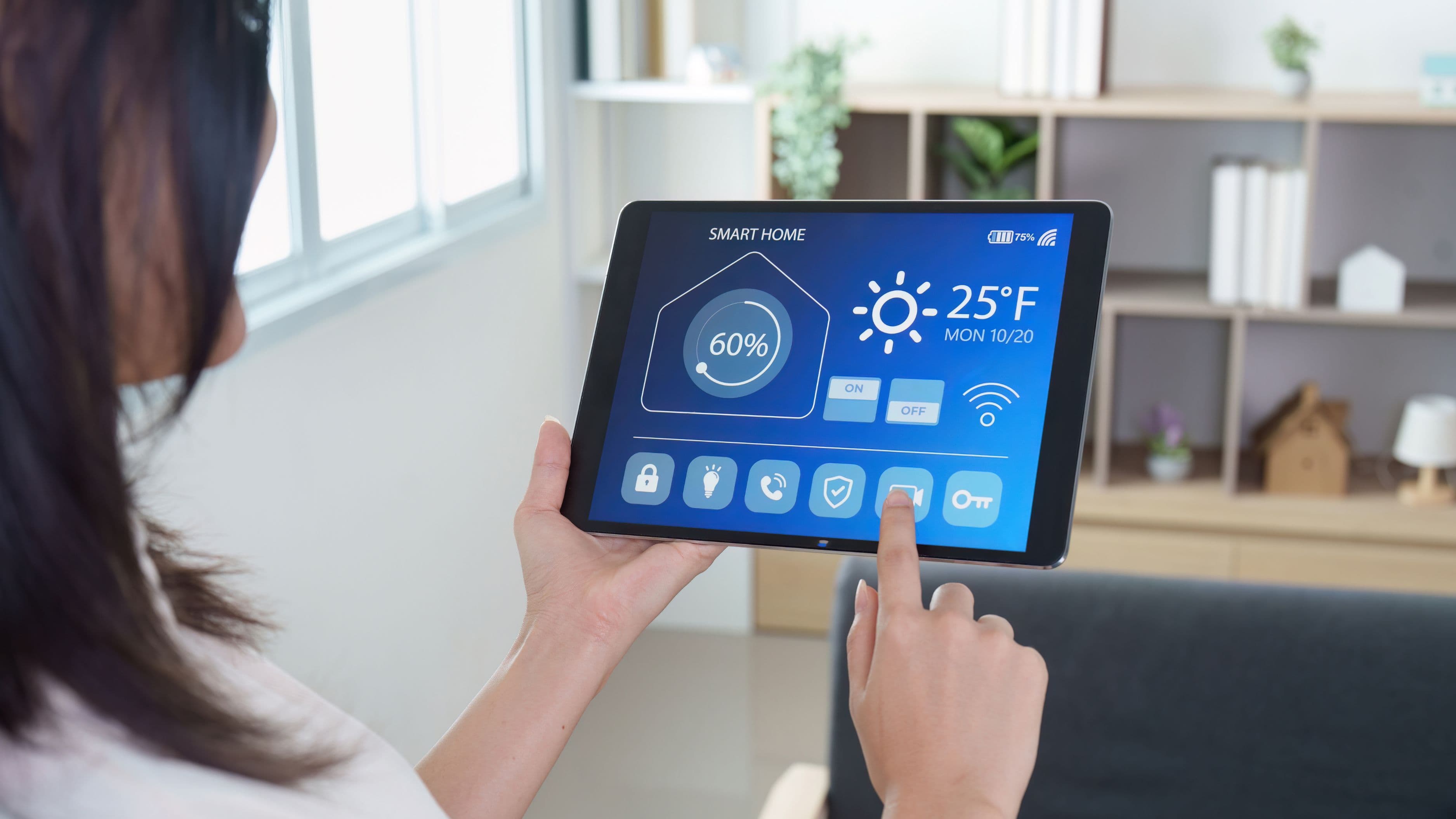
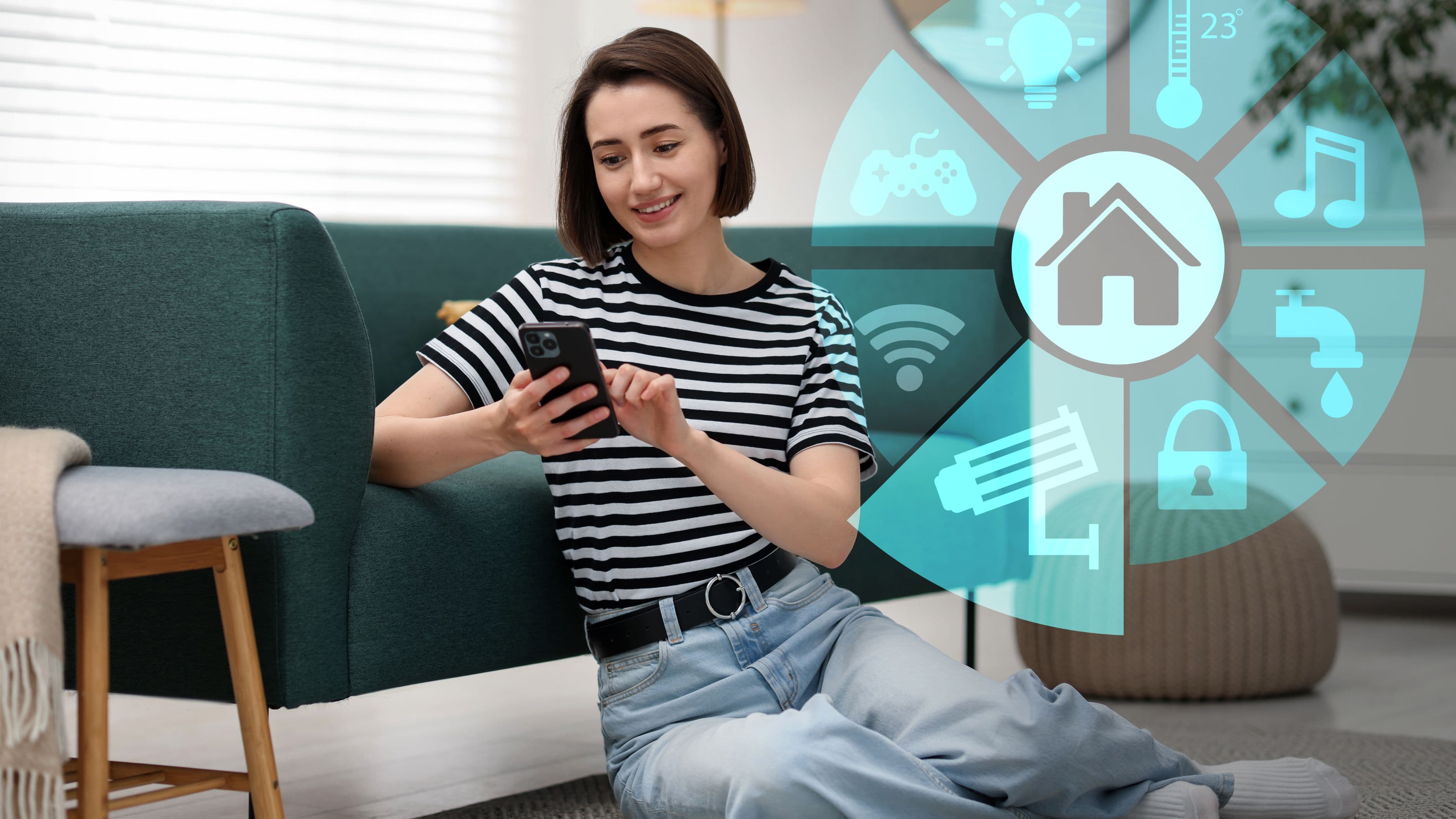
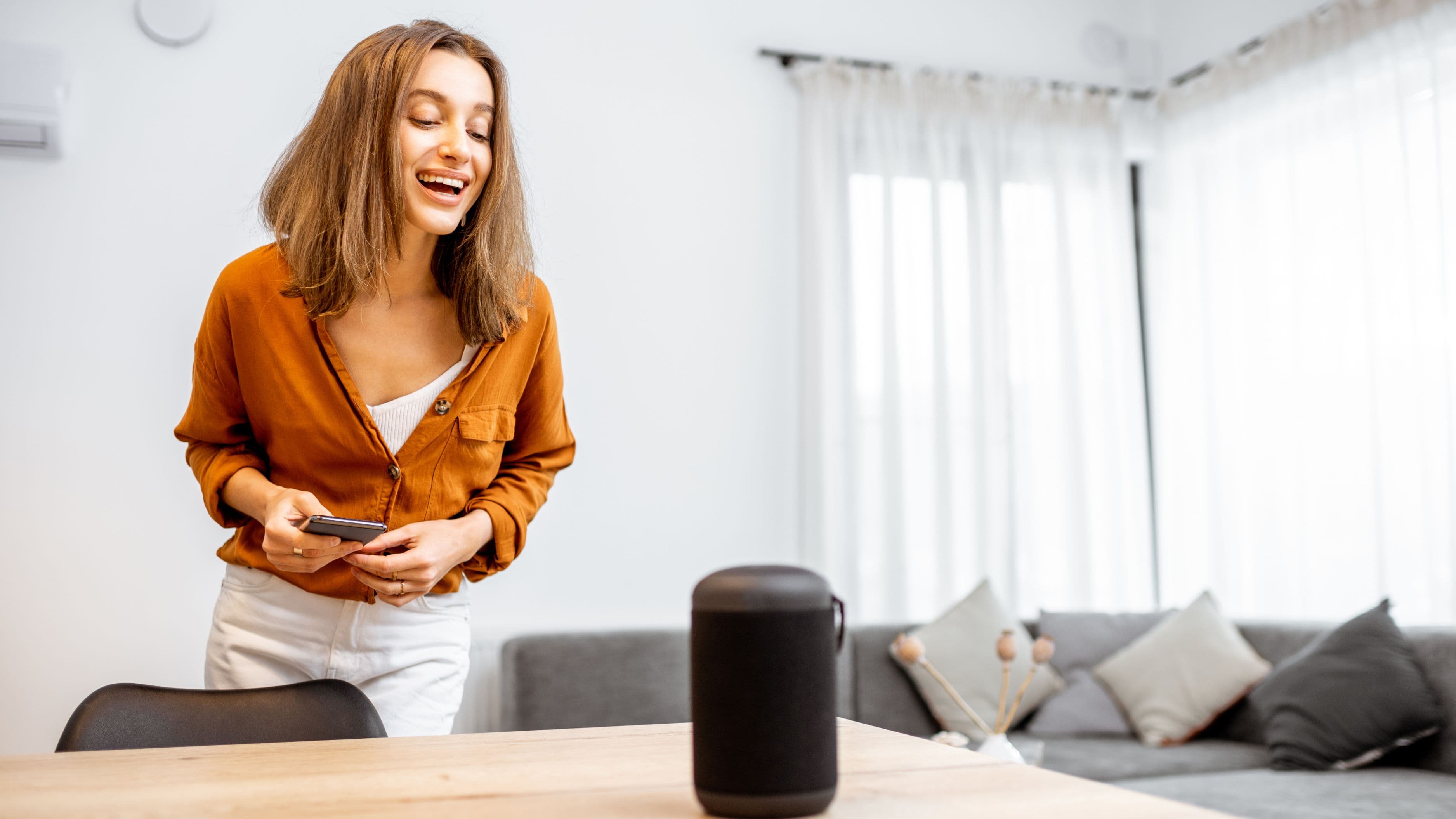
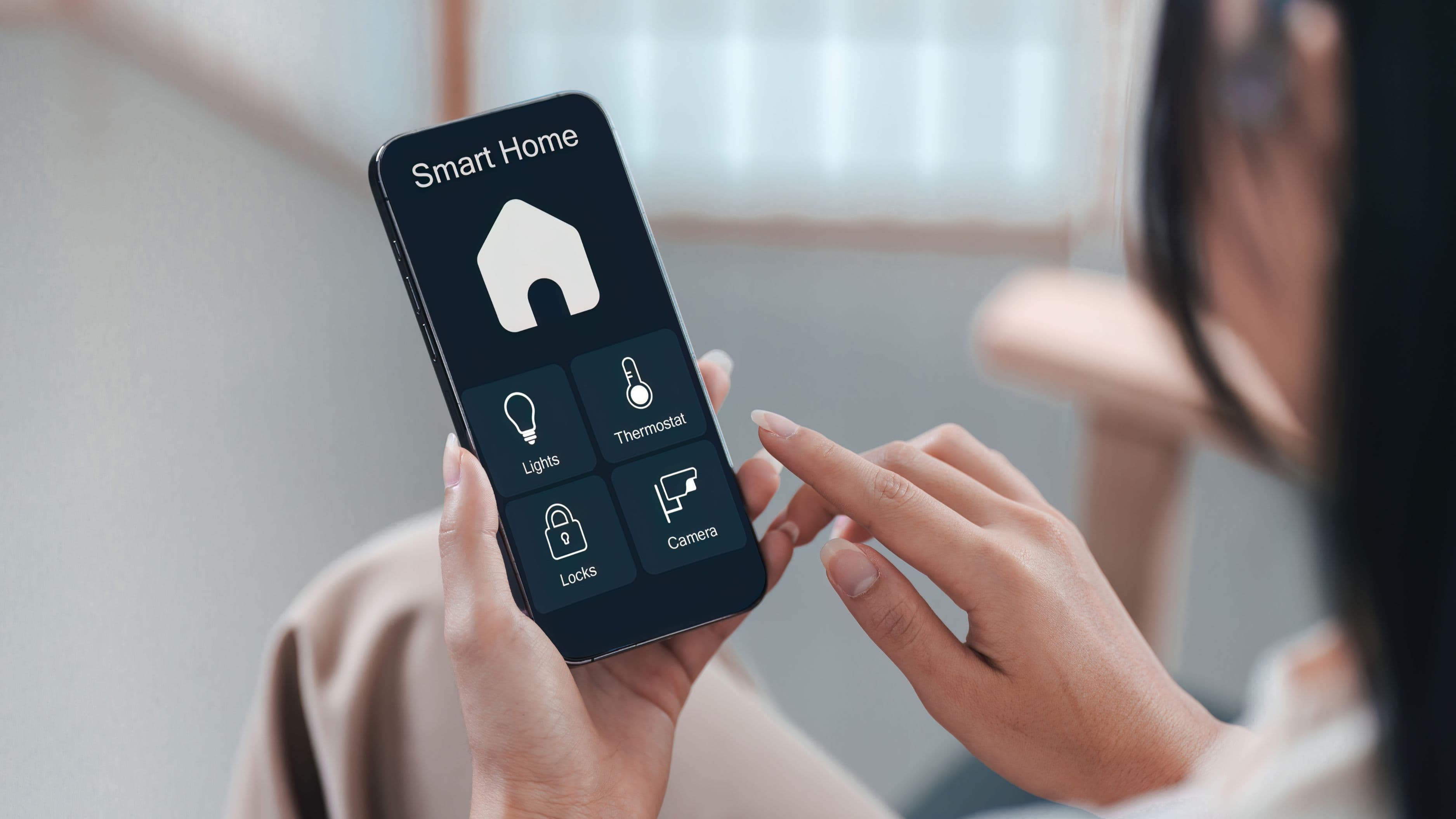
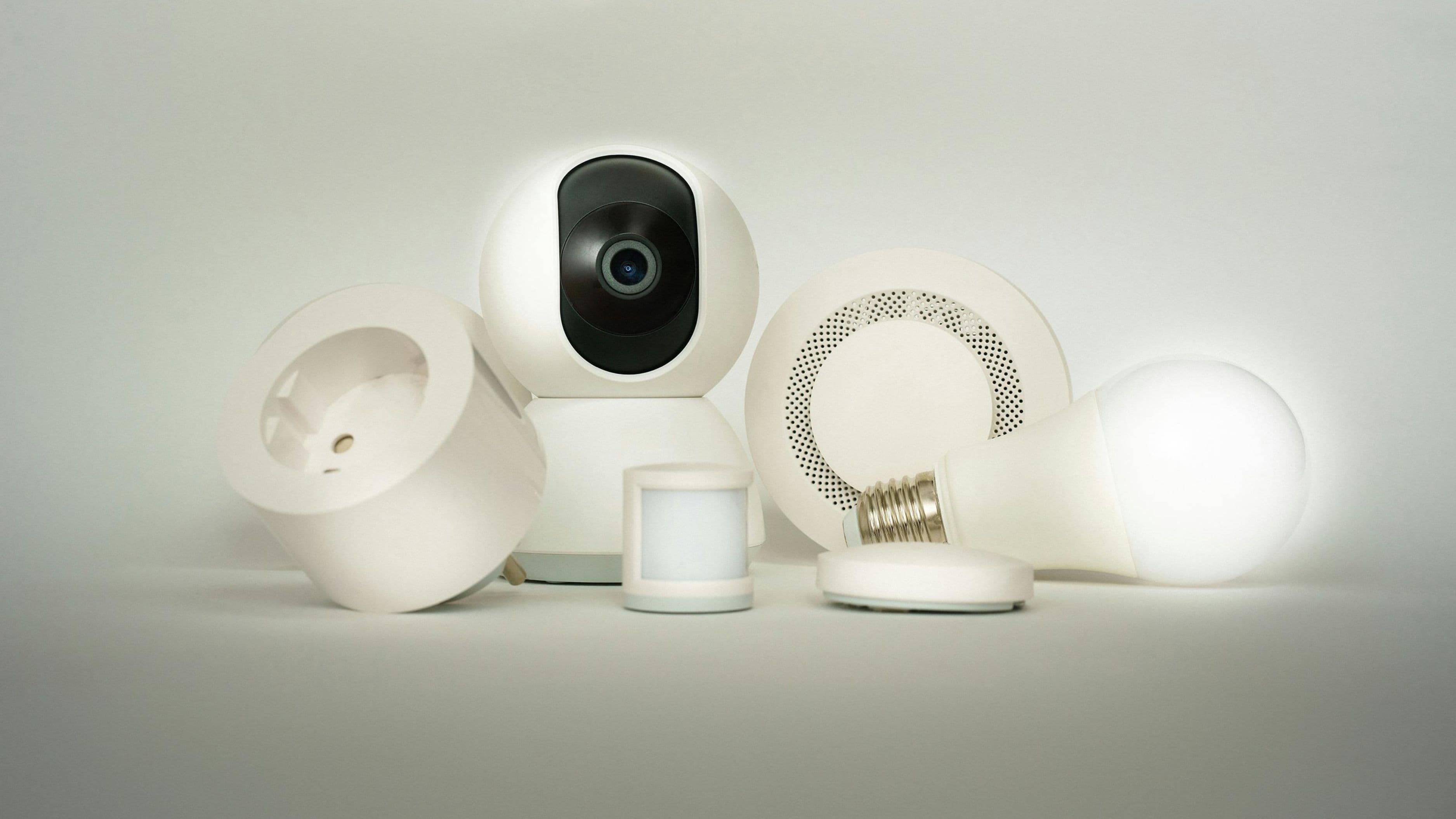
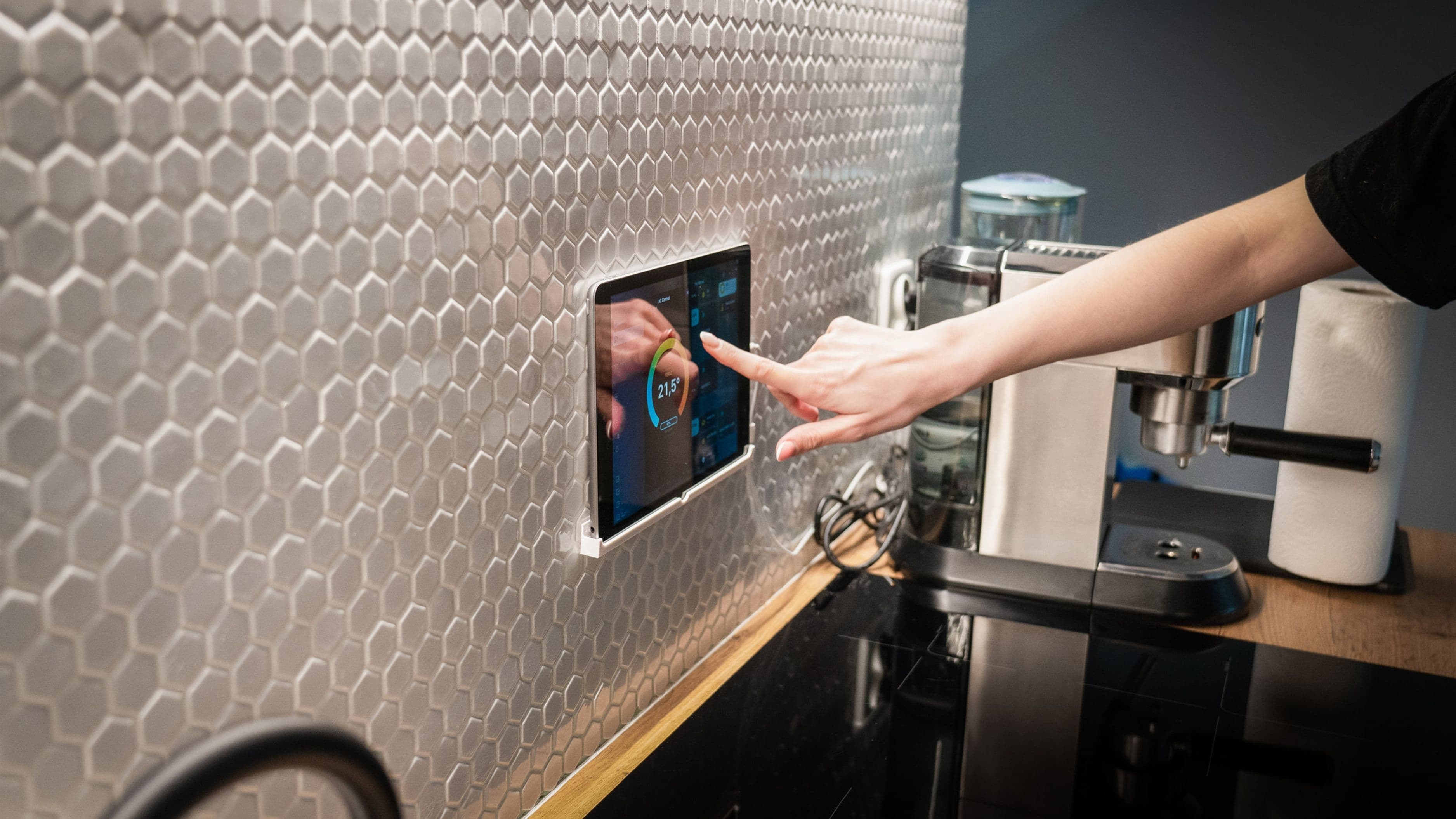
Before adding individual smart devices, it's worth deciding which ecosystem you'll build around – Google Home, Amazon Alexa, Apple Home, or a dedicated smart home hub like SmartThings. This decision matters more for remote control specifically than it does for local, in-home use, since remote access depends on a stable cloud connection between your devices, your chosen app, and your phone wherever you happen to be.
Cost level: low to moderate, since most ecosystem apps are free, though some hub hardware runs $50 to $150. The main tradeoff between ecosystems isn't really about remote capability, since all the major ones support it reasonably well, but about which specific devices integrate most smoothly and which voice assistant you already use day to day.
Confirm Your Home Internet Can Actually Support It
Remote control depends entirely on your home's internet connection staying online and having enough bandwidth to maintain a steady connection with your devices while you're away. A router that struggles even with normal daily use at home is going to struggle more with a full house of connected devices checking in regularly with the cloud.
If you're building out remote control across several rooms and device types, this is a good moment to evaluate whether your router needs an upgrade, particularly if it's more than four or five years old. Cost level: low if your existing router is adequate, moderate ($100–$250) if an upgrade is genuinely needed, but this investment pays off in reliability across your entire smart home setup, not just remote features specifically.
Prioritize Security Devices First
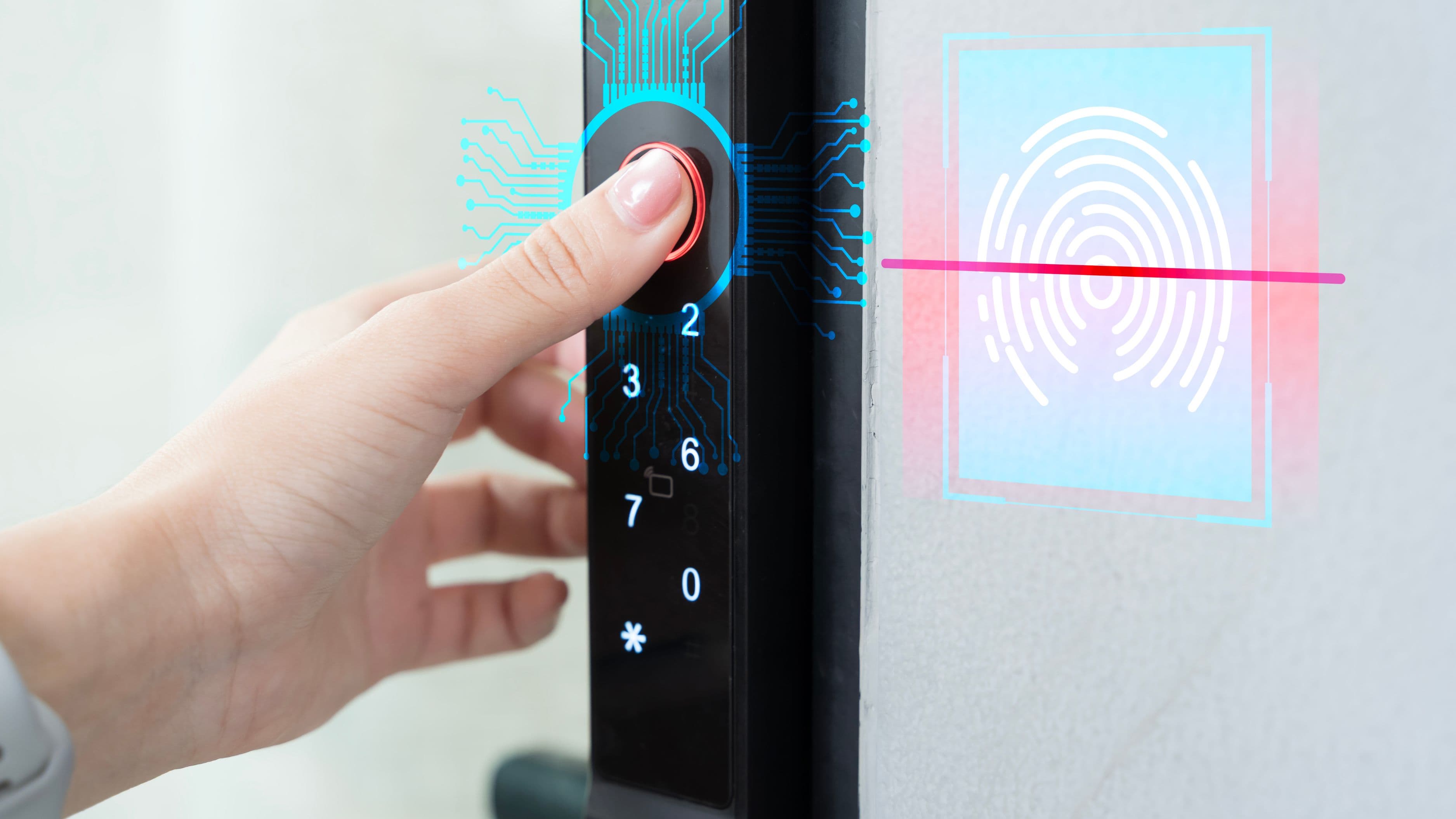
If you're building remote control incrementally rather than all at once, start with security-focused devices – smart locks, video doorbells, and security cameras – since these offer the most immediate practical value for peace of mind while traveling or simply away during the day. Being able to see who's at your door, confirm the house is locked, or check in on a live camera feed addresses real, common anxieties about being away from home.
Smart locks in particular deserve attention to detail during setup. Confirm you can grant temporary remote access codes for situations like a dog sitter or delivery, rather than needing to be physically present to let someone in, which is one of the most practical remote-control use cases for most households.
Set Up Automated Rules, Not Just Manual Remote Control
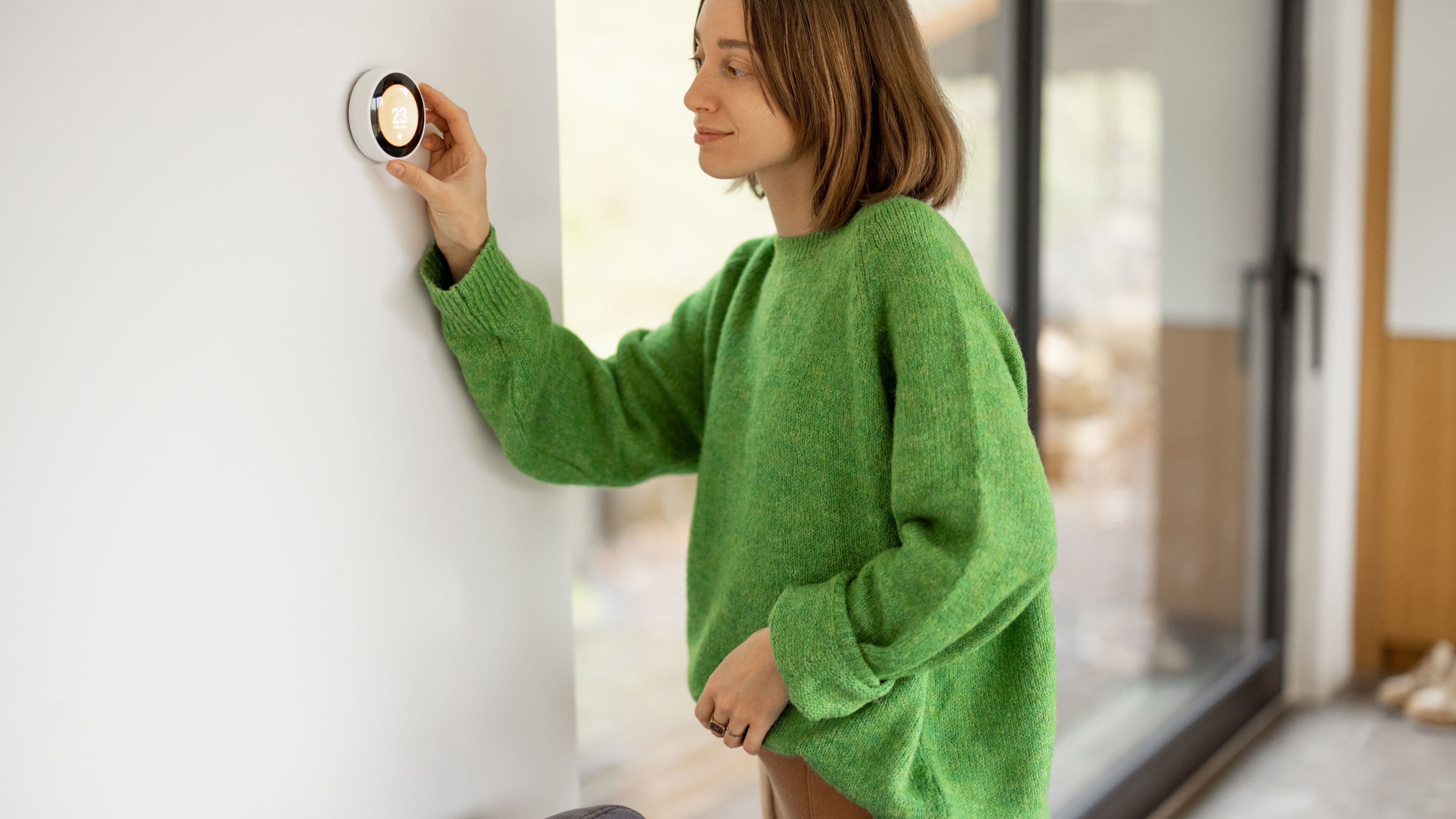
Manually controlling every device remotely works, but it requires you to remember to do it. Automated rules – like a thermostat that automatically shifts to an "away" temperature setting when your phone's location leaves a set radius around your home – accomplish the same energy savings and convenience without requiring active management every time you leave.
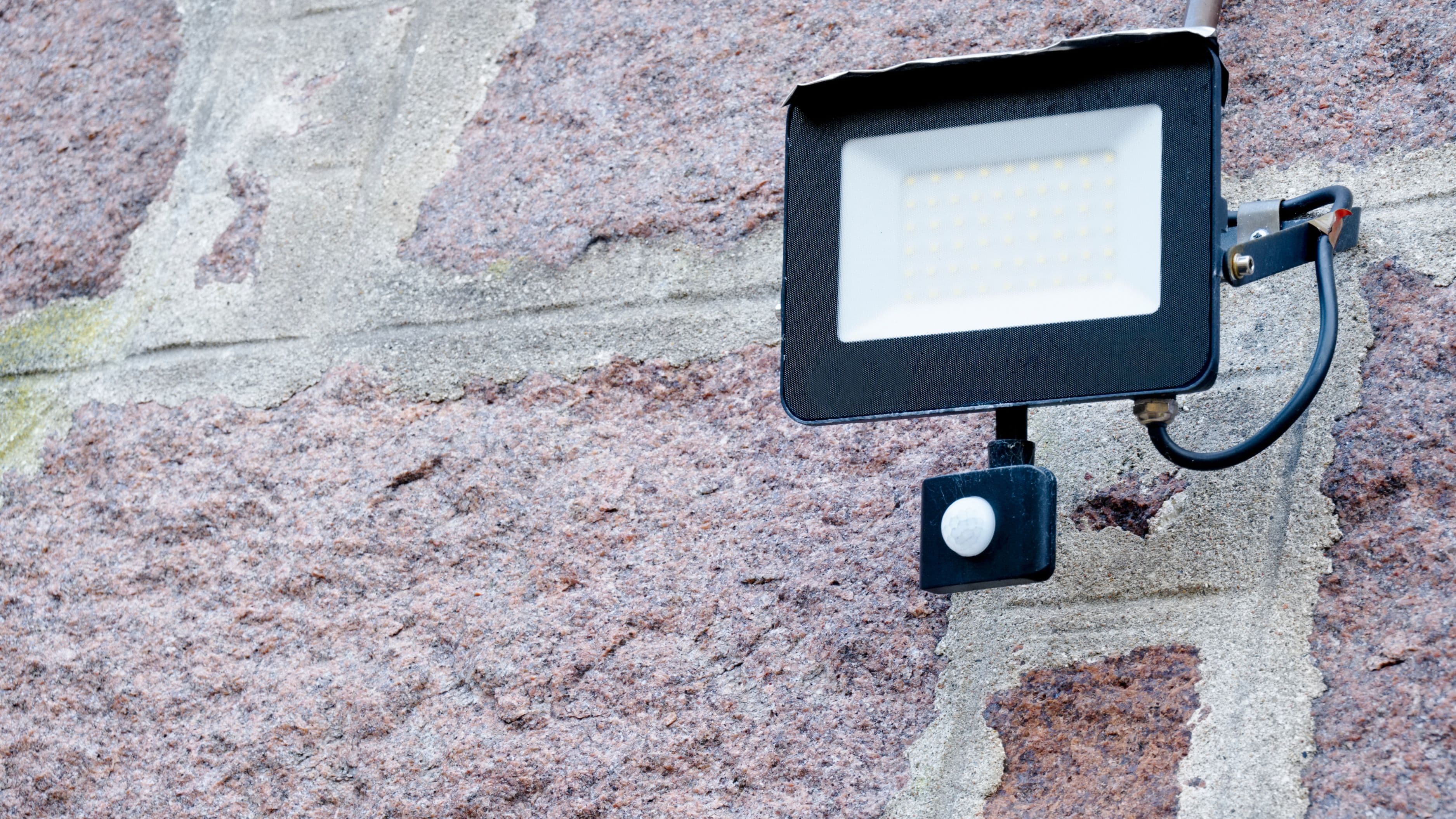
Most major smart home ecosystems support this kind of geofencing feature, along with time-based automation for things like exterior lights turning on at sunset regardless of whether you're physically home to trigger them manually. This combination of automated rules plus manual remote override for exceptions tends to be more reliable in practice than relying purely on remembering to check an app every time you leave.
Address the Notification Overload Problem Early
A common frustration with remote smart home monitoring, particularly with security cameras, is notification overload – getting alerted every time a car passes on the street or a leaf blows across the driveway. Most camera and sensor systems allow you to define specific detection zones or sensitivity thresholds, and taking the time to configure these properly during setup prevents the fatigue that leads many people to eventually ignore or disable notifications entirely, defeating the purpose of the system.
Plan for What Happens if the Internet Goes Down
It's worth understanding the real limitation of remote smart home control: if your home's internet connection goes down, whether from a local outage or an equipment failure, most remote features stop working until connectivity is restored. Devices with local control fallback, meaning they can still function for in-home use even without internet, tend to be more resilient overall, but remote access specifically will always depend on that connection staying live.
For critical functions like door locks, confirm whether the device defaults to a safe, locked state during a connectivity loss rather than an unpredictable one, since this matters more for security devices than for something like a smart light bulb.
Realistic Setup Timeline and Costs
A basic remote-control setup covering a smart lock, a video doorbell, and a smart thermostat typically takes a weekend to install and configure properly, including setting up automation rules and testing remote access from outside your home network before you actually need to rely on it while traveling. Total cost for this starter setup generally runs $400 to $700 depending on device quality, plus any router upgrade if needed.
More extensive setups covering multiple cameras, additional smart plugs, and expanded automation rules can take longer to configure properly and cost proportionally more, but the core setup principles remain the same regardless of scale.
What to Avoid
Don't add remote-access devices faster than you can properly configure their notification and automation settings. A poorly configured system generates more anxiety and alert fatigue than the peace of mind it's supposed to provide.
Avoid using default or weak passwords on any smart home device with internet connectivity, since these devices represent a real entry point into your home network if compromised. Strong, unique passwords and enabling two-factor authentication where available are non-negotiable steps, not optional extras.
Be cautious about granting broad remote access permissions to guests, sitters, or contractors longer than necessary. Most systems allow you to set expiring or scheduled access rather than permanent credentials, and using this feature reduces long-term security risk significantly.
FAQ
Do I need a dedicated smart home hub, or can I just use individual device apps? For a small number of devices, individual apps work fine, but as your setup grows, a central hub or unified app ecosystem simplifies management and generally supports more reliable automation across different device brands.
What happens to my smart locks if the power goes out? Most smart locks include battery backup specifically for this scenario, though it's worth confirming battery life expectations and having a physical key backup regardless, since batteries do eventually need replacing.
Is remote smart home access secure from hacking? Reputable devices from established manufacturers generally include reasonable security measures, but no connected device is completely risk-free. Strong passwords, two-factor authentication, and keeping device firmware updated are the most effective steps you can take to minimize risk.
📚 Sources
National Institute of Standards and Technology – "Securing the Internet of Things" – https://www.nist.gov/itl/smallbusinesscyber/guidance-topic/internet-things
ENERGY STAR – "Smart Thermostats" – https://www.energystar.gov/products/smart_thermostats