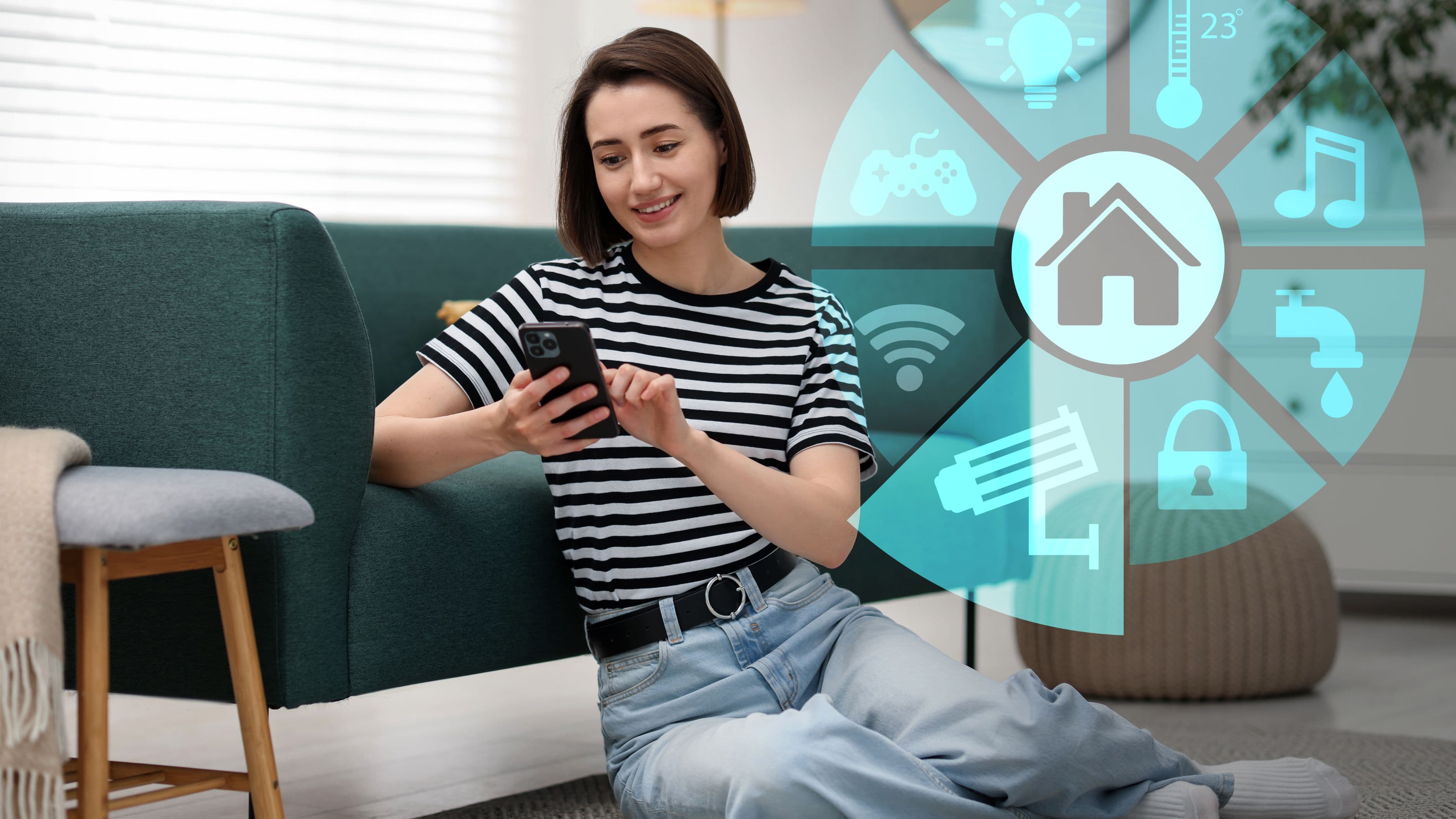

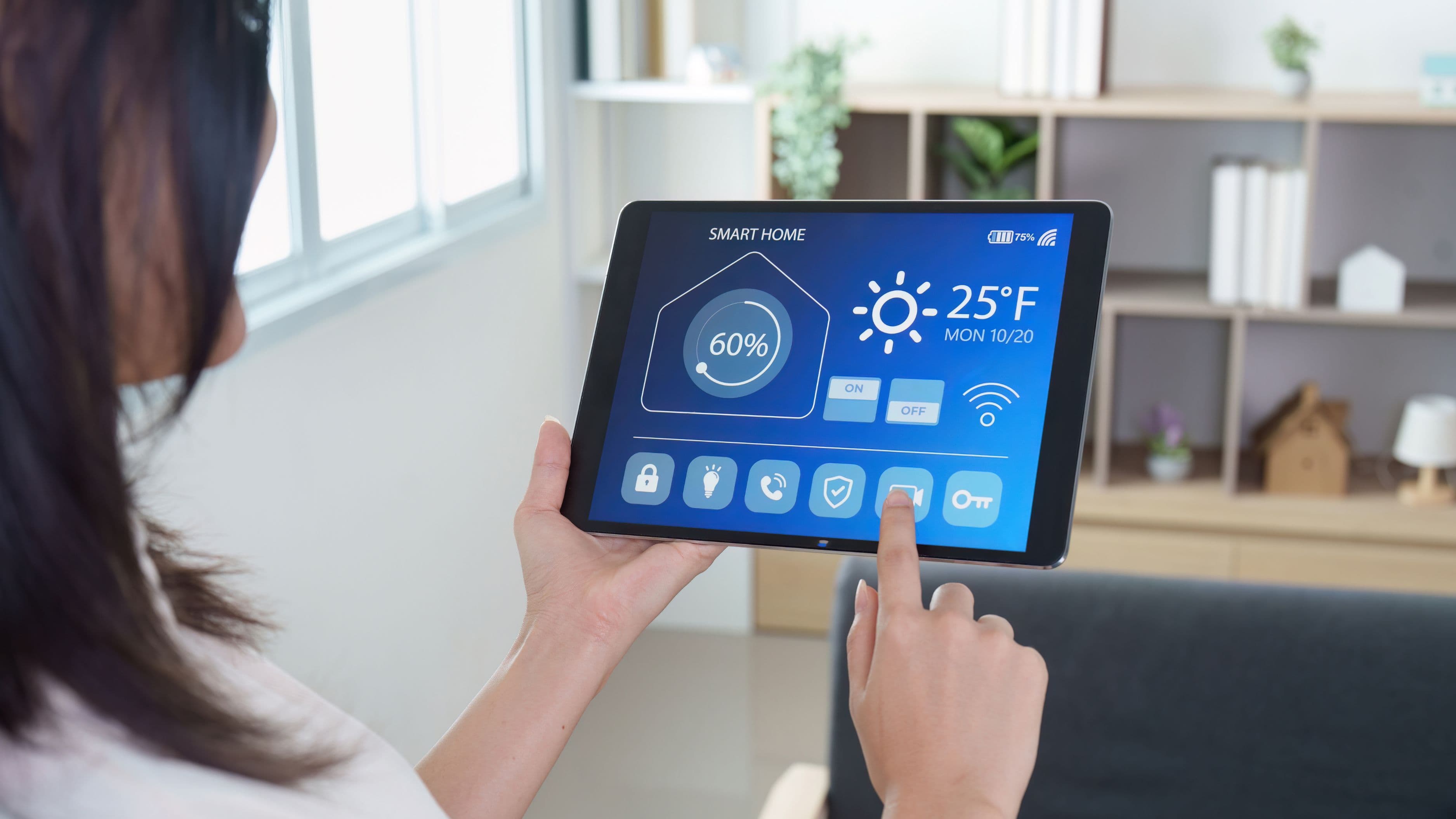
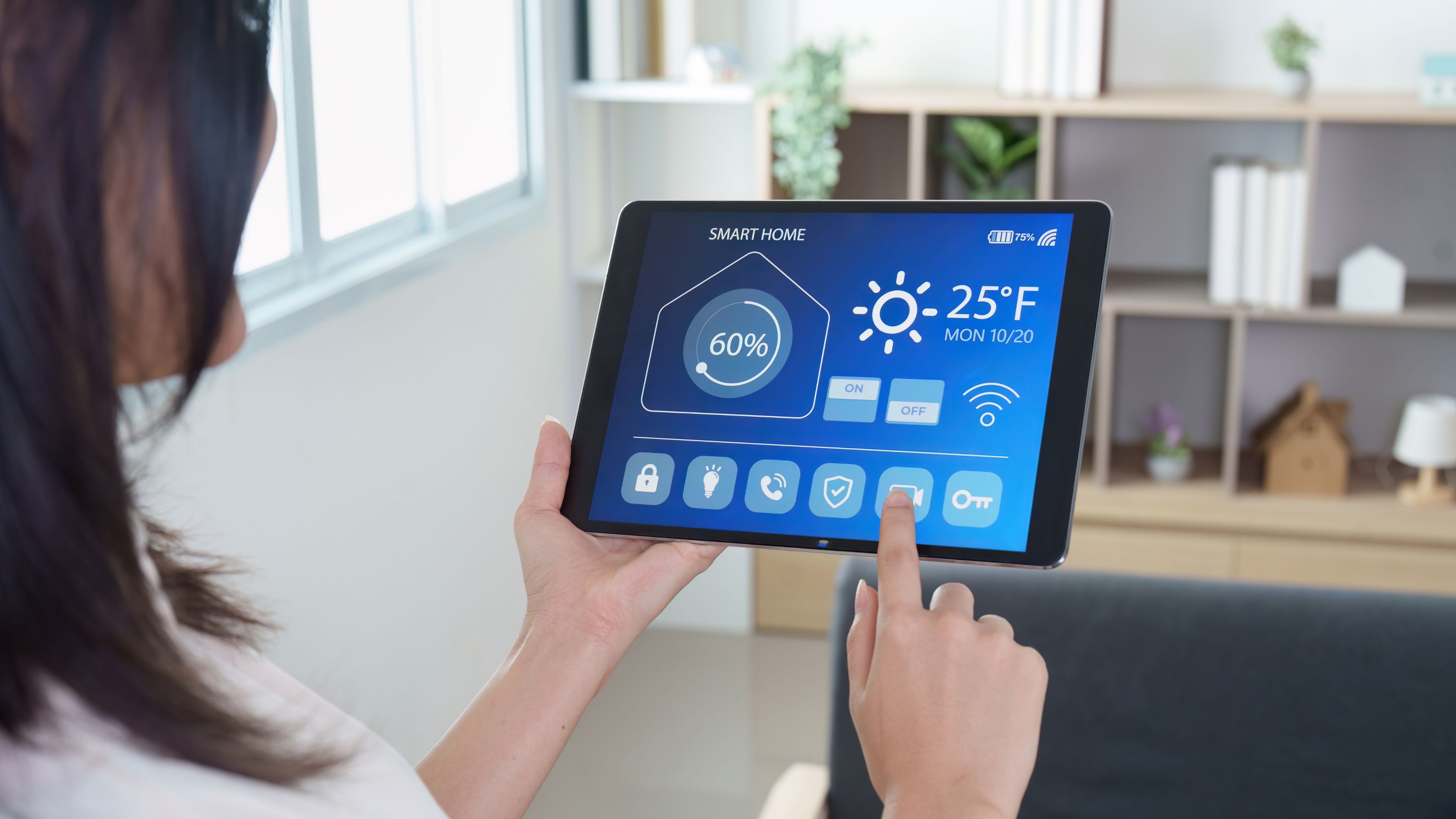
Getting there doesn't require a full renovation or a six-figure budget. It requires a clear plan, the right hub or ecosystem, and a methodical approach to adding devices and routines over time. Here's how to build it properly.
What a True Smart Home Routine Actually Looks Like
Before getting into setup, it's worth being specific about what "runs without your input" means in practice. A smart home routine is an automated sequence of actions triggered by a condition – time of day, your location, a sensor reading, or a device state – rather than a manual command.
A morning routine might look like this: at 6:45am, the thermostat begins warming the bedroom. At 7:00am, the bedroom lights gradually brighten to simulate sunrise. When motion is detected in the kitchen, the coffee maker starts. When you leave for work – detected by your phone's GPS or a door sensor – the thermostat drops back to an energy-saving temperature, all lights turn off, and the front door locks. None of that required you to touch an app or say a word.
That's the goal. Getting there requires a working ecosystem – a hub or platform that can tie these devices together and trigger actions based on conditions rather than commands.
Step 1: Choose an Ecosystem Before You Buy Anything
The most common smart home mistake is buying devices before deciding on an ecosystem. You end up with a Philips Hue app, a separate Nest app, a Ring app, and a SmartThings app, none of which talk to each other reliably. Building automations that span multiple disconnected systems is either impossible or requires workarounds that break when firmware updates.
Pick one ecosystem as your primary platform first. The main options in 2026 are:
Apple Home (HomeKit/Matter) works best if you're all-in on Apple devices. It's secure, privacy-focused, and integrates natively with Siri and iPhone, but its device ecosystem is somewhat narrower than Google or Amazon, and third-party Matter devices have varying reliability.
Google Home is the strongest ecosystem for Android users and households that lean on Google services. Its automation logic has improved significantly, and it works well with Nest thermostats, Chromecast, and a wide range of third-party Matter devices.
Amazon Alexa has the broadest device compatibility of the three and the most mature third-party integration library. If you want maximum device choice and the most extensive automation options out of the box, Alexa is still the most flexible platform for complex routines.
Home Assistant is the most powerful option for homeowners who want complete control and are comfortable with some technical setup. It runs locally (no cloud dependency), supports virtually every smart device protocol, and can create automation logic far more complex than what any of the commercial platforms allow. The trade-off is a steeper learning curve and more hands-on maintenance.
For most homeowners, the right answer is Google Home or Amazon Alexa if you want simplicity, or Home Assistant if you want maximum control and don't mind the setup investment.
Cost to note: Ecosystems themselves are free. The cost is in the devices and, for Home Assistant, a dedicated hub device ($50–$150 for a Raspberry Pi or pre-built HA Green).
Step 2: Install a Smart Thermostat First
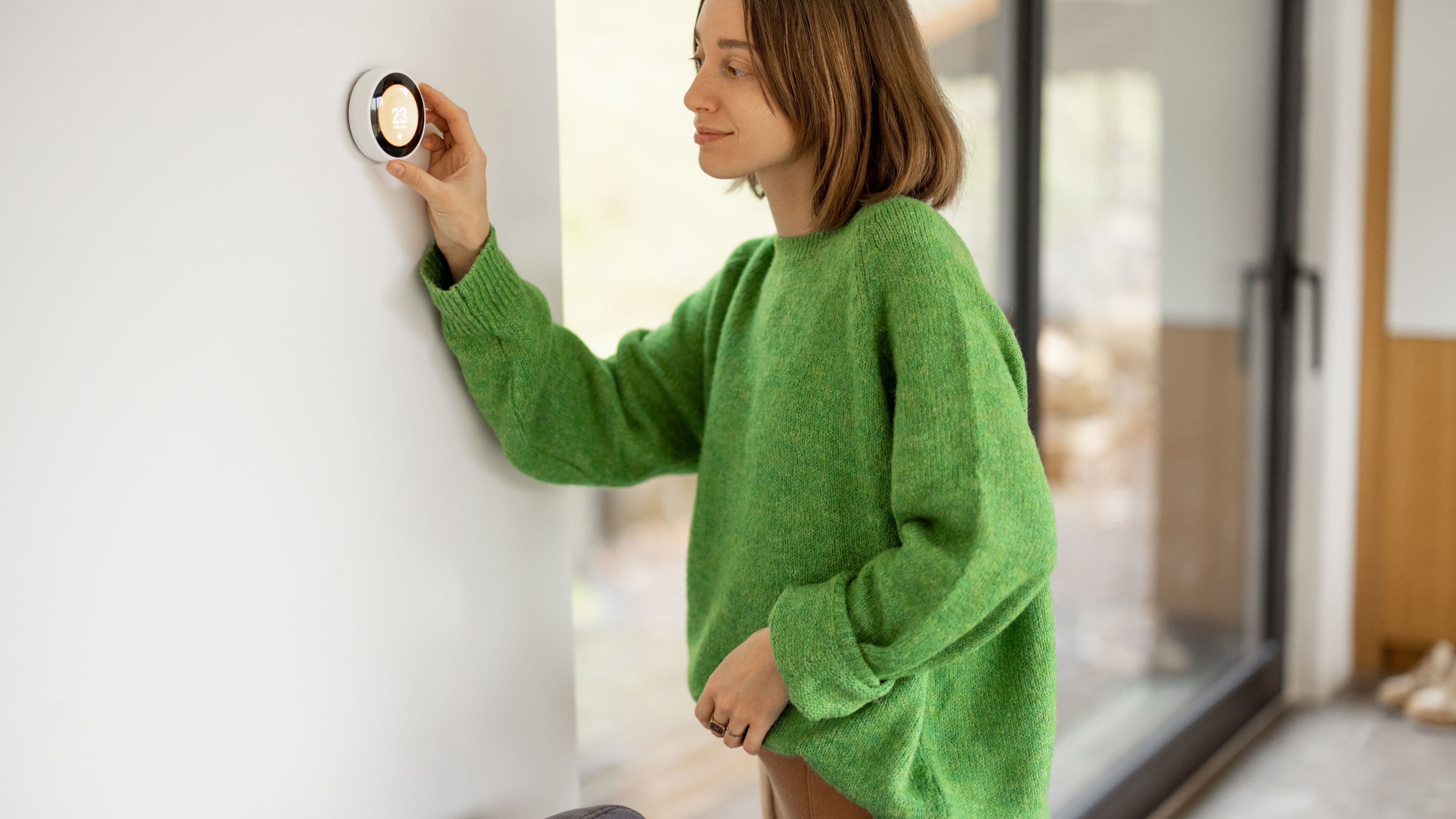
If you're building a smart home routine from scratch, the thermostat is the best first device. It provides immediate, measurable energy savings, integrates with all major ecosystems, and forms the backbone of the most impactful automations – morning warm-up, away mode, sleep cooling, and seasonal adjustments.
The Google Nest Learning Thermostat and the Ecobee Smart Thermostat Premium are the two leading options. The Nest learns your schedule automatically over time, which reduces the setup burden considerably. The Ecobee uses SmartSensors to account for temperature variations between rooms, which makes its scheduling more precise in multi-room setups.
Both support geofencing – using your phone's location to detect when you've left home and automatically switching to an energy-saving mode. That one feature alone typically saves 10–15% on heating and cooling costs for homes that weren't previously using scheduled setups.
Installation: Replacing an existing thermostat is a DIY-friendly job for most homeowners – it involves removing four to six wires and reconnecting them to clearly labeled terminals on the new device. The one exception is systems without a C-wire (common wire), which some older HVAC systems lack. Both Nest and Ecobee include adapters or workarounds for C-wire-free installations, but checking your current thermostat wiring before buying is worthwhile.
Cost: $150–$250 for the thermostat. Professional installation runs $75–$150 if needed.
Step 3: Add Smart Lighting With Meaningful Automation
Smart lighting is the most visible component of a smart home routine, and it's where automation has the most impact on daily feel. Lights that turn on when you enter a room, dim automatically in the evening, and shut off when the house is empty are the kind of low-maintenance convenience that makes a smart home feel genuinely different from a manually controlled one.
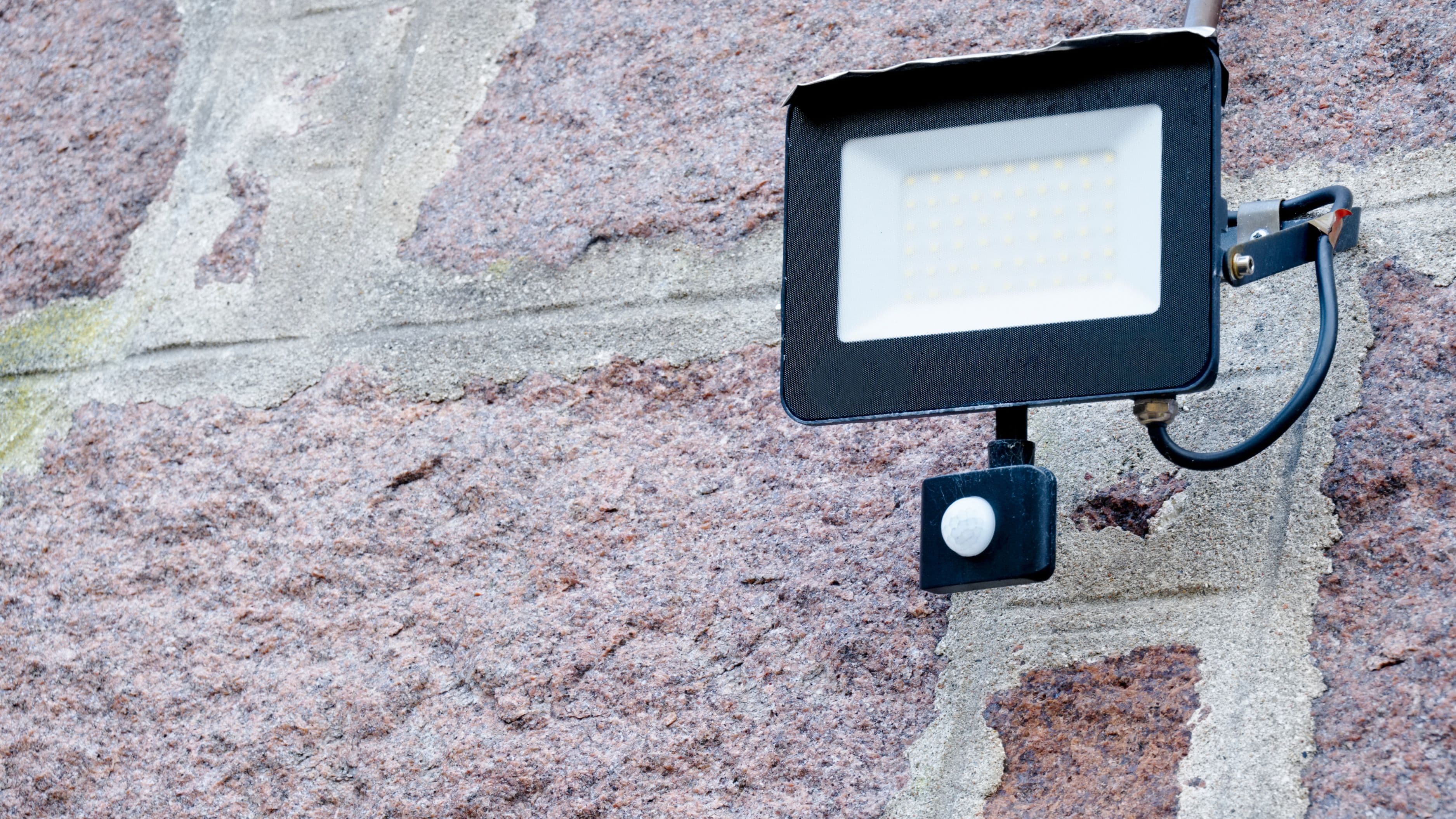
The approach that works best for automation is motion-triggered lighting in high-traffic areas (hallways, bathrooms, garage, laundry) combined with scheduled and scene-based lighting in living areas. Motion sensors ensure lights are never left on in empty rooms. Schedules handle the ambient adjustment – warmer, dimmer light in the evening that supports winding down, brighter cooler light in the morning.
Bulb vs. switch: Smart bulbs (like Philips Hue or LIFX) offer color and tunable white options but require that the wall switch always stays on – turning the physical switch off kills the smart functionality. Smart switches (like Lutron Caséta or Leviton Decora Smart) replace the wall switch itself and work with any standard bulb, which is often a better fit for households where multiple people control the lights. For whole-home automation on a budget, smart switches are typically the more practical and durable choice.
For a home that runs automatically, prioritize motion sensors in secondary spaces and schedule-based automations in main living areas over voice or app control. Voice control is convenient; motion and schedule triggers are what actually make the home run itself.
Cost: Smart bulbs run $15–$50 each. Smart switches run $30–$60 per switch. A full room setup (4–6 bulbs or 2–3 switches) typically runs $80–$200.
Step 4: Set Up Presence Detection
Presence detection is what allows your smart home to distinguish between "someone is home" and "nobody is home" – the trigger for your most impactful automations. Without it, you're relying on time-based schedules that don't adapt to reality. With it, the home adjusts based on actual occupancy.
There are two main approaches:
Phone-based geofencing uses your smartphone's GPS to detect when you've left a defined area around your home. When your phone (and therefore, presumably, you) crosses the geofence boundary outbound, the home switches to away mode. Inbound, it starts your arrival routine. This is built into Google Home, Amazon Alexa, and Apple Home natively, and it's the easiest starting point.
The limitation is that it tracks devices, not people. If you leave your phone at home, the system thinks you're still there. In multi-person households, you need everyone's phone enrolled in the system for it to work reliably.
Local presence sensors are a more robust option for households where phone-based detection isn't sufficient. mmWave presence sensors (like the Aqara FP2 or similar) detect the presence of a person in a room even when they're stationary – sitting on a couch, sleeping in bed – which Passive Infrared (PIR) motion sensors can't do reliably. These are particularly useful for ensuring lights don't turn off while someone is quietly sitting in a room.
For a whole-home away/home automation, phone geofencing is the practical starting point. For room-level occupancy detection, mmWave sensors are worth the additional investment.
Cost: Geofencing is free within your ecosystem. mmWave sensors run $35–$80 each.
Step 5: Build the Routines
With thermostat, lighting, and presence detection in place, you have the building blocks for meaningful automation. Now the work is creating the routines that tie them together.
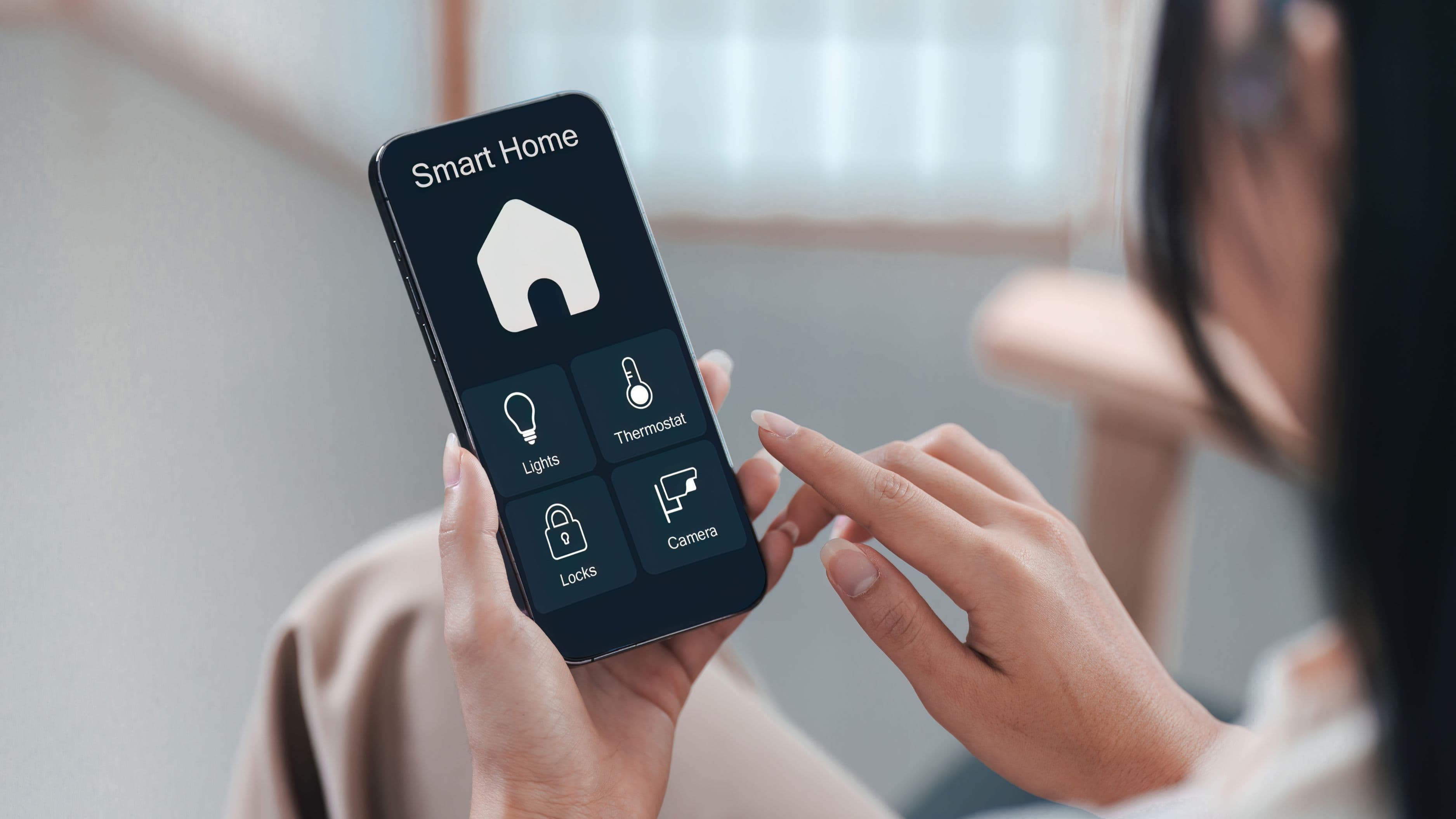
Most ecosystems have a routine or automation builder with an "if this, then that" structure. The trigger is a condition (time, location, sensor state, device state); the action is what happens in response. Start with the routines that have the most daily impact and build from there.
A practical starting set for most households:
Morning routine – Trigger: time (30 minutes before usual wake-up). Actions: thermostat warms to occupied temperature, bedroom lights gradually brighten, smart coffee maker starts.
Leave home routine – Trigger: last phone leaves geofence. Actions: thermostat switches to eco/away mode, all lights turn off, smart locks engage, smart plugs for non-essential devices cut power.
Arrive home routine – Trigger: first phone enters geofence. Actions: thermostat resumes occupied temperature, entry lights turn on, smart lock disengages.
Evening wind-down routine – Trigger: time (1 hour before usual bedtime). Actions: living room lights dim and shift to warmer color temperature, TV volume caps at a lower level, thermostat begins cooling for sleep.
Sleep routine – Trigger: time or smart speaker command. Actions: all lights off, thermostat sets to sleep temperature, smart plugs for entertainment devices cut power.
Build these one at a time and run each for a few days before adding the next. Routines that are too complex to verify individually become hard to troubleshoot when something doesn't work as expected.
Common Mistakes to Avoid
Mixing ecosystems without a plan is the most common source of smart home frustration. If you need to use multiple ecosystems, Matter-compatible devices offer the best cross-platform compatibility, but verify compatibility with your specific hub before purchasing.
Over-automating too quickly leads to routines that conflict with each other or fire at the wrong time. Add routines gradually and test each one in real daily use before adding complexity.
Relying entirely on cloud-dependent devices creates vulnerability to outages and service discontinuation. Where possible, prioritize devices that support local control – either through Home Assistant or Matter's local-first architecture – for core home functions like lights and thermostat.
Ignoring battery-powered device maintenance is a routine killer. Motion sensors, door sensors, and presence detectors that run on batteries will eventually die and silently stop triggering automations. Setting calendar reminders to check battery levels quarterly prevents ghost failures.
Realistic Expectations: Cost and Timeline
A foundational smart home setup – smart thermostat, smart lighting for main areas, motion sensors, presence detection, and a working set of core routines – typically runs $500–$1,200 in hardware depending on home size and product choices. Setup time for someone doing it methodically across a few weekends is roughly 8–15 hours of active configuration.
The payoff isn't just convenience. Homes with active smart thermostat automation and lighting automations typically see 15–25% reductions in energy costs, which provides a concrete return on the hardware investment over time. Energy savings alone often offset the thermostat and lighting hardware cost within two to three years.
The routines themselves improve over time as you adjust timing, add triggers, and refine actions based on actual use. Expect the first two to three months to involve some iteration before the system feels truly automatic rather than just programmable.
FAQ
Do all smart home devices work together? Not automatically. Compatibility depends on which ecosystems and protocols devices support. Matter is a newer standard designed to improve cross-platform compatibility, and devices that support Matter should work across Apple Home, Google Home, and Amazon Alexa. Always verify compatibility with your chosen ecosystem before purchasing.
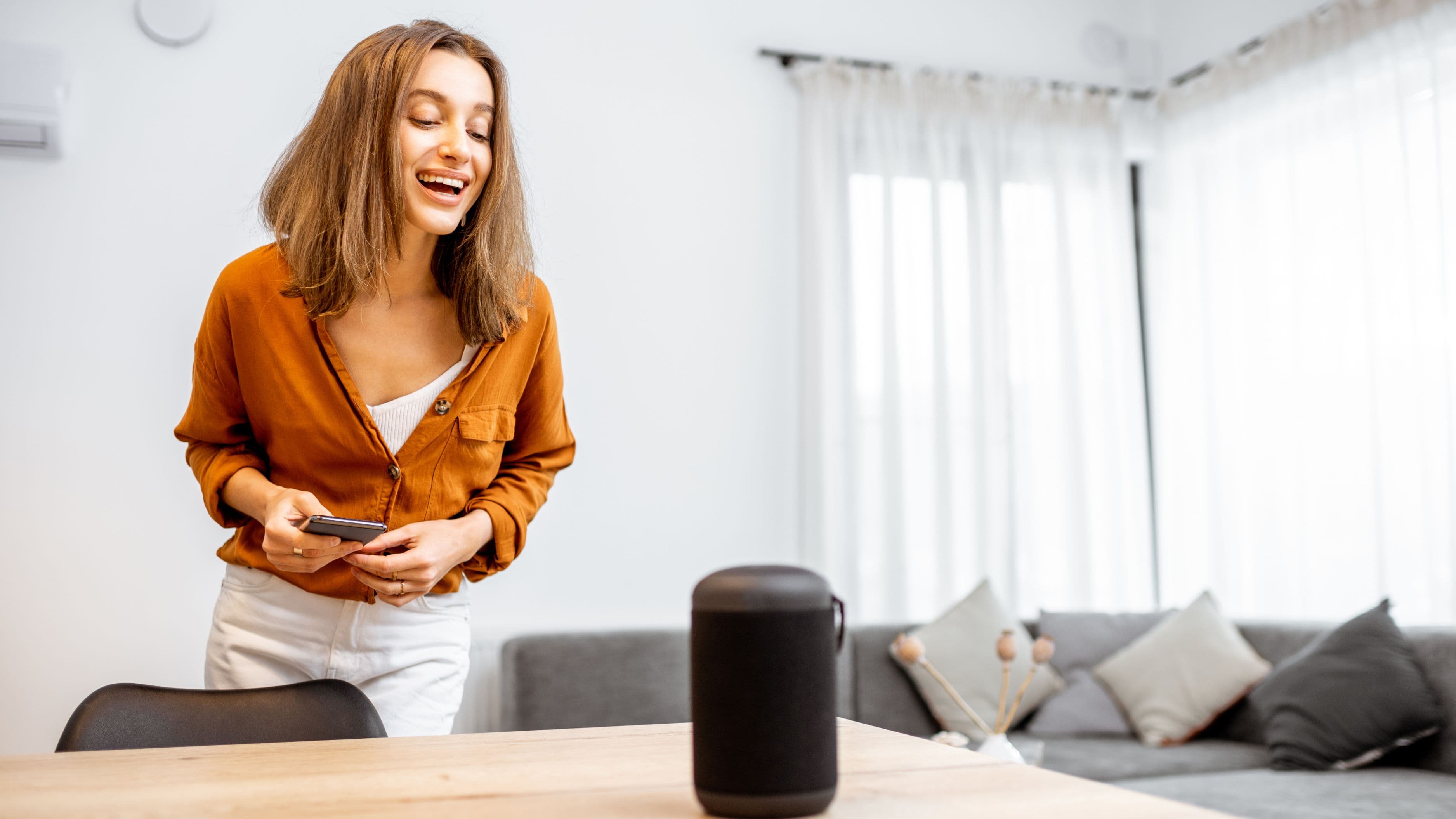
Do I need a smart speaker or hub? For most ecosystems, a smart speaker (Amazon Echo, Google Nest Hub) doubles as the hub. Apple Home uses an Apple TV or HomePod as a hub. Home Assistant requires a dedicated device. You don't necessarily need a separate hub if you're using one of the commercial ecosystems, but some device protocols (Zigbee, Z-Wave) do require a compatible hub to connect.
What happens to my automations if the internet goes out? Cloud-dependent devices stop responding to automations during outages. Devices that support local control – and Home Assistant specifically – continue operating normally because they don't rely on external servers for automation logic. For reliability, prioritizing devices with local control capability for core functions is worthwhile.
Is it worth hiring a smart home installer? For a basic setup, most homeowners can handle installation themselves. For whole-home integration, complex wiring changes (like hardwired smart switches throughout the house), or Home Assistant configuration, a smart home installer or AV integrator can save significant time. Expect to pay $75–$150/hour for professional installation work.
📚 Sources
Energy.gov – Smart Thermostats and Home Energy Savings: https://www.energy.gov/energysaver/thermostats
CNET – Best Smart Home Ecosystems Compared: https://www.cnet.com/home/smart-home/best-smart-home-systems/
Home Assistant – About Home Assistant: https://www.home-assistant.io/blog/2016/01/19/perfect-home-automation/
Connectivity Standards Alliance – Matter Smart Home Standard Overview: https://csa-iot.org/all-solutions/matter/
Lawrence Berkeley National Laboratory – Home Automation and Energy Use: https://eta.lbl.gov/publications/smart-home-devices-energy-use