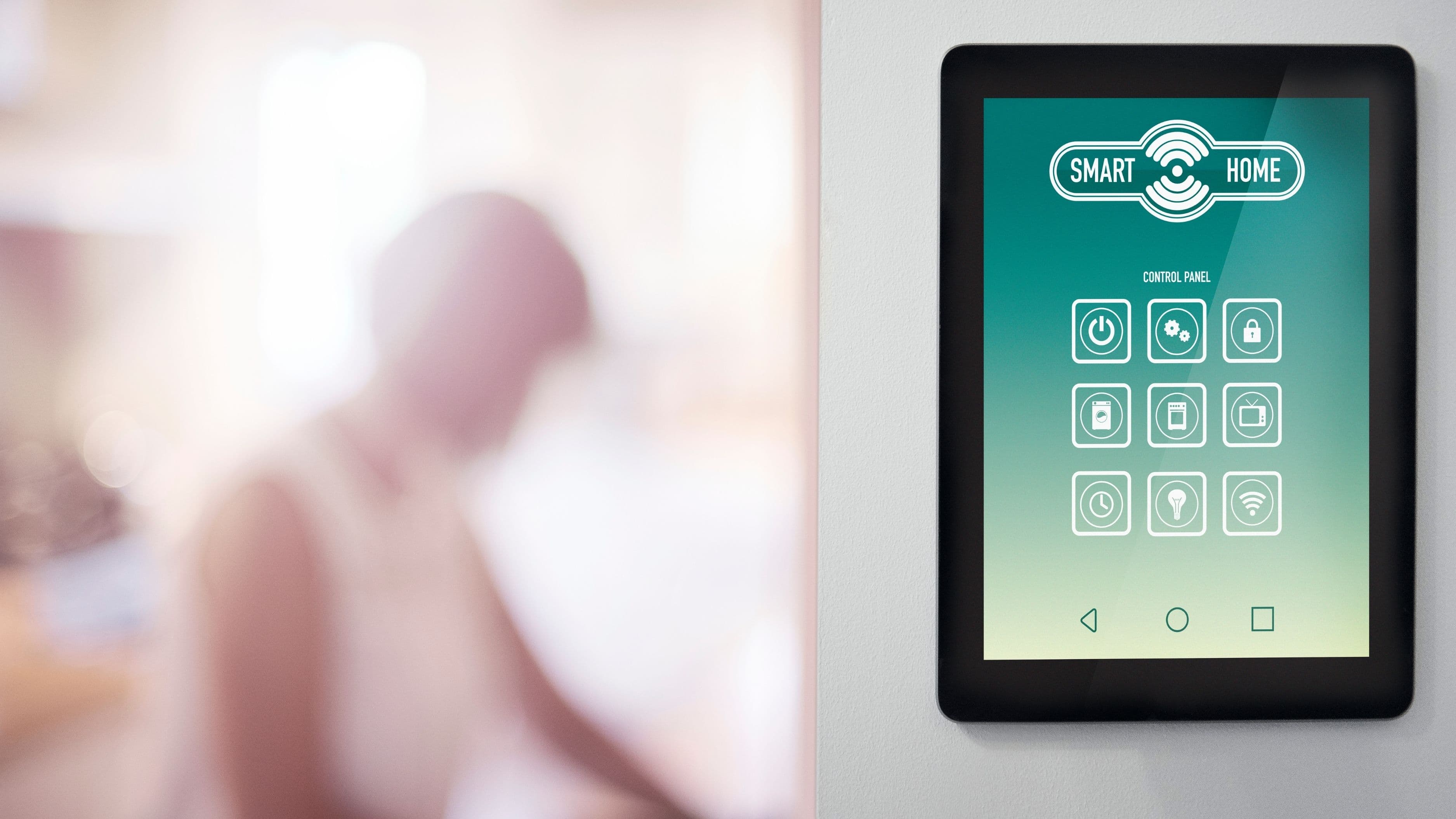
This list covers seven upgrades that consistently deliver measurable returns over time, not just convenience. Each one has a clear mechanism for how it saves money, a realistic cost range, and an honest assessment of how long the payback period typically takes.
1. Smart Thermostat
Cost: $130–$280 installed | Payback period: 1–2 years
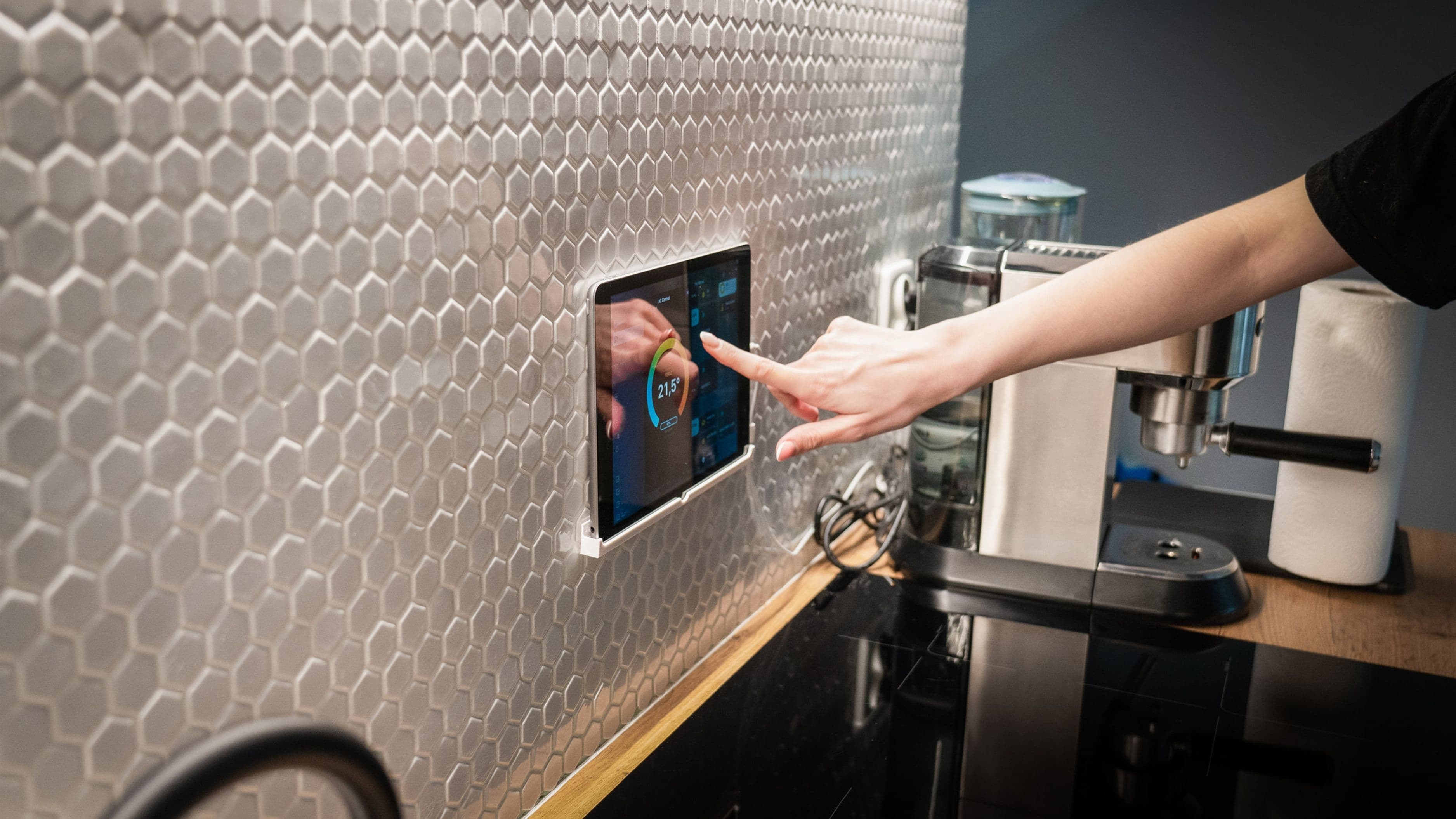
A smart thermostat is the single highest-ROI smart home upgrade available to most homeowners, and the evidence behind that claim is unusually solid. The U.S. Department of Energy estimates that programmable temperature management – the core function of any smart thermostat – can reduce heating and cooling costs by 10–15% annually. Ecobee's own data from connected homes suggests average savings closer to 23% on heating and cooling bills. On a household spending $1,500–$2,500 per year on HVAC energy, that translates to $150–$575 in annual savings.
The mechanism is straightforward: most households heat or cool their homes to comfortable temperatures even when no one is there, and even during sleeping hours when temperature requirements are different. A smart thermostat learns your schedule, uses geofencing to detect when everyone has left, and adjusts automatically. The Nest Learning Thermostat and Ecobee Smart Thermostat Premium are the two most established options. Ecobee's included room sensors address a real limitation of single-point thermostats – the ability to balance temperatures across multiple rooms rather than just the hallway where the thermostat sits.
Installation is a straightforward DIY project for most homeowners with a standard HVAC system: remove the old thermostat, connect the labeled wires to the matching terminals on the new unit, and follow the setup app. The job typically takes 30–45 minutes. Homes with older two-wire heating systems (common in houses with boilers or electric baseboards) may require an additional C-wire adapter or professional installation – check compatibility on the manufacturer's website using your existing wiring configuration before purchasing.
What to watch for: Some smart thermostats don't support multi-stage heat pumps, dual-fuel systems, or older HVAC configurations. Verify compatibility before buying.
2. Smart Water Leak Detectors
Cost: $40–$120 for a whole-home set | Payback period: Potentially immediate
Water damage is the second most common homeowner insurance claim in the United States, behind only wind and hail damage. The average water damage claim runs $11,000–$13,000 according to industry data. A set of smart leak sensors placed at the locations most likely to fail – under sinks, behind toilets, near the water heater, at the washing machine, in the basement near the sump pump – costs under $150 for a house full of coverage and can prevent a claim that dwarfs that cost by orders of magnitude.
Smart leak detectors like the Govee Water Sensor, Phyn Smart Water Sensor, and Moen Flo Smart Water Monitor work differently but serve the same purpose. Individual contact sensors ($10–$25 each) sit on the floor and alert your phone the moment they detect water. Whole-home monitors like the Moen Flo or Phyn Plus attach to the main water line, learn your household's water usage patterns, and can automatically shut off water to the entire house when a leak or burst pipe is detected – including while you're asleep or away.
The payback math on leak detectors isn't about gradual savings the way a thermostat is. It's insurance logic: a small certain cost to prevent a low-probability catastrophic expense. Homeowners who have experienced even a single significant water damage event – a failed supply line, a slow drip behind a wall, a burst pipe during a winter freeze – universally view leak detection as one of the most obvious purchases in hindsight.
An additional financial benefit worth noting: many homeowners insurance providers offer premium discounts of 5–10% for documented installation of water leak detection systems, particularly whole-home shutoff devices. Check with your insurer before or after installation.
What to watch for: Contact sensors only detect water that reaches them. Placement matters – put them directly adjacent to the most likely failure points, not nearby.
3. Smart Power Strips and Energy Monitoring Plugs
Cost: $15–$60 per unit | Payback period: 6–18 months
Most people are aware that electronics draw power in standby mode – the phenomenon called phantom load or vampire power. Fewer people realize how significant the aggregate cost is. The Lawrence Berkeley National Laboratory has estimated that standby power consumption in a typical U.S. home accounts for approximately 5–10% of residential electricity use, equivalent to $100–$200 per year for the average household. That's power consumed by devices doing nothing except waiting to be used.
Smart power strips address this by allowing you to schedule complete power cutoffs to device clusters during hours when they're definitively not in use. A smart strip managing a TV entertainment center – TV, streaming device, soundbar, gaming console – can be set to cut power entirely between midnight and 6am, eliminating standby draw for the six hours when usage is impossible. Energy monitoring plugs from TP-Link Kasa, Emporia Energy, or similar brands go further by showing you precisely how much power each device draws, making it easy to identify the worst offenders.
The payback calculation is simple: if smart power management saves $150/year in phantom load reduction and the investment in smart strips and monitoring plugs across your home runs $150–$250, the payback period is one to two years with ongoing savings thereafter. The monitoring data also changes behavior in ways that compound the savings – seeing in real time that a device consumes significant power tends to prompt intentional decisions about when it runs.
What to watch for: Smart power strips aren't appropriate for devices that need to maintain standby power – routers, security systems, smart home hubs, and medical devices should be on separate always-on circuits.
4. Smart Irrigation Controller
Cost: $80–$250 installed | Payback period: 1–3 seasons
Outdoor water use accounts for roughly 30% of average household water consumption in the U.S., and significant portions of irrigation water are wasted through overwatering, running during rain, or maintaining schedules that don't adjust to seasonal changes. The EPA's WaterSense program estimates that smart irrigation technology can reduce outdoor water use by 15–30% compared to standard timer-based controllers.
Smart irrigation controllers like the Rachio 3 and RainBird WiFi module replace your existing irrigation timer and connect to local weather data. They automatically skip scheduled watering cycles when rain is forecast or has just occurred, adjust watering duration based on temperature and season, and can calculate watering requirements based on the specific plant types and soil conditions in each zone. The Rachio 3 is particularly well-regarded for its ease of setup and integration with weather services – most users report that it pays for itself within a single irrigation season in regions with moderate to high water costs.
The financial return depends significantly on your water rates and how much you currently irrigate. In regions with higher water costs or large irrigated areas, annual savings of $100–$300 on water bills are routinely reported. The installation replaces your existing controller using the same wiring, typically a 20–30 minute DIY job. Some utilities offer rebates on smart irrigation controllers specifically because of their water conservation impact – the EPA's WaterSense rebate database lists participating utilities by location.
What to watch for: Smart irrigation only makes sense if you have an existing in-ground irrigation system. It's also most impactful in regions with hot, dry summers where irrigation runs frequently. In climates with abundant natural rainfall, the savings are proportionally lower.
5. Smart LED Lighting with Occupancy Sensors
Cost: $100–$300 for a whole-home implementation | Payback period: 2–4 years
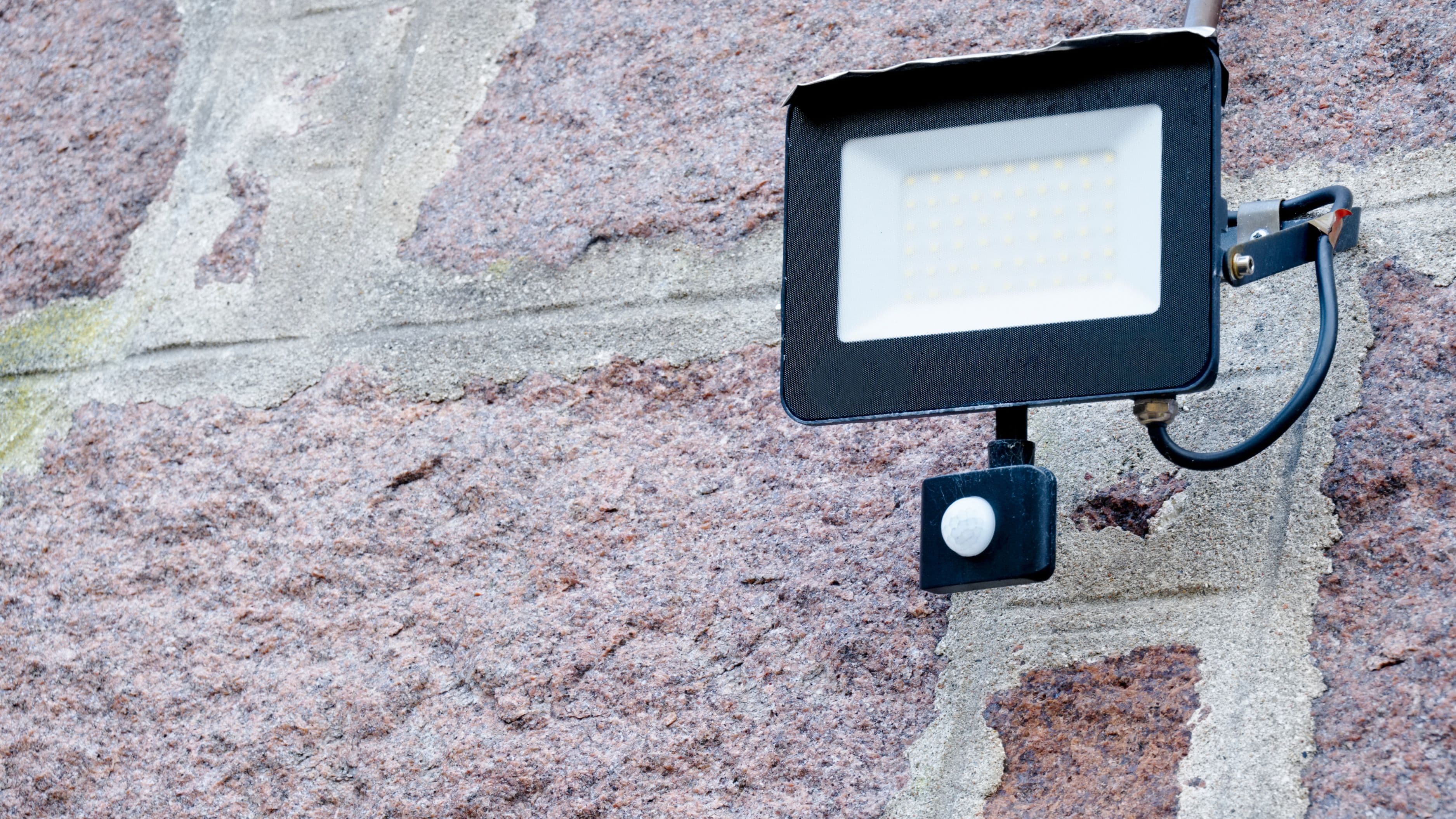
Standard LED lighting already represents a significant efficiency improvement over incandescent and CFL bulbs. Adding smart control and occupancy sensing pushes the savings further by eliminating the perennial problem of lights left on in empty rooms. The U.S. Energy Information Administration reports that lighting accounts for approximately 15% of residential electricity use – a non-trivial portion of the average electricity bill.
Occupancy-based automation – where lights turn off automatically after a set period of no detected motion – can reduce lighting energy use by 30–50% in spaces like bedrooms, bathrooms, laundry rooms, and garages where lights are frequently left on by accident. At the household level, that translates to 5–8% reduction in total electricity consumption from smart lighting automation alone.
The financial return compounds with daylight harvesting – sensors or schedules that reduce artificial lighting during hours when natural light is sufficient. In practice, this means lights in well-lit rooms automatically dim or turn off during daytime hours when windows provide adequate illumination, returning to full brightness at dusk or when ambient light drops below a threshold.
The payback timeline is longer than a thermostat but still clearly positive. A household spending $200/year on lighting electricity that reduces consumption by 35% saves $70/year. On a $250 investment in smart bulbs, switches, and motion sensors, payback occurs in about 3.5 years with decades of ongoing savings thereafter given LED lifespans.
What to watch for: Occupancy sensors have blind spots – someone sitting still reading in a chair will sometimes trigger "no motion detected" and turn off the lights. Adjust sensitivity and timeout settings after installation to eliminate false triggers in occupied spaces.
6. Smart Garage Door Opener
Cost: $30–$250 depending on approach | Payback period: 1–2 years via insurance savings
A smart garage door opener – either a new unit or a retrofit controller added to an existing opener – provides remote monitoring and control of one of the most common sources of home security vulnerability and energy loss. Forgetting whether the garage is closed is a near-universal experience. Being able to check and close it remotely from anywhere eliminates the security risk and the return trips.
The energy case is less obvious but real: a garage attached to the home is a significant source of heat loss in winter and heat gain in summer if the door is inadvertently left open for extended periods. A garage that's several degrees colder or warmer than intended affects the thermal performance of the adjacent wall shared with living space, increasing HVAC load. Smart monitoring that alerts you when the door has been open for more than 15 minutes and allows remote closure addresses this without requiring any behavioral change.
The financial return comes from two directions. First, the energy impact of keeping the garage closed as intended reduces HVAC load, though this is modest for most households – estimated at $30–$80/year. Second, and more substantially, many homeowners insurance providers offer discounts for documented smart security features including monitored garage access. A 5–10% discount on a $1,500 annual premium represents $75–$150/year – enough to recover even the cost of a new smart opener within the first year.
The retrofit approach (a $30–$50 controller that adds app control to an existing opener) is the right starting point if your current opener works well. New smart openers from Chamberlain (myQ) and Meross make sense when it's time to replace an aging unit regardless.
What to watch for: myQ's recent changes to their API have limited third-party integrations. If deep integration with Apple HomeKit or other ecosystems is a priority, check current compatibility before purchasing.
7. Smart Smoke and Carbon Monoxide Detectors
Cost: $100–$200 for a whole-home set | Payback period: Immediate in value, 1–2 years in insurance savings
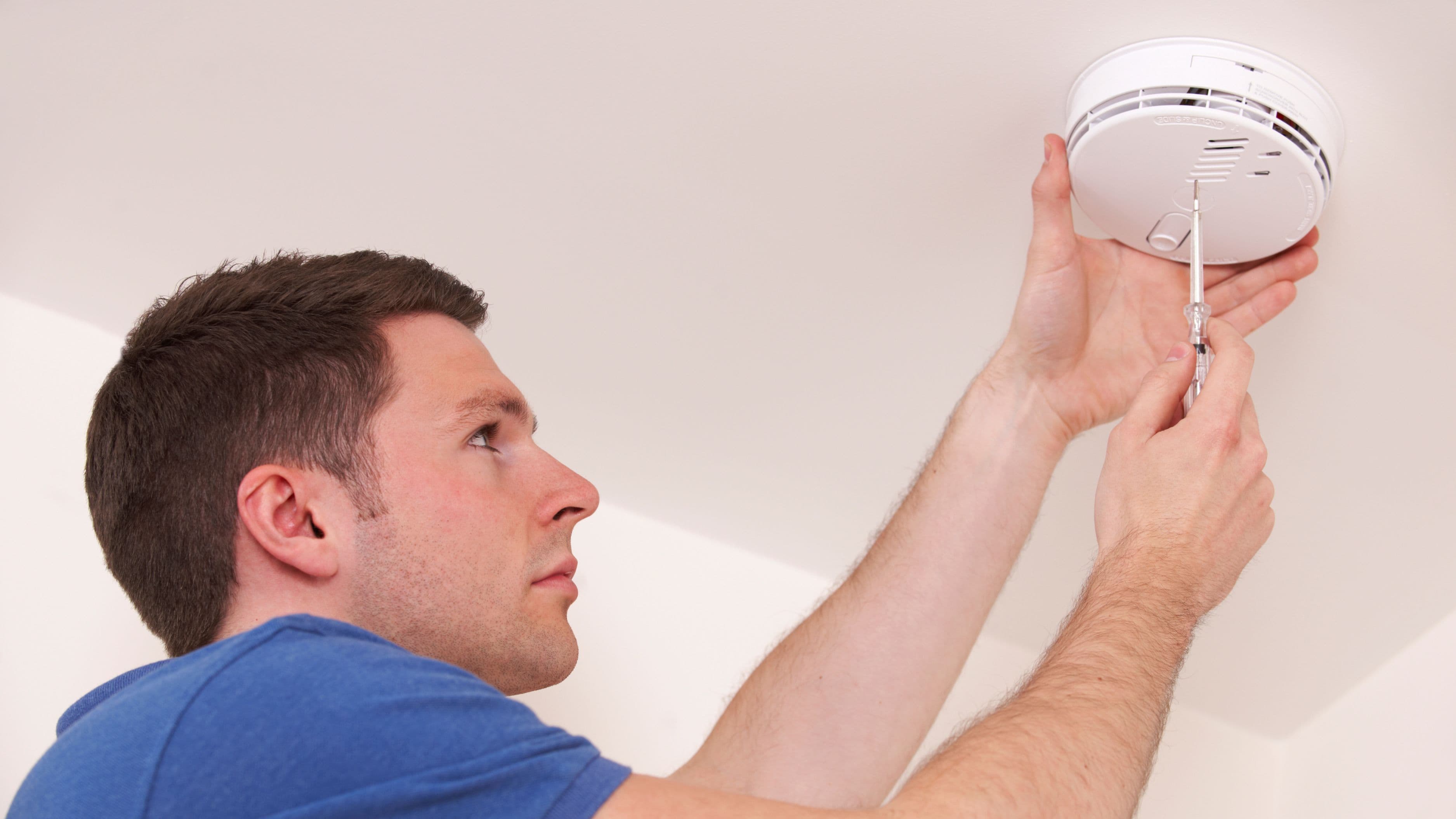
Standard smoke and CO detectors save lives, but they have meaningful practical limitations: they don't tell you which room triggered, they can't alert you when you're away from home, and their batteries die without warning. Smart detectors – primarily Nest Protect, which combines smoke and CO detection with app connectivity and voice alerts – solve all three problems while delivering real financial returns.
The life safety value is non-quantifiable in financial terms, but the practical financial case is clear. Many homeowners insurance providers offer 5–10% discounts for monitored smart smoke detection, recognizing that earlier, more reliable detection reduces claim frequency and severity. On an average home insurance premium, that discount covers the cost of a Nest Protect installation in one to two years.
The self-testing capability of smart detectors also eliminates the chronic problem of dead or missing batteries in traditional units – a safety risk that creates liability exposure homeowners don't always think about. Nest Protect units automatically test their sensors and alert you when action is needed, replacing the battery-test chirp that everyone ignores with a clear app notification.
Interconnected smart detectors also address a genuine safety gap: when one detector triggers, all detectors in the home sound simultaneously and announce which room is affected. In a two-story home where someone is asleep with a door closed, this distinction between a triggered detector you can hear and one in a remote part of the house you can't is significant.
What to watch for: Nest Protect detects only smoke and carbon monoxide – it does not include natural gas or propane detection, which require a separate dedicated gas detector if your home uses either.
How to Prioritize These Upgrades
If budget requires sequencing rather than doing everything at once, prioritize in this order based on payback speed and risk mitigation value. A smart thermostat first – it has the fastest and most certain financial return of any upgrade on this list and is a straightforward DIY install. Leak detectors second, because the asymmetry between cost ($100–$150) and potential damage prevented ($10,000+) makes this the highest-value risk management purchase in the home. Smart smoke and CO detectors third, for the insurance discount and the life safety improvement.
The remaining four upgrades – irrigation, lighting automation, power management, and garage control – all deliver positive returns on timelines of one to four years and can be added in whatever order aligns with your current pain points. If outdoor water bills are significant, prioritize irrigation. If you frequently leave for travel wondering if lights or appliances were left on, smart power management and garage monitoring address that directly.
FAQ
Do smart home upgrades actually increase resale value? Modestly, and inconsistently by market. Smart thermostats and security features have the broadest appeal to buyers and are most likely to be seen as added value rather than added complexity. Highly customized smart lighting systems or complex automation setups can actually deter some buyers who don't want to learn a new system. The safest approach is upgrades that work intuitively without setup knowledge – thermostats, leak detectors, and smoke alarms – and removing or simplifying highly custom configurations before listing.
Are these upgrades renter-friendly? Smart thermostats require landlord approval in most tenancies since they involve replacing existing hardware. Smart plugs, power strips, and energy monitors are completely portable and renter-friendly. Leak sensors can be removed without any modification. Smart smoke detectors typically replace existing units which changes fixed hardware – check your lease terms. For renters, smart plugs, energy monitors, and portable leak sensors deliver meaningful value with zero permanent modification.
How much technical skill is required to set these up? Most of these upgrades are designed for homeowner installation and require basic comfort with following app instructions and, for the thermostat and switch-based products, simple wiring tasks. None require professional electrical knowledge. The hardest installation on this list is arguably the smart irrigation controller, which involves correctly labeling and reconnecting irrigation zone wires – straightforward if methodical, but worth photographing your existing wiring before starting.
Will these devices still work if the manufacturer shuts down? This is a legitimate concern with smart home hardware. Products that operate primarily through local network control (rather than cloud-dependent services) continue working independently of manufacturer servers. Choosing products from established brands with long track records – Nest, Ecobee, Rachio, Philips Hue – reduces the risk of abandoned platforms. Check whether a product requires cloud connectivity for basic function before purchasing.
The common thread across all seven of these upgrades is that they deliver their value through reduced consumption, prevented damage, or lower insurance costs – not just added convenience. That combination of financial return and practical improvement is what separates a smart home investment from a smart home expense.
📚 Sources
Programmable Thermostats Energy Savings – U.S. Department of Energy: https://www.energy.gov/energysaver/programmable-thermostats
Ecobee Home Energy Report – Ecobee: https://www.ecobee.com/en-us/ecobee-energy-report
Water Damage Claims Statistics – Insurance Information Institute: https://www.iii.org/fact-statistic/facts-statistics-homeowners-and-renters-insurance
WaterSense Smart Irrigation Rebates – EPA: https://www.epa.gov/watersense/rebate-finder
Standby Power Consumption in U.S. Homes – Lawrence Berkeley National Laboratory: https://standby.lbl.gov
Residential Lighting Energy Use – U.S. Energy Information Administration: https://www.eia.gov/energyexplained/use-of-energy/homes.php
Nest Protect Smoke and CO Detector – Google: https://store.google.com/us/product/nest_protect_specs
🔍 Explore Related Topics