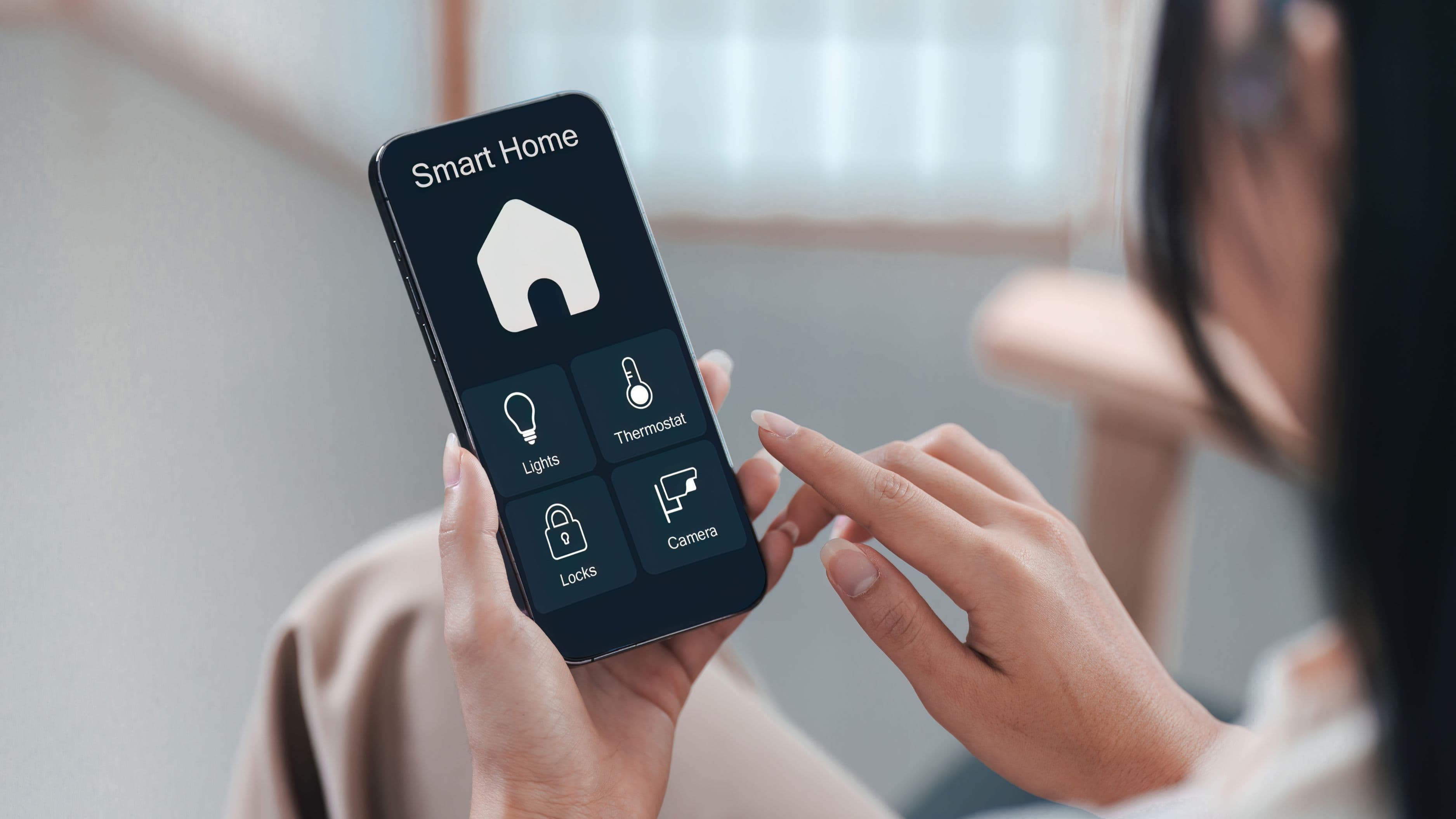
The good news is that setting up a smart lighting system doesn't require rewiring, an electrician, or a big bang installation weekend. You can start with one room, get comfortable with how it works, and expand from there at whatever pace suits your budget and interest.
Start Here – Choose Your Ecosystem Before Buying Anything
The single most important decision in any smart lighting project happens before you purchase a single bulb: choosing which ecosystem your system will live in. Smart home ecosystems – primarily Amazon Alexa, Google Home, and Apple HomeKit – determine which products work together, how you control them, and how deeply the system integrates with other smart devices in your home.
Mixing ecosystems is possible but creates friction. If half your bulbs work with Alexa and the other half require a separate app, the convenience factor that makes smart lighting worthwhile starts to erode. Pick the ecosystem that matches the devices you already use most: if you're an iPhone household with an Apple TV or HomePod, HomeKit gives you seamless integration. If you already have Amazon Echo devices, Alexa is the natural choice. If you use Google Nest speakers or a Chromecast, Google Home makes most sense.
Within each ecosystem, the main bulb brands – Philips Hue, LIFX, Sengled, Govee, and Wyze – all offer solid products at different price points. Philips Hue is the premium standard: its own hub creates a dedicated Zigbee network that's more reliable and faster than Wi-Fi-dependent alternatives, and its ecosystem depth is unmatched. For a simpler, more affordable entry, LIFX and Wyze bulbs connect directly to Wi-Fi without a hub and offer good performance at lower cost. Sengled is a solid mid-range option that works well within existing ecosystems.
Cost level: Ecosystem setup costs nothing. A quality starter kit (4 bulbs + hub for Hue, or 4 standalone Wi-Fi bulbs for alternatives) runs $60–$150.
Understand the Three Setup Approaches
Before going room by room, it helps to know the three main approaches to smart lighting so you choose the right one for each space.
Smart bulbs replace your existing bulbs with Wi-Fi or Zigbee-connected versions. Installation is identical to changing a standard bulb – no wiring required. The catch is that smart bulbs require power to their socket at all times, meaning if someone turns off the wall switch, the bulb loses power and becomes unresponsive until the switch is turned back on. Managing this with family members who reach for the wall switch by habit is one of the most common smart lighting frustrations.
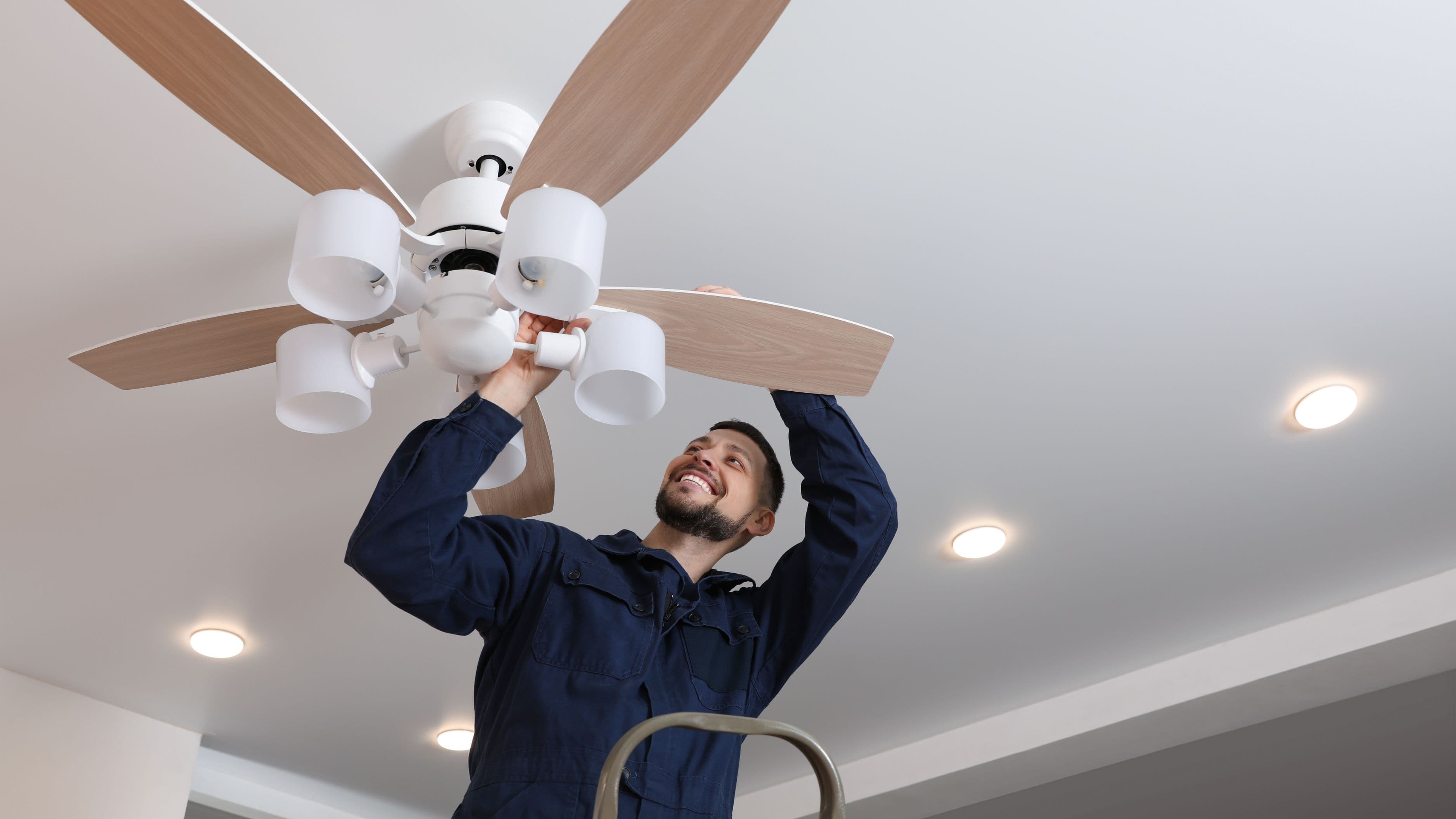
Smart switches replace the wall switch itself rather than the bulb, keeping standard bulbs in the sockets. This solves the switch problem entirely and works well with recessed lighting, ceiling fans, and any fixture where replacing individual bulbs is inconvenient. Smart switches require a neutral wire in the wall box, which most homes built after the 1980s have, but older homes may not. Check before purchasing.
Smart plugs are the simplest entry point – plug-in adapters that make any lamp plugged into them controllable. They work only with plug-in lamps, not hardwired fixtures, but for floor lamps, table lamps, and accent lighting, they're a fast and affordable way to add smart control without touching bulbs or switches.
Most complete smart lighting setups use a combination of all three, matched to the type of fixture and the level of control needed in each space.
Room by Room Setup Guide
Living Room
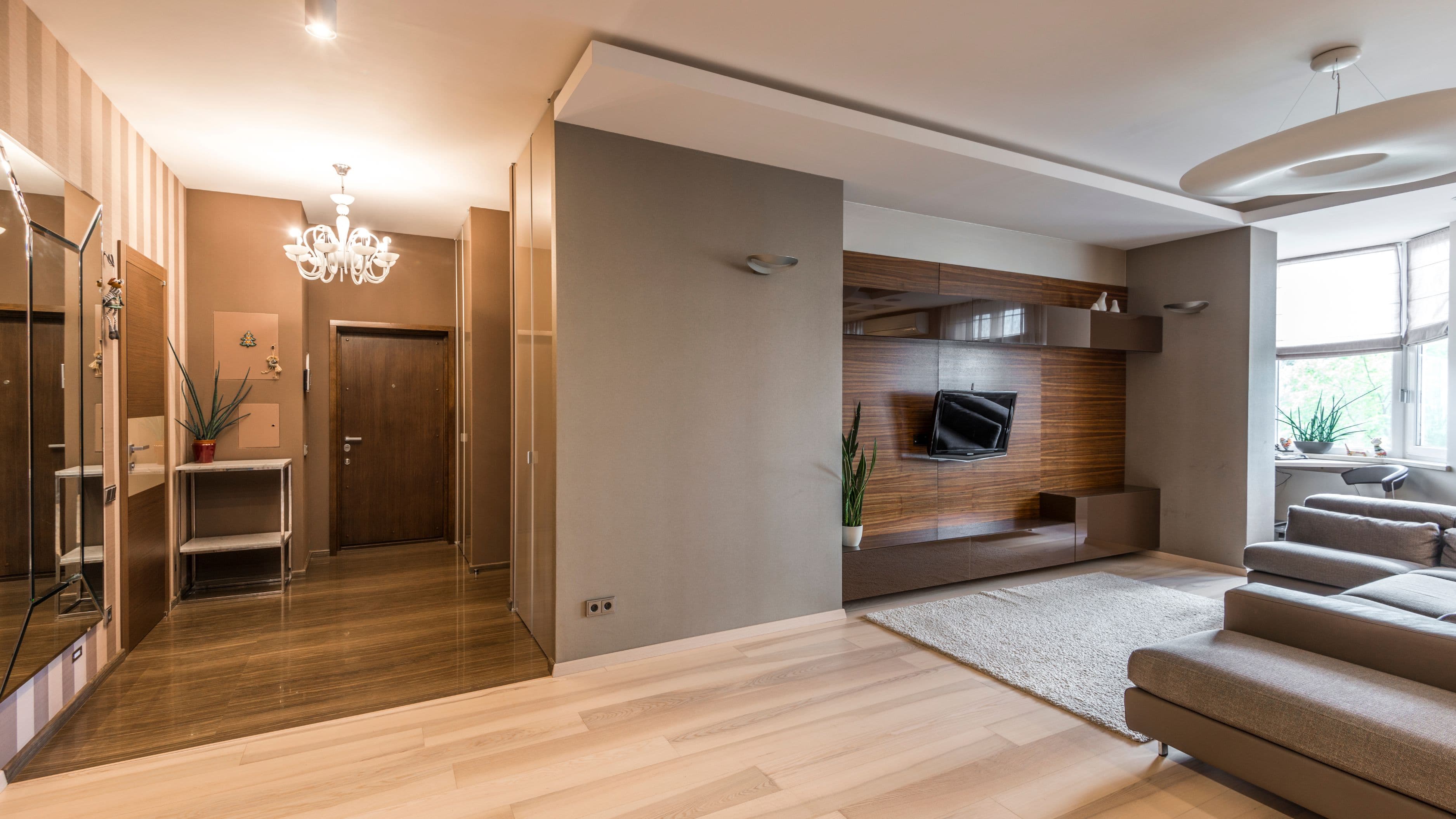
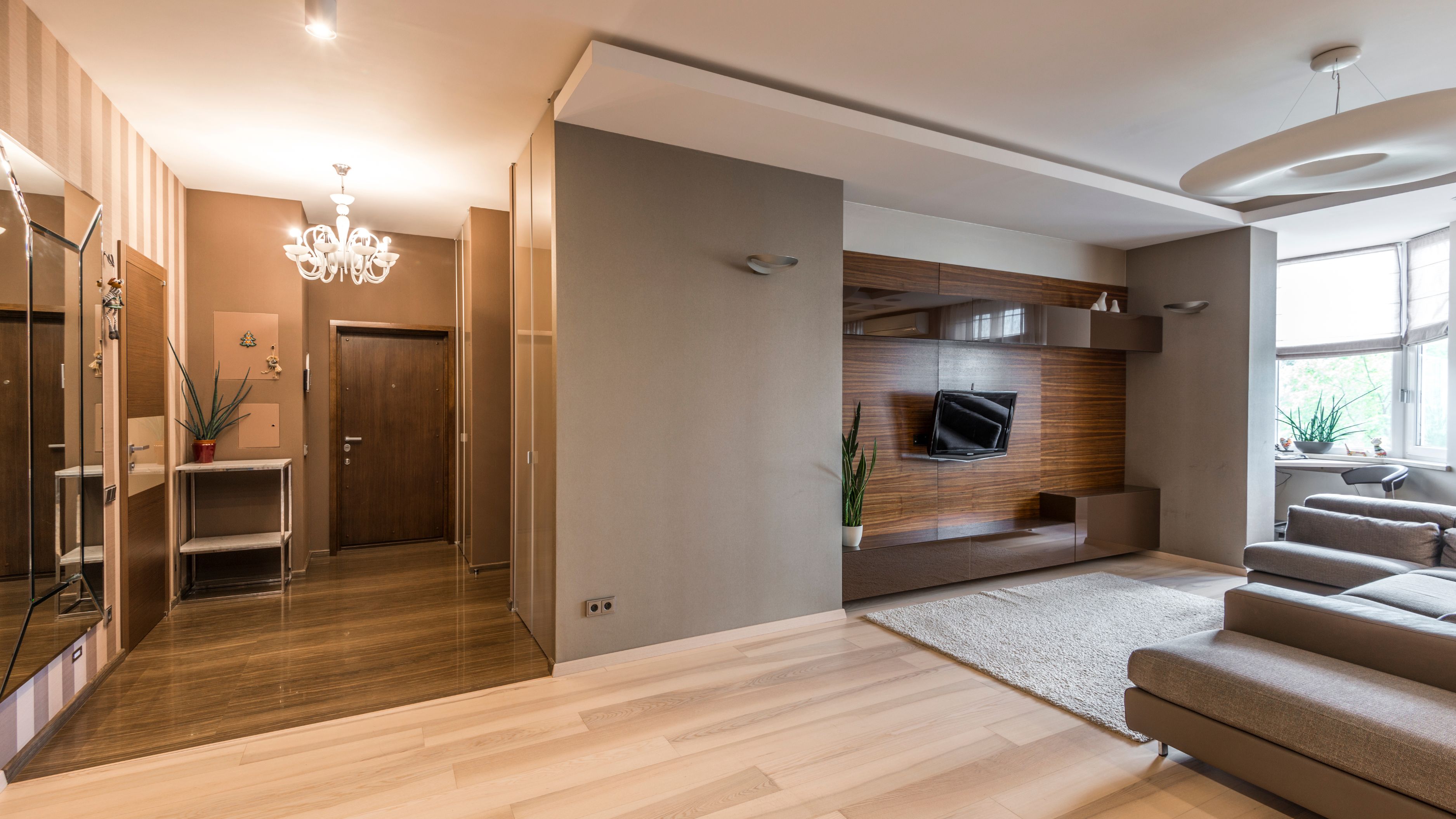
The living room is the ideal starting point for smart lighting because it typically has the most diverse lighting needs of any space in the house – ambient overhead lighting, task lighting for reading, and accent or mood lighting for evenings. It's also where you'll appreciate scene control most.
Start with the main overhead fixture using smart bulbs (if it's a multi-bulb chandelier or ceiling fixture) or a smart switch (if it's a single recessed light or ceiling fan with light). Then add smart bulbs to any floor or table lamps using smart plugs – these are the lights that benefit most from color temperature control, allowing you to shift from cool white during the day to warm amber in the evenings.
Set up two or three scenes for the living room: a bright daytime setting around 4,000K color temperature for activities and cleaning, a relaxed evening setting around 2,700K for watching TV or reading, and a dimmed night setting for late evenings. Most ecosystems let you trigger these scenes with a single voice command or a widget on your phone home screen. Philips Hue's Gradient lightstrips placed behind a television or along a shelf add ambient bias lighting that noticeably improves the visual experience of watching TV in a dark room – it's an optional addition worth considering.
Estimated cost: $80–$200 for a complete living room setup depending on the number of fixtures and products chosen.
Kitchen
Kitchen lighting has two distinct requirements: bright, high-color-temperature light for cooking and food prep, and softer, warmer light for casual time at the table or counter. Smart lighting handles this transition better than any fixed setup.
For overhead recessed lights, a smart switch is usually the right choice – replacing individual bulbs in a bank of six recessed lights with smart bulbs is both expensive and unnecessary. A single smart dimmer switch ($25–$50) gives you full dimming control of the entire bank with no individual bulb replacement. Under-cabinet lighting, which is wired separately in most kitchens, benefits from smart strips or individual under-cabinet smart pucks that you can set to bright white during cooking and dim amber for evenings.
If your kitchen has an island pendant light or a pendant over the sink with an accessible socket, a smart bulb there adds a nice controllable accent point. Set up a "cooking" scene at 5,000K full brightness, a "dining" scene at 2,700K dimmed to 60–70%, and an "evening" scene that leaves only the under-cabinet lights on at low intensity. This covers the full range of kitchen activities without manually adjusting anything.
Estimated cost: $30–$120 depending on whether you're using smart switches, smart bulbs, or both.
Bedroom
The bedroom is where smart lighting's health benefits are most tangible. Exposure to cool, blue-white light in the evening suppresses melatonin production and makes falling asleep harder. Smart bulbs that automatically shift to warm amber after a set time align your light environment with your natural sleep cycle in a way that static bulbs simply can't.
Set the bedside lamp smart bulbs to automatically shift to 2,200K (very warm, almost candlelight) after 8pm or whatever time you start winding down. Set them to automatically dim to 20–30% brightness an hour before your typical bedtime. Most ecosystems support schedules based on time of day or sunset, which is even more useful – the transition happens relative to when it gets dark rather than a fixed clock time.
For the overhead light, a smart switch gives you the convenience of dimming from the wall without changing how the room looks or feels. Add a "wake up" scene that gradually brightens from off to full brightness over 20–30 minutes starting before your alarm – the gradual light increase mimics sunrise and is a noticeably gentler way to start the morning than a sudden alarm in a dark room.
Estimated cost: $40–$100 for bedroom setup.
Home Office
A home office has straightforward lighting requirements: bright, cool-white light during working hours to support focus and reduce eye strain, with the ability to dim or warm for video calls where harsh overhead lighting is unflattering.
A smart bulb in the primary desk lamp (or a smart switch on the overhead) with a "focus" scene set to 4,000–5,000K at full brightness covers work hours. A "video call" scene at 3,000K and 70% brightness softens the light without darkening the space significantly. If you have a smart speaker in the home office, switching between these scenes with a voice command while on a call is faster than reaching for a phone.
Automation is particularly useful here: set the office lights to turn on automatically at the start of your workday (if you have a consistent schedule) and turn off after a set period of inactivity. Smart motion sensors – available for $15–$30 each from most smart home brands – can trigger lights automatically when you enter the room and turn them off after you've been gone for a set period, which helps with energy usage in rooms you occasionally forget to turn off.
Estimated cost: $30–$80.
Bathroom
Bathrooms are a simpler smart lighting use case, but two scenarios make smart control genuinely useful. A motion-triggered night light – either a smart plug with a lamp plugged in or a motion sensor paired with smart bulbs – that activates at low, warm brightness for nighttime bathroom visits is one of those small quality-of-life upgrades that proves its worth within the first week. No more blinding bright light at 2am.
The other useful automation is a timer-linked exhaust fan combined with smart lighting – when the overhead light comes on for showers, a smart plug controlling a standalone fan runs for a set period after the light turns off, ensuring adequate ventilation without manual control. This requires the fan to be plugged in rather than hardwired, which applies to bathroom ventilation fans that plug into an outlet inside the cabinet.
For the main vanity lighting, a smart switch for dimming control is practical – bright for getting ready, dimmed for evenings. Color-rendering quality matters more in bathrooms than most other rooms, so look for bulbs with a CRI (Color Rendering Index) of 90+ for makeup and grooming tasks.
Estimated cost: $20–$60.
Entryway and Outdoors
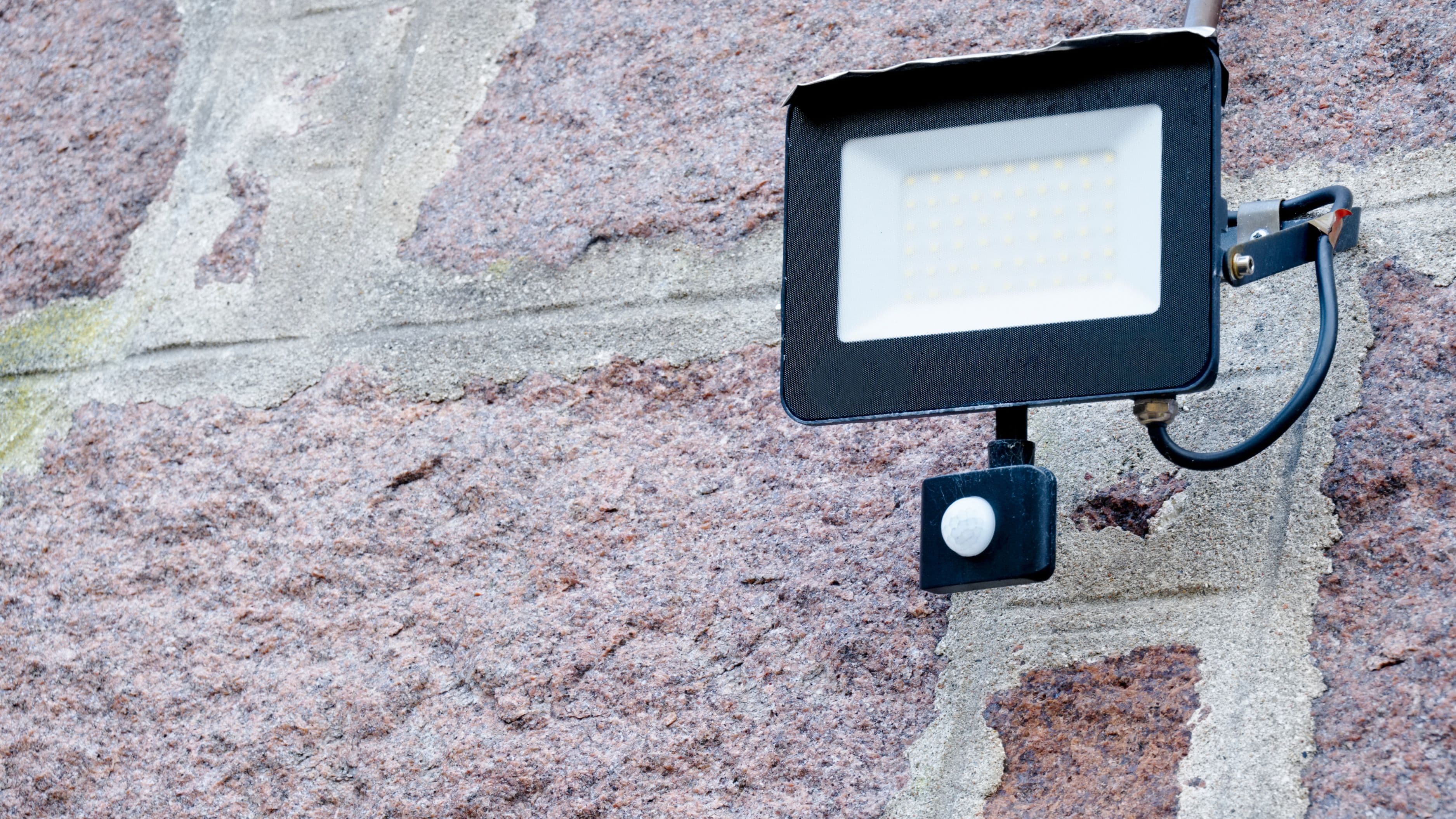
The entryway and exterior lighting are where automation delivers some of its clearest practical value. An outdoor smart floodlight or smart bulb in a porch fixture that turns on automatically at sunset and off at a set time (or at sunrise) eliminates the manual habit of remembering to turn porch lights on and off. Geofencing – available in most ecosystems – lets the system detect when your phone leaves or approaches home and trigger lighting accordingly: outdoor lights on when you're approaching, entryway lights on when you arrive.
For the front door area specifically, a smart dimmer for the entryway overhead creates a welcoming bright setting when you arrive home and dims for evenings when a softer welcome light is more appropriate. Motion-triggered exterior lights are a security consideration as much as a convenience one – smart floodlights with motion activation are both a deterrent and a practical safety feature for driveways and walkways.
Estimated cost: $50–$150 for entryway and basic outdoor smart lighting.
Automation Ideas That Make the System Actually Useful
The hardware is only half the value of a smart lighting system. The automations you build on top of it are what make the system feel truly integrated rather than just remote-controlled lights.
Sunrise and sunset-based schedules are the most immediately useful. Rather than setting lights to turn on at a fixed clock time, setting them relative to local sunrise and sunset means the system adapts as days get longer and shorter through the year – the porch light comes on when it actually gets dark, not at 6pm in June when it's still fully bright.
"All off" automations tied to a specific time or to when everyone has left the house (via geofencing) prevent the consistent energy drain of lights left on in empty rooms. Most ecosystems let you create a single command – "Goodnight" – that turns off all lights in the home, locks smart locks, and adjusts the thermostat simultaneously. Setting this up once and using it nightly is a reliable quality-of-life improvement.
Away mode automations that randomly vary which lights are on and off while you're traveling are a low-effort security feature worth setting up.
What to Avoid
Buying products before confirming ecosystem compatibility is the most expensive mistake in smart lighting. Check compatibility listings on the manufacturer's website before purchasing anything – not every product that says it works with Alexa or Google also works with Apple HomeKit, and the compatibility can be version-specific.
Installing smart bulbs without addressing the wall switch habit will create ongoing frustration. Either replace wall switches with smart switches that send signals to the bulbs without cutting power (Lutron Aurora and Philips Hue Tap dial switches are designed specifically for this), place stickers over existing switches to discourage use, or accept that household members will need to break the habit of reaching for the wall.
Over-automating too early is another common pitfall. Start with simple schedules and scenes, live with them for a few weeks, and add complexity only where it proves useful. The systems that get abandoned are usually the ones that tried to do everything at once and became more complicated than they were worth.
FAQ
Do smart bulbs use more electricity than regular LED bulbs? Smart bulbs use a small amount of standby power (typically 0.5–1W) to maintain their wireless connection even when the light is off. This is negligible in most households but does mean they're never fully off unless the wall switch cuts power. Standard LED bulbs use zero power when off. For most households, the difference in energy consumption is well under $5/year per bulb.
What happens to smart lights during a Wi-Fi outage? Wi-Fi-dependent smart bulbs become locally unresponsive during an outage – you can still use the wall switch, but app and voice control won't work until connectivity is restored. Zigbee-based systems like Philips Hue operate on their own local network through the hub, meaning local control (through the hub) continues to work even without internet. This is one of the practical advantages of hub-based systems over Wi-Fi-only alternatives.
Can I mix smart bulbs from different brands? You can use bulbs from different brands within the same ecosystem app (if both support it), but mixing brands within the same room can create noticeable color temperature inconsistencies, particularly in cool white settings. If visual consistency matters – and in a living room or kitchen it usually does – sticking to one brand per room produces better results.
Is smart lighting worth it for renters? Smart bulbs and smart plugs are completely renter-friendly – you replace them with standard bulbs when you move and take your smart bulbs with you. Smart switches involve minor wiring work and technically require landlord approval in most tenancies. For renters, smart bulbs plus smart plugs deliver 80% of the value of a full system with zero permanent modification.
How long do smart bulbs last compared to regular LEDs? Most smart LED bulbs are rated for 15,000–25,000 hours – similar to standard LED bulbs. In practice, the electronics that enable the smart functionality can fail before the LED element itself does, meaning some smart bulbs don't reach their rated lifespans. Quality matters here: established brands with longer track records tend to produce more durable products than budget alternatives.
A room-by-room approach to smart lighting lets you build the system at a pace that works for your budget and gives you time to understand what automations actually improve your daily life before committing to a whole-house installation. Start with the living room or bedroom – where the day-to-night lighting transitions deliver the most immediate value – and expand from there. Within a few months, you'll have a system that works with your routines rather than requiring you to think about it at all.
📚 Sources
Philips Hue Smart Lighting Setup Guide – Signify: https://www.philips-hue.com/en-us/explore-hue/get-started
Apple HomeKit Compatible Products – Apple: https://www.apple.com/home-app/accessories
Energy Use of Smart Devices – Lawrence Berkeley National Laboratory: https://eta.lbl.gov/sites/default/files/publications/smart_home_devices_cost_of_convenience.pdf
Lutron Smart Lighting Controls Overview: https://www.lutron.com/en-US/Products/Pages/SmartHomeSystems/Caseta/Overview.aspx
LED Lighting Basics – U.S. Department of Energy: https://www.energy.gov/energysaver/led-lighting
Smart Home Ecosystem Compatibility – CNET Smart Home Guide: https://www.cnet.com/home/smart-home/best-smart-home-devices
🔍 Explore Related Topics