
But the honest answer to whether smart locks are secure is more nuanced than the skeptics or the enthusiasts usually admit. A well-chosen, properly installed smart lock can match or exceed the security of a conventional deadbolt. A poorly chosen one or a badly installed one can introduce real vulnerabilities. The difference is in understanding exactly where the risks lie – and making informed decisions based on that.
How Smart Locks Actually Work
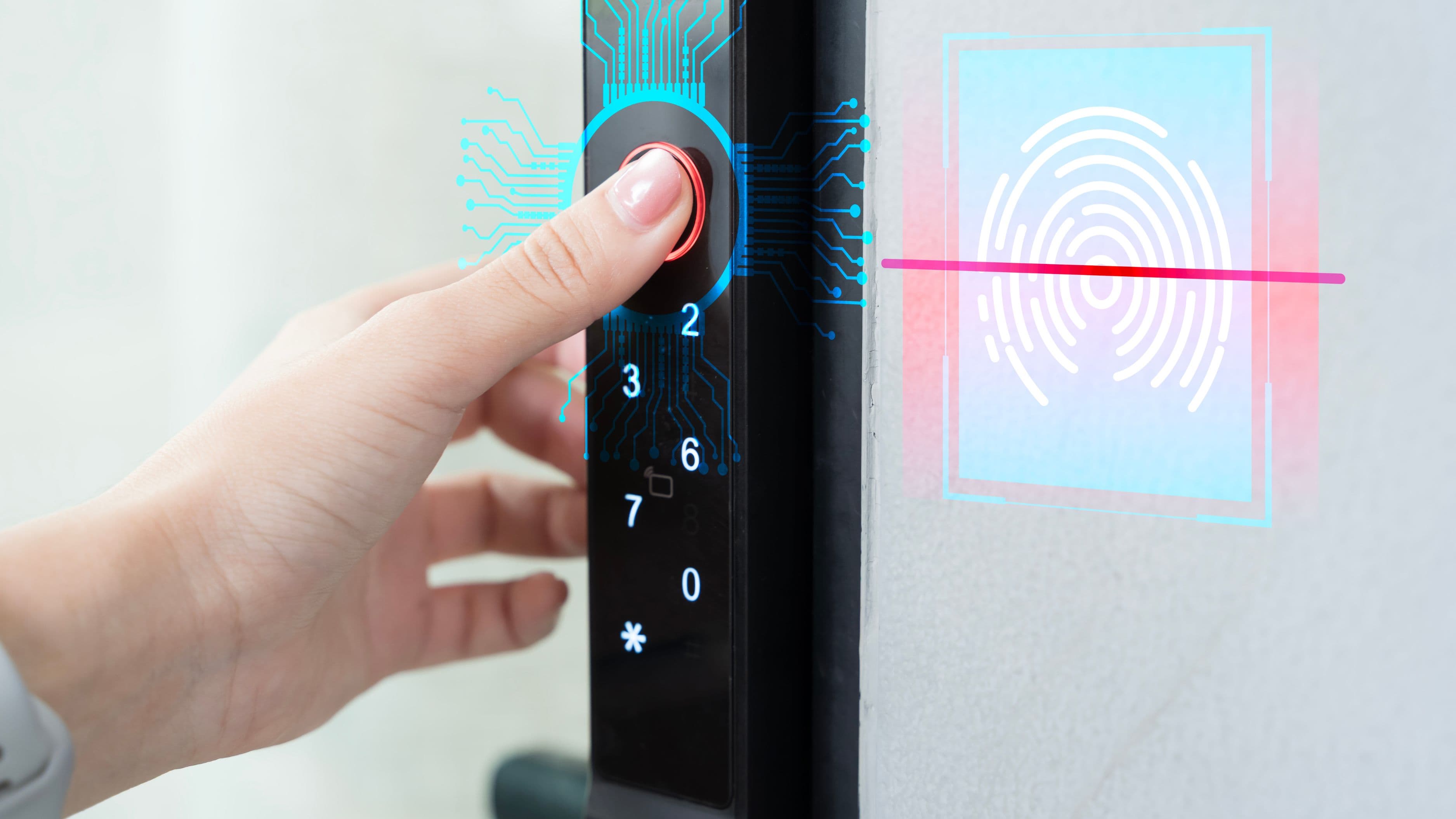
Before evaluating security, it helps to know what you're evaluating. Smart locks replace or augment the traditional cylinder lock mechanism with electronic authentication methods – keypad codes, smartphone apps via Bluetooth or Wi-Fi, key fobs, fingerprint readers, or some combination. The physical bolt itself is usually identical or comparable to a conventional deadbolt. The electronic components control whether that bolt extends or retracts.
Most smart locks connect via one of three methods. Bluetooth-only locks communicate with your phone when it's within short range – typically 30 feet or so – without any internet connection involved. Wi-Fi locks connect directly to your home network and can be controlled from anywhere with an internet connection. Z-Wave or Zigbee locks use low-power smart home protocols that communicate through a compatible hub. Each connection method has different security implications, which matters when you're evaluating your options.
Where Smart Locks Are Actually Vulnerable
A smart lock's security needs to be evaluated across two distinct dimensions: physical security and digital security. Most of the public concern focuses on digital vulnerabilities, but physical vulnerabilities are often more relevant in practice.
Physical Security
The most common way burglars enter homes isn't by picking locks or hacking electronics – it's by kicking doors in. A 2019 Department of Justice study found that roughly 60 percent of residential burglaries involve forcible entry, and the door frame is usually the weak point rather than the lock itself. A high-quality smart lock mounted on a flimsy door frame with short screws offers less real-world security than a mediocre lock on a solid reinforced frame.
This matters because it means the first security question isn't "is this smart lock hackable?" – it's "is my door and frame robust enough that the lock is even the relevant variable?" If the answer is no, reinforcing the door frame with a product like a door frame reinforcement kit (which replaces the standard strike plate and short screws with deep-set metal reinforcement) does more for your actual security than upgrading the lock electronics.
Smart locks also vary significantly in their resistance to physical manipulation. A lock with a low-grade cylinder that can be picked or bumped in seconds – regardless of whether it has Bluetooth – isn't offering meaningful physical security. Look for smart locks that use Grade 1 ANSI/BHMA certified deadbolts or incorporate cylinders rated against picking, bumping, and drilling. Many reputable smart locks do; cheap ones often don't.
Digital Security
The digital attack surface is real, but it's narrower in practice than the general anxiety around it suggests. The most credible digital vulnerabilities in smart locks fall into a few categories.
Bluetooth vulnerabilities have been found in specific models, where researchers demonstrated they could intercept the unlock signal and replay it to open the lock. Reputable manufacturers have addressed these issues in current-generation products with encrypted rolling codes that change with each use, similar to how modern car key fobs work. This isn't a reason to avoid Bluetooth locks – it's a reason to buy from established manufacturers who actively patch security issues rather than cheap models with no update history.
Wi-Fi and cloud vulnerabilities are relevant for locks that route commands through the manufacturer's cloud servers. If the manufacturer's servers are compromised, or if the manufacturer goes out of business and shuts down its cloud service, locks that depend on cloud connectivity can be affected. This is why it's worth choosing brands with strong security track records and looking for locks that can operate locally via Bluetooth even if the cloud connection is unavailable.
Weak PIN codes are actually one of the more common real-world failure points. A four-digit PIN with unlimited attempts is brute-forceable in a way that a physical key isn't. Better smart locks enforce attempt limits that lock out the keypad after several incorrect entries, and many allow longer PIN codes. Using a strong, non-obvious code and enabling lockout features matters more than people realize.
The home network as an attack vector is worth understanding but shouldn't be overblown. A Wi-Fi smart lock is only as secure as your home Wi-Fi network. If your router uses a default password, hasn't been updated in years, or is using outdated encryption protocols, the lock's digital security is only as strong as that weakest link. Keeping your home network reasonably well-maintained – strong router password, WPA3 or WPA2 encryption, firmware updates applied – addresses this effectively for most threat models.
What the Research Actually Shows
Academic security researchers have found vulnerabilities in various smart lock models over the years, and those findings get substantial press coverage. What gets less coverage is the broader context: conventional locks are also not as secure as most homeowners assume.
The majority of low and mid-range pin tumbler locks – the kind in most residential doors – can be picked in under a minute by someone with basic tools and minimal practice. Bump keys, which use a specially cut key and a sharp tap to manipulate pins, work on a wide range of common cylinders. Lock bumping takes seconds and leaves no visible damage. None of this requires hacking.
The relevant comparison isn't "smart lock vs perfect security" – it's "smart lock vs the conventional deadbolt it replaces." When that comparison is made fairly, a well-chosen smart lock using a Grade 1 deadbolt cylinder with encrypted Bluetooth or Z-Wave communication is competitive with or better than a standard residential deadbolt from a total security standpoint, especially when you factor in the ability to use long unique codes instead of a single physical key that can be copied.
How to Choose a Secure Smart Lock
The security reputation of the manufacturer is the first filter. Schlage, Yale, and August have long histories in physical security and established reputations for addressing vulnerabilities when they're discovered. Newer entrants like Level Lock have built their products around Bluetooth security specifically. Brands with no track record, minimal online presence, or no stated security update policies are worth avoiding regardless of price.
ANSI/BHMA Grade 1 certification is the standard for commercial-grade lock security and the rating you want to see on a residential smart lock intended for your front door. Grade 1 locks are tested for 250,000 open/close cycles and for resistance to forcible attack. Grade 2 is acceptable for interior doors. Avoid Grade 3 or uncertified locks for exterior use.
Encryption standards matter for connected locks. Look for locks that use AES-128 encryption for Bluetooth communication at minimum, and that use rolling codes rather than static signals. Most current-generation locks from reputable brands meet this standard; the specification is usually listed in the product's technical documentation or security white paper.
Z-Wave and Zigbee locks are generally considered among the more digitally secure options because they don't connect directly to the internet – they communicate through a local hub that does the internet connection. This reduces the attack surface compared to direct Wi-Fi locks and means the lock continues to function locally even if the manufacturer's cloud service has issues.
Local fallback capability is an important practical consideration. A lock that requires cloud connectivity for all operations – including basic locking and unlocking through the keypad – creates a dependency that can leave you locked out if the servers go down, the manufacturer discontinues service, or your internet connection drops. Locks that operate fully locally via Bluetooth or keypad with cloud features as optional enhancements are more resilient.
Physical key backup is a feature worth not overlooking. Some smart locks are keyless-only. Most include a standard key cylinder as a backup. For a front door, having a physical key backup – stored somewhere you can access it but not obviously associated with your address – is sensible redundancy.
Installation Matters as Much as the Lock Itself
Even the best smart lock installed poorly offers degraded security. The most common installation mistakes are using the short screws that come in the box for the strike plate, failing to align the bolt and strike plate precisely, and neglecting the door frame's own structural integrity.
The screws that come with most lock hardware are half-inch to three-quarter-inch wood screws intended to go into the door jamb. Door jambs are typically thin wood that doesn't have much holding strength on its own. Replacing those screws with 3-inch screws that reach into the structural framing behind the jamb makes a significant difference in how well the lock holds against a kick. This is a five-minute modification that costs almost nothing and has a larger impact on real-world security than most electronic features.
Strike plate installation deserves the same attention. The strike plate – the metal plate on the door frame that the deadbolt extends into – should be secured with the long screws described above and should be a full-coverage box strike rather than the thin flat plate that ships with many locks. Box strikes extend deeper into the frame and make forced entry substantially harder.
If you're not confident replacing the existing door hardware yourself, a locksmith or handyman can handle the installation correctly for $75 to $150. That's a reasonable investment for a front door that will be in daily use for years.
What to Avoid
Avoid buying smart locks primarily on price. The $40 Bluetooth deadbolt on a marketplace site has no security track record, no stated update policy, and likely uses inexpensive cylinders that offer minimal resistance to physical attack. For a front door, this is not an area to economize severely.
Avoid locks from manufacturers who have stopped releasing firmware updates for their products, or who have no stated security update policy. A lock with unpatched Bluetooth vulnerabilities is a security liability, and manufacturers who don't update their products don't get less negligent over time.
Don't rely solely on the lock for your home's security. Smart locks work best as part of a layered approach: a reinforced door frame, a quality deadbolt, good exterior lighting, and where appropriate, a video doorbell or security camera that covers the entry. Each layer independently makes forced entry harder or faster to detect.
Finally, don't give out PIN codes carelessly or fail to change them when circumstances change. A code given to a contractor, houseguest, or former partner that never gets changed is a security gap regardless of how strong the lock's encryption is. The access management capability of smart locks – the ability to create and revoke codes instantly through an app – is one of their genuine security advantages over physical keys, but only if you use it.
FAQ
What happens if the battery dies – am I locked out?
Most smart locks use standard AA or AAA batteries and give significant advance warning through the app and an indicator light before they fail. Many also allow emergency power via a 9V battery held against external contacts to provide enough charge for a final unlock if the internal batteries are completely dead. Checking battery level periodically and replacing on a regular schedule – typically once a year for most models – prevents this from being an issue.
Can a smart lock be hacked remotely?
For current-generation smart locks from established manufacturers using encrypted communications, remote hacking of a specific home's lock is not a realistic threat for ordinary homeowners. Theoretical vulnerabilities exist in any connected device, but actual attacks on residential smart locks in the real world have been overwhelmingly physical rather than digital. The more relevant digital risk is a weak PIN code or a compromised home network, both of which are within your control to address.
Do smart locks work during a power outage?
Yes – smart locks run on their own batteries and don't depend on household electricity. Wi-Fi features that route through your router will be unavailable during an outage if your router isn't on a battery backup, but the lock's physical mechanism and local Bluetooth operation continue to function regardless.
Are smart locks approved by home insurance companies?
Most home insurance companies don't specifically approve or disapprove smart locks, and some offer small discounts for certified Grade 1 deadbolts regardless of whether they're smart. It's worth calling your insurer to ask whether a specific model or certification level affects your premium, particularly if you're upgrading to a high-grade lock.
Which smart lock is the most secure?
Among consistently well-regarded options, the Schlage Encode Plus and Yale Assure Lock 2 are frequently cited by security professionals for their combination of Grade 1 deadbolt quality and strong digital security implementation. The Level Lock series is respected for its minimalist Bluetooth security approach. The "most secure" answer ultimately depends on which attack vector you're most concerned about – for physical security, look at the cylinder grade; for digital security, look at the encryption standard and update history.
Smart locks are neither the silver bullet some proponents claim nor the liability skeptics assume. The technology has matured considerably, the security of well-chosen options is genuinely competitive with conventional hardware, and the access management benefits – temporary codes, instant revocation, remote monitoring – address real practical problems that physical keys don't. Choose from established manufacturers, look for Grade 1 certification, secure the door frame properly, and maintain basic good practices around your home network and PIN management. Do those things, and a smart lock is a solid upgrade for any exterior door.
📚 Sources
Bureau of Justice Statistics – Victimization during household burglary – https://bjs.ojp.gov/content/pub/pdf/vdhb.pdf
ANSI/BHMA – Grading standards for locks and hardware – https://www.bhma.org/standards
NIST – Cybersecurity considerations for smart home devices – https://www.nist.gov/system/files/documents/2020/06/24/NISTIR%208259A.pdf
CISA – Smart home device security guidance – https://www.cisa.gov/sites/default/files/publications/19_1202_cisa_smart-home-internet-of-things.pdf
This Old House – Door frame reinforcement overview – https://www.thisoldhouse.com/doors/21015398/door-frame-repair
UL – ANSI/BHMA Grade 1 deadbolt certification overview – https://www.ul.com/resources/door-hardware-grades-explained