
What You'll End Up With
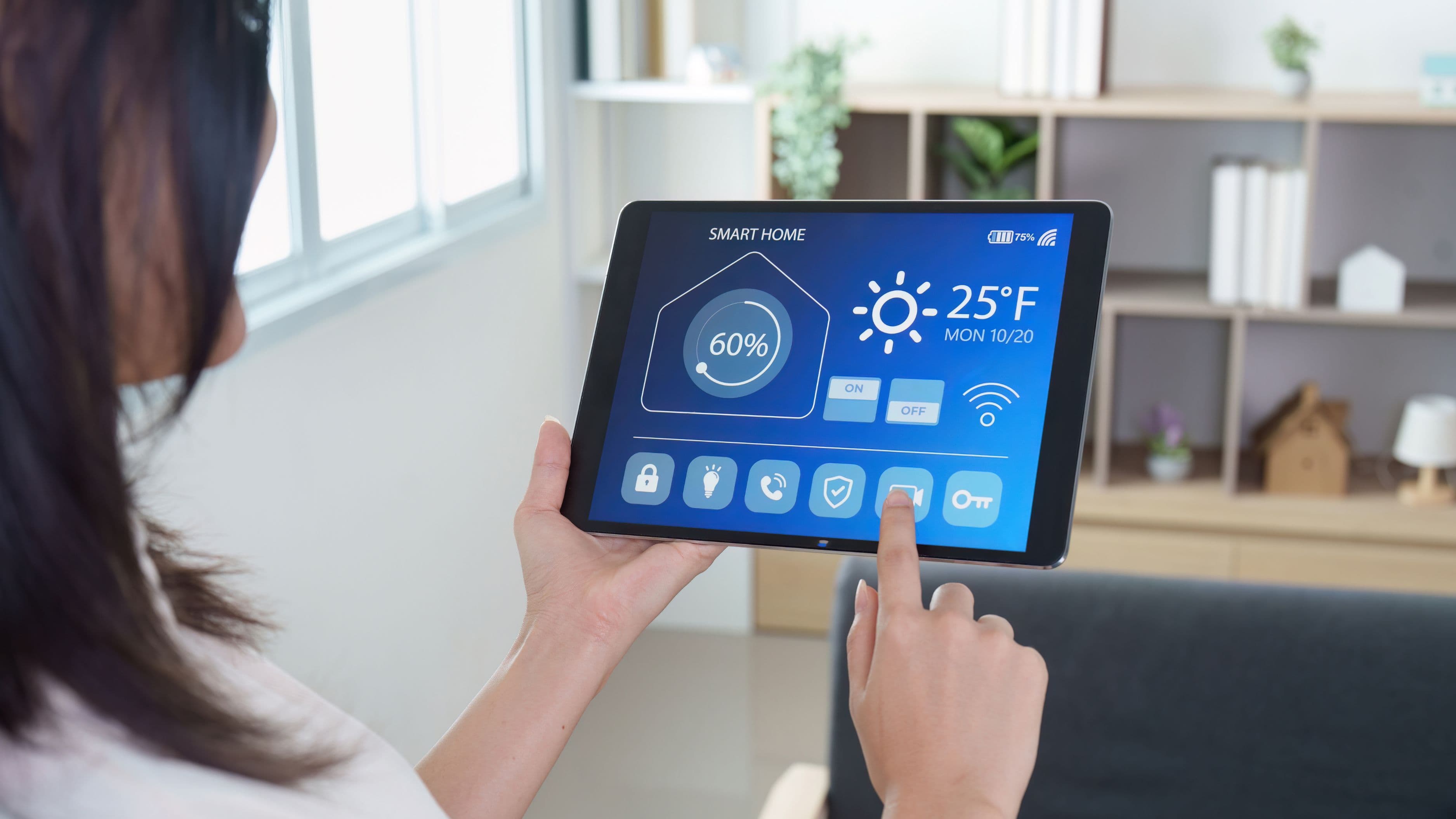
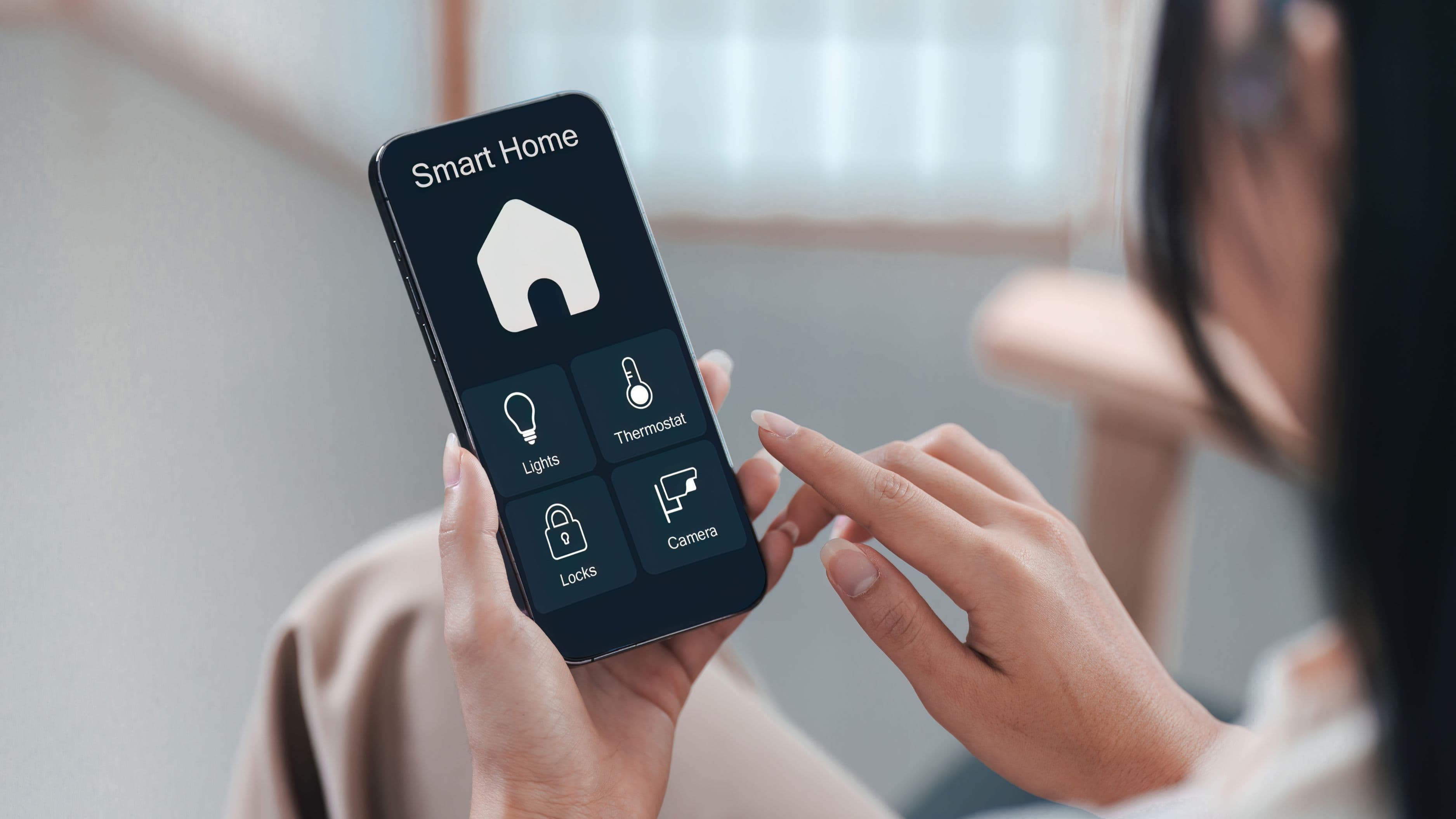
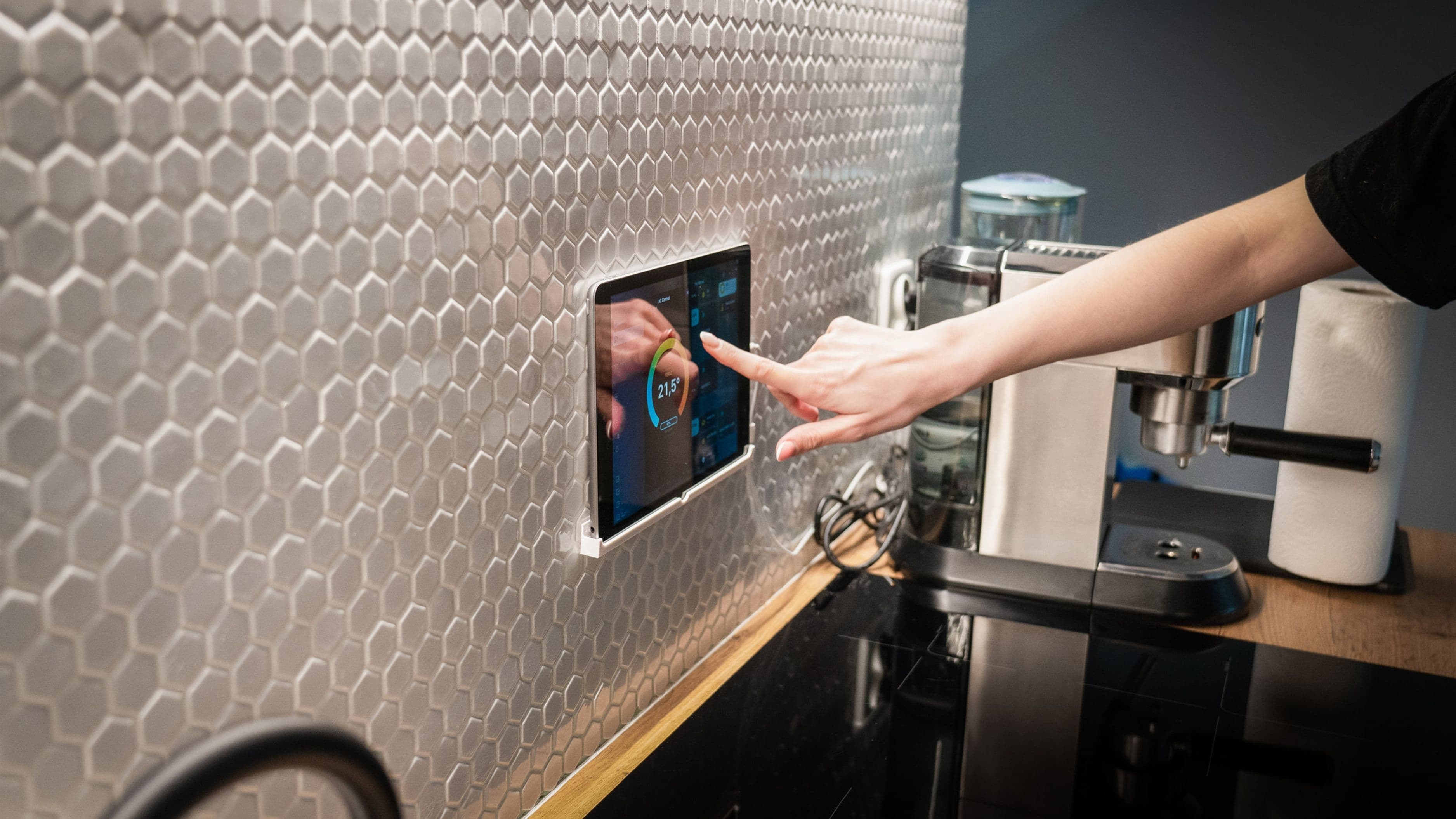
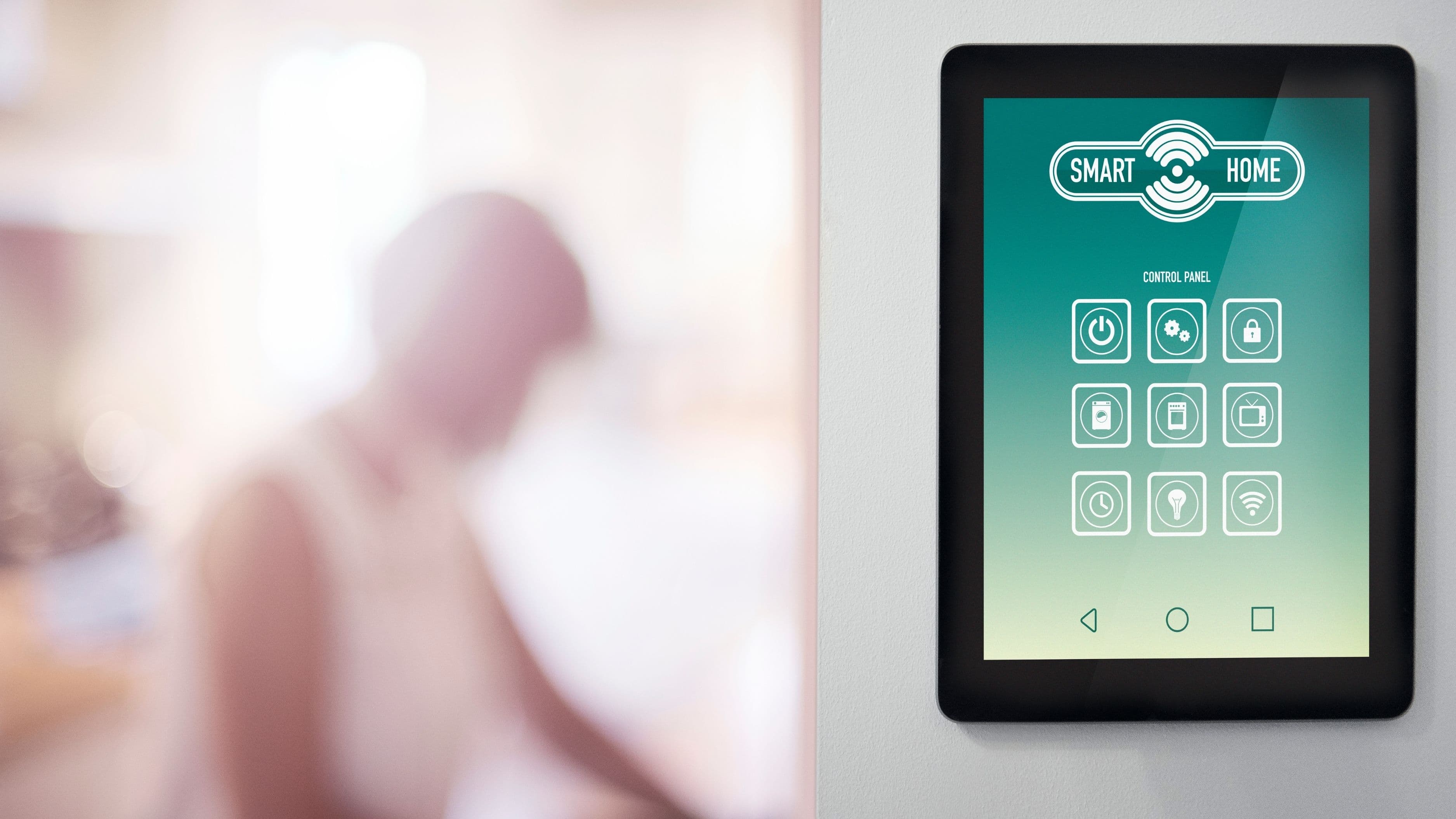
By the end of this process, you'll have a voice assistant – typically Amazon Alexa, Google Assistant, or Apple's Siri through HomeKit – controlling lighting, thermostats, locks, and other smart devices throughout your home, all through a single connected system rather than a collection of separate apps. The goal isn't just "some smart devices that happen to respond to voice," but a genuinely unified system where one command can control multiple devices or even entire rooms at once.
Step 1: Choose Your Voice Assistant Ecosystem
Before buying any devices, decide which voice assistant platform you'll build around, since this choice affects which smart home products you can use going forward. Amazon Alexa has the broadest third-party device compatibility and tends to be the easiest entry point for most homes. Google Assistant offers similarly broad compatibility with strong integration if you already use Android devices or Google services. Apple HomeKit offers tighter security and privacy standards but has historically had a smaller pool of compatible devices, though this has expanded considerably in recent years.
This decision matters because switching ecosystems later often means replacing devices rather than simply reconfiguring them, so it's worth thinking through which platform fits your existing devices and habits before making any purchases. If you're already invested in one ecosystem through a phone or existing smart speaker, that's usually the practical starting point.
Step 2: Install a Central Hub or Smart Speaker
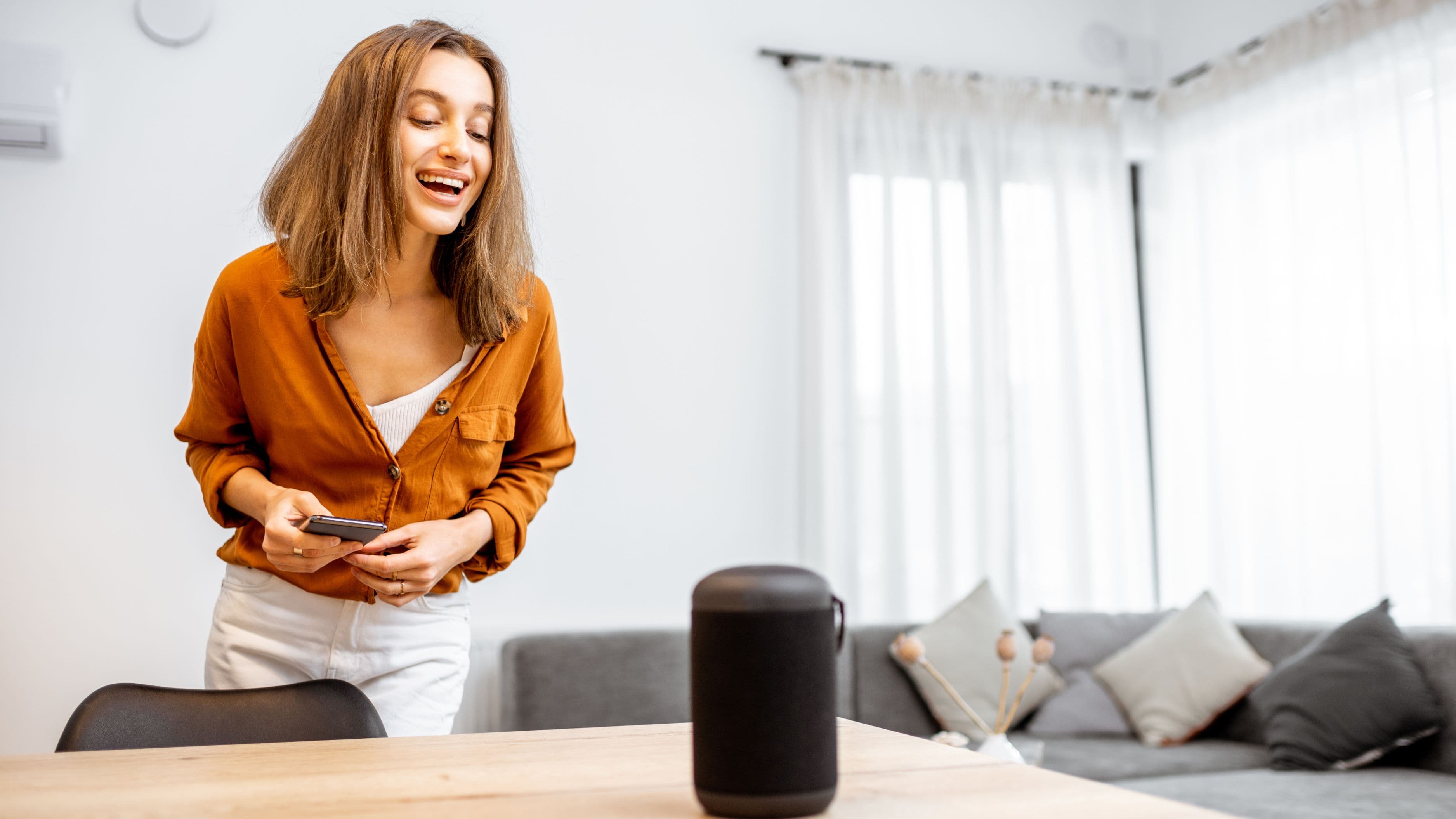
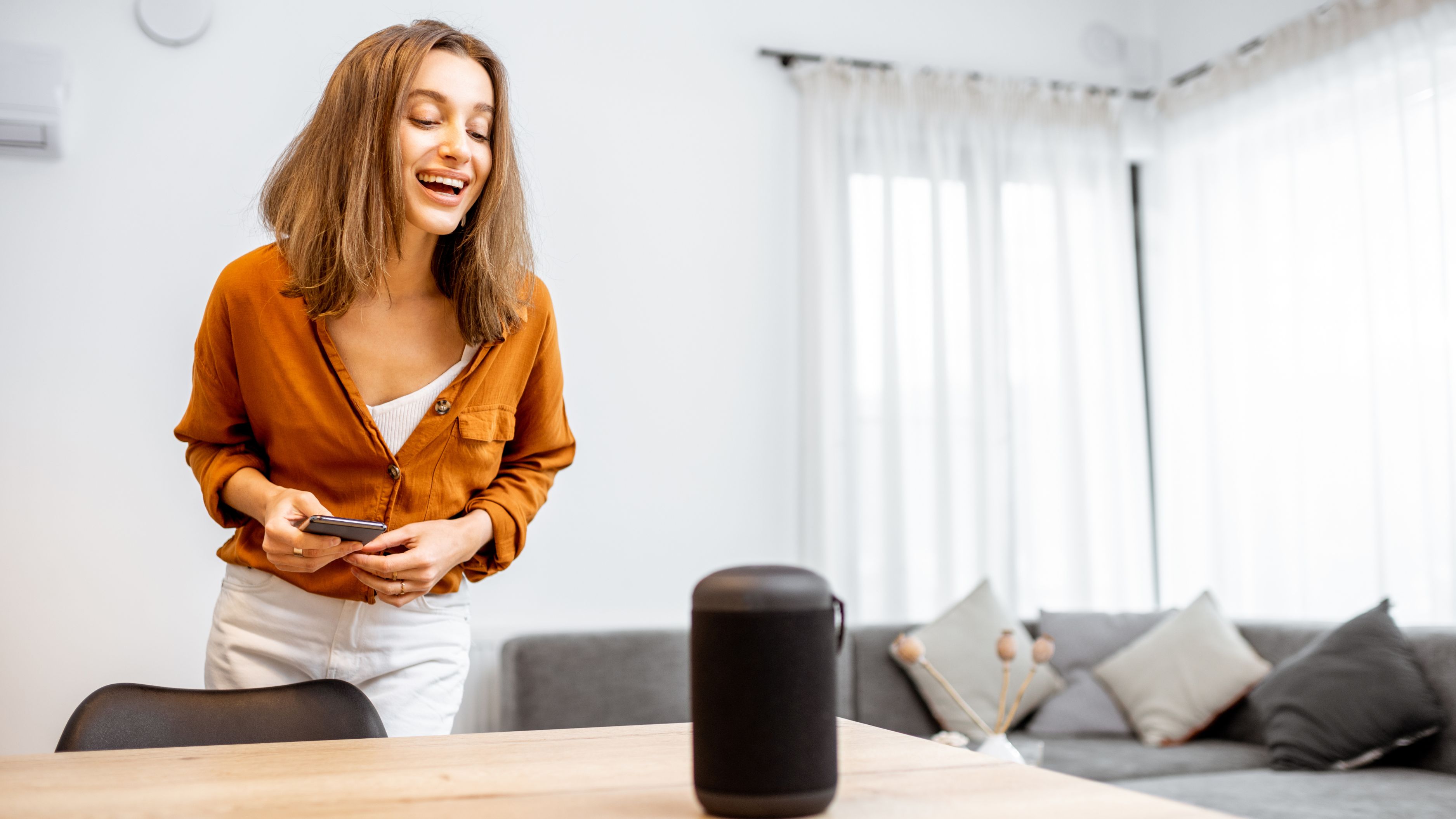
Every voice-controlled home needs at least one smart speaker or display acting as the command center – something like an Echo device for Alexa, a Google Nest speaker for Google Assistant, or a HomePod for HomeKit. For whole-home coverage, you'll generally want multiple speakers placed throughout the house, since voice commands only work in rooms where the assistant can actually hear you.
Start with your most-used rooms – kitchen, living room, and bedroom typically cover the majority of daily voice interactions – then expand to additional rooms as your budget and needs allow. A single central speaker technically works for controlling devices throughout the house through the app-based automation setup, but you'll only be able to issue voice commands from within earshot of a speaker, which is worth planning around from the start.
Step 3: Connect Your Existing Smart Devices
If you already have smart lights, plugs, thermostats, or locks, this step involves connecting each device to your chosen voice assistant app, typically through a simple in-app "add device" process that links your existing smart home accounts. Most major smart home brands – including Philips Hue, TP-Link Kasa, ecobee, and August locks – have built-in compatibility with all three major voice assistant platforms, making this step largely a matter of following the app's linking instructions rather than complex technical setup.
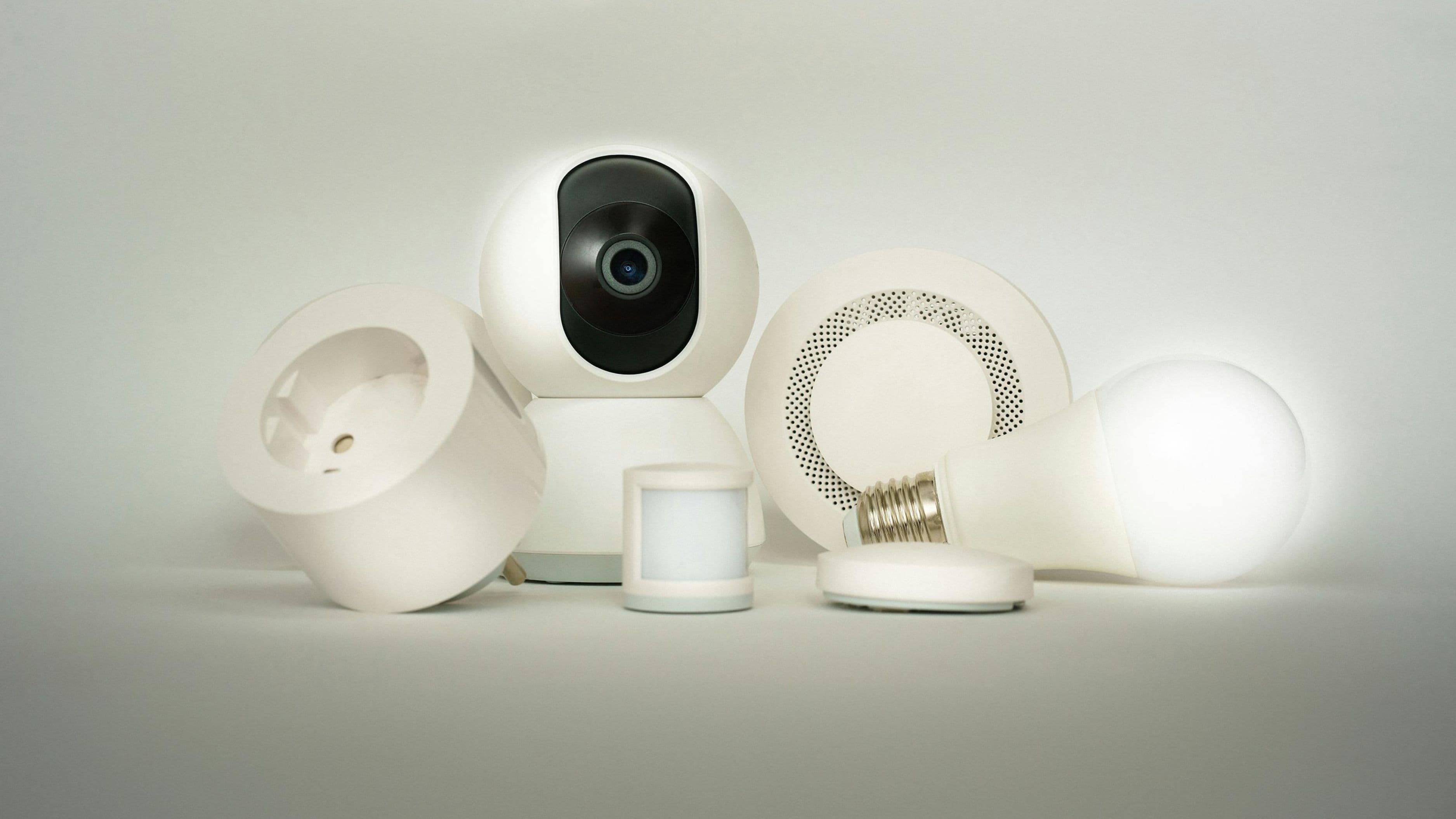
If you're starting from scratch without existing smart devices, prioritize lighting first, since it typically delivers the most noticeable day-to-day impact for the investment. Smart plugs are a low-cost way to add voice control to existing lamps or appliances without replacing the appliance itself, which is a practical way to extend voice control to devices that don't have built-in smart capability.
Step 4: Set Up Rooms and Groups
Once individual devices are connected, organize them into rooms and groups within your voice assistant app, so you can say "turn off the living room lights" rather than naming each individual bulb. This step is often overlooked but makes an enormous practical difference in how natural the system feels to actually use day to day, since nobody wants to remember individual device names for a dozen different lights.
Take time here to name devices and rooms the way you'd naturally refer to them in conversation, rather than accepting generic default names, since voice recognition works best when your commands match how the system has things labeled. A "reading lamp" you'll actually call by that name in conversation is more useful than a light labeled "Bedroom Light 2" that you'll never remember to reference correctly.
Step 5: Build Routines for Common Scenarios
Most voice assistant platforms allow you to create routines – automated sequences triggered by a single voice command or even automatically based on time of day or location. A "good morning" routine might turn on kitchen lights, adjust the thermostat, and read out the day's weather, all from a single phrase, while a "good night" routine could lock doors, turn off all lights, and lower the thermostat simultaneously.
This is where whole-home voice control genuinely starts to feel different from a handful of disconnected smart gadgets. Building even three or four core routines – morning, leaving home, coming home, and bedtime – covers most of the daily moments where voice control adds real, tangible convenience rather than just being a novelty.
Step 6: Address Connectivity and Coverage Gaps
Voice control depends entirely on a stable home network reaching every device and speaker, so this is a good point to assess whether your current Wi-Fi coverage actually extends reliably to every room you want included. Homes larger than about 1,500–2,000 square feet, or those with thick walls or multiple floors, often benefit from a mesh Wi-Fi system to avoid dead zones that cause smart devices to disconnect or respond unreliably.
If you're using smart devices that rely on Zigbee or Z-Wave protocols rather than standard Wi-Fi, you may also need a dedicated hub device to bridge these devices into your voice assistant ecosystem, since not every voice assistant speaker has built-in support for these protocols without an additional bridge.
Realistic Cost and Time Expectations
A basic whole-home voice control setup covering lighting and a couple of smart speakers typically costs $200–500, depending on how many rooms and existing devices you're incorporating. A more complete system including smart locks, a smart thermostat, and multiple speakers across a mid-size home generally runs $800–2,000, with cost scaling based on home size and how many rooms need dedicated smart speaker coverage.
Setup time varies considerably based on scope – a single room with a couple of devices can be configured in under an hour, while a full whole-home setup with multiple rooms, routines, and device types typically takes a full weekend spread across initial device installation, app configuration, and routine building. This isn't a project that needs to be completed all at once; many homeowners build out voice control gradually, room by room, over several months as budget allows.
Common Mistakes to Avoid
Mixing ecosystems without a clear plan – buying some devices compatible only with Alexa and others only with HomeKit – is one of the most common frustrations people run into, often resulting in a fragmented system where some devices need a separate app entirely, undermining the unified voice control experience you're aiming for. Confirming ecosystem compatibility before purchasing any new device prevents this problem entirely.
Skipping the room and group organization step is another common misstep, since it leaves you controlling individual devices by specific, often awkward names rather than natural room-based commands, which makes the system feel clunkier to actually use than it needs to be. Similarly, placing a single speaker too far from the rooms you want voice control in defeats much of the purpose, since voice commands simply won't register from rooms out of earshot.
FAQ
Can I add voice control to devices that aren't inherently "smart"? Yes, smart plugs are a cost-effective way to add voice control to lamps, fans, and other simple plug-in devices without replacing the device itself.
Do I need internet access for voice control to work? Most voice assistant systems require an internet connection to process commands, though some locally-processed systems exist with more limited functionality if internet access is temporarily unavailable.
Is it difficult to switch voice assistant ecosystems later if I change my mind? It's possible, but often means replacing devices that are ecosystem-specific rather than simply reconfiguring existing ones, which is why choosing your platform thoughtfully upfront saves both cost and hassle later.
How many smart speakers do I actually need for whole-home coverage? This depends on your home's size and layout, but most mid-size homes need one speaker per major living area (kitchen, living room, primary bedroom) at minimum, with additional speakers added for larger or multi-floor homes.
📚 Sources
Consumer Technology Association – Smart Home Device Compatibility Standards
Federal Communications Commission – Home Wi-Fi and Network Coverage Guidance